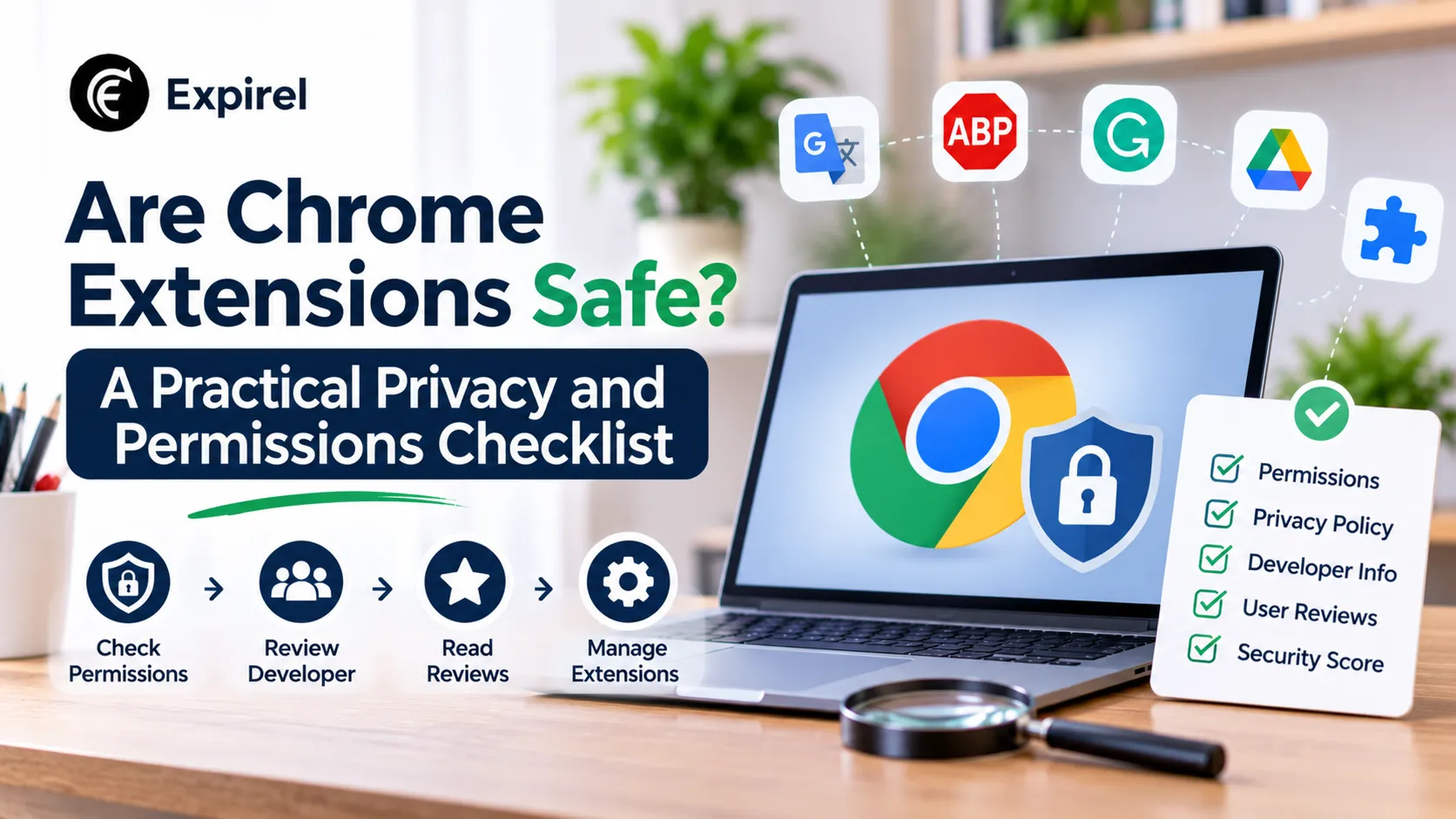
Are Chrome Extensions Safe? A Practical Privacy and Permissions Checklist
Are Chrome extensions safe in 2026? Check permissions, publishers, data collection, and Manifest V3 status before you install, plus a 15-minute audit.
Some Chrome extensions are safe, and some are not, and the star rating will not tell you which is which. Three checks matter far more: what data the extension can read, who publishes it, and whether it runs on Manifest V3, Chrome's current extension platform. The last check is no longer optional. Chrome's own Manifest V2 timeline lists August 31, 2026 as the date all remaining Manifest V2 extensions were removed from the Chrome Web Store.
This guide shows how to judge any extension before you install it, how attackers have abused extensions in the real world, and how to audit what you already have in about 15 minutes. It also covers proxy managers, a category where the safety question matters most. If you only want tool picks for focus, tabs, and time tracking, our guide to the best productivity Chrome extensions covers those, and the checklist below still applies to every pick.
Are Chrome Extensions Safe to Install?
Extensions from a verified, maintained publisher that ask for narrow permissions are generally low risk. Extensions that can read every site you visit, come from an anonymous publisher, or have not updated for a long time deserve suspicion. An extension is not just an app. It can read and change the pages you open, and it updates itself in the background, so you are trusting the publisher on every future update, not only on install day.
What Can a Chrome Extension Actually See?
Access depends on the permissions the developer requests. Many extensions need to run on all sites to work, and that single permission lets them read page content, including text you type into forms. Chrome lets you narrow this. Openchrome://extensions, choose Details on an extension, and look at the site access setting. Where the extension allows it, limit access to specific sites or to clicks only.
Different extension types carry different footprints:
Extension type | What it typically touches | Why it matters |
|---|---|---|
Content blockers | Page requests, filtering rules | Declarative blockers hand rules to Chrome and read little |
Password managers | Login forms, saved credentials | High value target, so pick a trusted publisher |
Writing assistants | Text you type on many sites | Text may be processed on the vendor's servers |
Focus and time trackers | Site names, browsing activity | They must see which sites you open to work |
Proxy managers | Network routing, proxy credentials | Your traffic passes through the proxy operator |
Manifest V3 in 2026: What Changed for Users
Manifest V3 is the extension platform Chrome now requires. According to Chrome's timeline, Manifest V2 extensions were disabled everywhere with Chrome 138 in July 2025, and all remaining Manifest V2 listings left the Chrome Web Store on August 31, 2026. Older Manifest V2 extensions that were already installed cannot receive updates and cannot be reinstalled from the store once removed.
For you, the practical effect is simple. An extension without a Manifest V3 build is either gone or frozen, and a frozen extension cannot get security fixes. Ad and tracker blockers changed the most. V3 versions, such as uBlock Origin Lite, use declarative rules that Chrome applies itself, which means less access for the extension and less flexibility for power users. If you rely on advanced filtering, check what your blocker supports before you switch.
How Extension Attacks Happen: The Cyberhaven Campaign
The biggest risk is often not the extension you chose but who controls its developer account. In December 2024, attackers sent developers a phishing email posing as Chrome Web Store support and tricked them into granting access through a fake OAuth app. They then published malicious updates under legitimate names. Infosecurity Magazine reported that the campaign hit dozens of extensions and potentially exposed as many as 2.6 million users, starting with the extension from security company Cyberhaven.
Two lessons stand out. First, a trusted extension can turn harmful overnight after one stolen login, because updates install automatically. Second, name-alikes add confusion. Researchers listed an extension called "Proxy SwitchyOmega (V3)" among the compromised ones, so a familiar name on a listing proves nothing. Always check that the publisher matches the project's own website or repository.
A 7-Point Checklist Before You Install a Chrome Extension
Check the publisher. It should match the project's website or repository. A named company, lab, or known developer beats an anonymous account with one product.
Read the data declaration. The Chrome Web Store shows which data categories the developer says it collects. Developers fill these in themselves, so treat them as a floor, not a guarantee.
Review the permissions. Ask whether the extension really needs to read all sites to do its job.
Confirm Manifest V3 and a recent update. A current build matters more than a download count.
Look for lookalikes. Search the name and compare publishers if two listings seem similar.
Read recent reviews, not the average. Look for reports of new ads, redirects, or permission changes after an update.
Ask whether you need it. Every extension adds risk. Skip any that solve a problem you do not have.
Audit Your Installed Extensions in 15 Minutes
Run this audit once now and then monthly:
Open chrome://extensions and list everything installed.
Remove anything you have not used in the past 30 days.
Open Details on each remaining extension and narrow site access where you can.
Turn off access in Incognito unless you need it there.
Move high-footprint tools, such as writing assistants, into a separate Chrome profile that you do not use for banking, payroll or customer records.
Check Chrome's Task Manager (Shift+Esc on Windows and ChromeOS) for extensions that use unusual memory or CPU.
Monthly checks fail when nobody remembers them. Add a recurring item to a habit tracker so the audit happens before the next update cycle, not after a problem. Teams that manage browsers centrally can use Chrome's enterprise extension policies to allow only approved extensions.
Privacy and Security Extensions: What Each Type Does
These categories work on different layers. Content blockers act on the page, password managers act on login forms, and proxy managers act on the network address a website sees.
Content blockers: uBlock Origin Lite and Privacy Badger both block trackers. Privacy Badger, from the Electronic Frontier Foundation, also sends Global Privacy Control signals and learns which third-party domains keep tracking you.
Password managers: Bitwarden is open source and encrypts the vault on your device before sync. Any password manager needs access to login forms, so publisher trust matters most here.
Proxy managers: these route chosen sites through another IP address, which suits testing and fixed-IP access. They are the category where a bad provider does the most damage.
Proxy Extensions for Chrome: When You Need One
Install a proxy manager only when a task depends on the IP address a website sees. Typical cases include a QA team checking how a storefront looks for visitors in another country, or an administrator who needs a fixed IP for an allowlisted dashboard while other tabs stay on the direct connection. If you just want privacy while browsing, a proxy is the wrong tool, because the operator can see which domains you connect to.
One option is ProxyControl, an extension published by the proxy provider Proxys.io. The ProxyControl setup guide explains how to install it, add proxies with a login and password, keep a whitelist of sites, and import proxies with an API key. It also notes a limit that applies to any Chrome extension: you can enter a username and password only for HTTP(S) proxies, because the extension cannot supply a login for SOCKS5. Treat the guide as vendor documentation and compare options before you choose.
Use these criteria for any proxy extension:
HTTP(S) login support, since SOCKS5 logins do not work in extensions
Site rules, so only chosen domains use the proxy
Bulk import and a clear proxy list
A current Manifest V3 build and a named publisher
A provider you can verify, because the provider sees your traffic
Which Extensions Need Extra Care at Work?
Work devices raise the stakes. Match your care to the data involved:
Writing assistants: switch them off on client portals, contract sites and internal tools, because typed text may reach the vendor's servers.
Proxy managers: use them in a dedicated testing profile, not in the profile you use for payroll or customer records.
Content blockers: test sites with and without them, since blockers change what real users see.
Everything else: keep the list short. Fewer extensions mean fewer update channels an attacker can abuse.
Common Mistakes People Make With Chrome Extensions
Trusting the star rating. Ratings measure satisfaction, not safety.
Leaving unused extensions installed. Each one stays an open update channel.
Accepting "read and change all your data" without asking why. Narrow the access when you can.
Ignoring publisher changes. If a listing changes owner or suddenly adds new permissions, treat it as new software.
Forgetting renewal dates. Paid password managers, VPNs, and proxy plans expire. Set renewal reminders by email or WhatsApp so a lapse does not leave you on a weaker setup.
Where to Start
Start with an audit: remove what you do not use, narrow site access, and move high-footprint tools to a separate profile. Then install new extensions only when they solve a clear problem and pass the seven checks above.
Repeat the audit monthly. A short routine does more for your browser safety than any list of recommended tools.
Frequently Asked Questions
Q: Are Chrome extensions safe?
They can be, but safety depends on the publisher, the permissions, and the update history. Use the checklist above, and remove extensions you do not need.
Q: Do Chrome extensions slow down the browser?
Some do. Extensions that inject scripts into every page add work to each load, while declarative blockers add little. Chrome's Task Manager shows memory and CPU use for each extension.
Q: What is Manifest V3, and does it matter to me?
Manifest V3 is Chrome's current extension platform. Extensions built on the older Manifest V2 are no longer available from the Chrome Web Store, so a current V3 build is a basic sign of maintenance.
Q: Is a proxy extension the same as a VPN?
No. A proxy extension routes browser traffic, and with site rules, only the domains you choose. A VPN tunnels traffic from the whole device. In both cases, the operator can see which domains you connect to.
Q: Are free Chrome extensions safe for work?
Price matters less than control of the developer account. Check the publisher, read the permissions, and remove extensions you no longer use.