Business Tools That Can Replace Time-Consuming Spreadsheets
Find the right business tools to replace spreadsheets, from CRM and fixed asset software to expiry tracking, plus signs it is time to switch.
Spreadsheets are useful because they are flexible. A team can build a tracker in minutes without buying software or waiting for IT. The trouble starts when that temporary file becomes the system the business depends on for years.
As the data grows, people spend more time copying information, fixing formulas, checking versions, sending reminders, and reconciling conflicting files. At that point, business tools that replace spreadsheets can often run the workflow more reliably. The right replacement depends on what your spreadsheet actually does, so this guide matches each common spreadsheet job to the kind of tool that fits it.
What Should You Use Instead of a Spreadsheet?
Pick the tool that matches the job your spreadsheet performs. Use this table as a starting point:
If your spreadsheet tracks... | Consider this kind of tool |
|---|---|
Prospects, deals and follow-ups | CRM software |
Tasks, owners and deadlines | Project management software |
Equipment, depreciation and disposals | Fixed asset software |
Items with expiry or renewal dates | An expiry tracking tool |
Stock levels and reorder points | Inventory management software |
Receipts and claims | Expense management software |
Weekly or monthly management reports | Business intelligence dashboards |
Data exported from one app to another | Workflow automation |
When a Spreadsheet Stops Being Enough
Not every spreadsheet needs replacing. The warning signs appear when people spend more time maintaining the file than using the information inside it. Consider a dedicated tool when:
Several people edit the same file
Data is copied repeatedly between systems
Employees depend on manual reminders
Nobody can audit the formulas with confidence
Version control causes regular problems
Reporting needs repeated exports and cleanup
Accuracy is a real risk, not just an annoyance. University of Hawaii researcher Raymond Panko reviewed decades of spreadsheet audits and found that every empirical study reported errors at rates few teams would accept. Larger and more complex files make those errors harder to spot.
CRM Software for Customer and Sales Tracking
A spreadsheet works for the first 20 prospects. It gets hard to manage when several employees update contact details, deal values, follow-up dates and sales stages.
Customer relationship management software gives each prospect and customer a structured record. It tracks conversations, schedules follow-ups, assigns account owners and shows which opportunities are moving through the pipeline. A CRM earns its place when your sheet needs:
Several employees updating the same records
Regular follow-up reminders
Deal-stage tracking
Email or call history
Sales forecasting
Instead of relying on someone to notice an overdue follow-up, the system creates a task or alert automatically.
A CRM is only one part of the stack, though. For tools that handle prospecting, scheduling, and proposals, see our guide to sales productivity tools, which explains how to choose and combine them by job.
Project Management Software for Shared Work
Project spreadsheets get complicated because they try to hold tasks, deadlines, owners, comments, and status in one grid. Project management platforms separate those jobs. Each task can have an owner, deadline, status, priority, linked files, and dependencies.
Use Dependencies for Multi-Step Work
Dependencies matter when one task cannot start until another finishes. A website launch, for example, needs design approval before development, then testing before publication. A spreadsheet can list those stages, but someone must watch them by hand. A project system shows blocked tasks, overdue work and schedule changes automatically.
Fixed Asset Software for Equipment Records
Finance teams often keep fixed assets in spreadsheets with purchase dates, useful lives, depreciation methods, locations, accumulated depreciation and disposal details. That works for a handful of items. It becomes risky as the register grows, because one wrong formula or deleted row can distort depreciation schedules and financial reports.
Dedicated platforms such as FinQuery Fixed Assets replace spreadsheet registers by centralizing asset records. According to the vendor, it supports side-by-side multi-book depreciation, partial disposals, general ledger sync, and a timestamped audit trail for asset changes. Multi-book support matters because tax rules often differ from the method you use in your financial books. The IRS explains the tax side, including MACRS, in Publication 946.
Be realistic about scale. A company with ten laptops and one depreciation method may do fine with a well-checked spreadsheet. The move pays off when you manage many assets, several books or frequent disposals, because finance staff then spend less time maintaining formulas and more time reviewing additions, disposals and exceptions.
Inventory and Expiry Tracking Tools
Inventory spreadsheets get difficult when a business must track quantities, locations, reorder points, batches and expiry dates. A dedicated inventory system updates stock as items are received, transferred, sold or used. Specialized tools go further and warn people before products, materials or documents expire. This helps with:
Laboratory supplies
Food products
Medical and safety equipment
Licenses and certifications
Consumables with a limited shelf life
The big gain is automation. Instead of sorting a sheet every week to find upcoming dates, people receive reminders based on rules you set once.
Here is a simple way to set it up:
List every dated item. Include supplies, licenses, contracts, and safety equipment.
Record the expiry date and a lead time. A license may need 60 days of notice, while fresh food may need two.
Name an owner for each item. An alert nobody owns gets ignored.
Choose where alerts land. Use the channel your team actually reads.
Review weekly. Remove used items and add new deliveries.
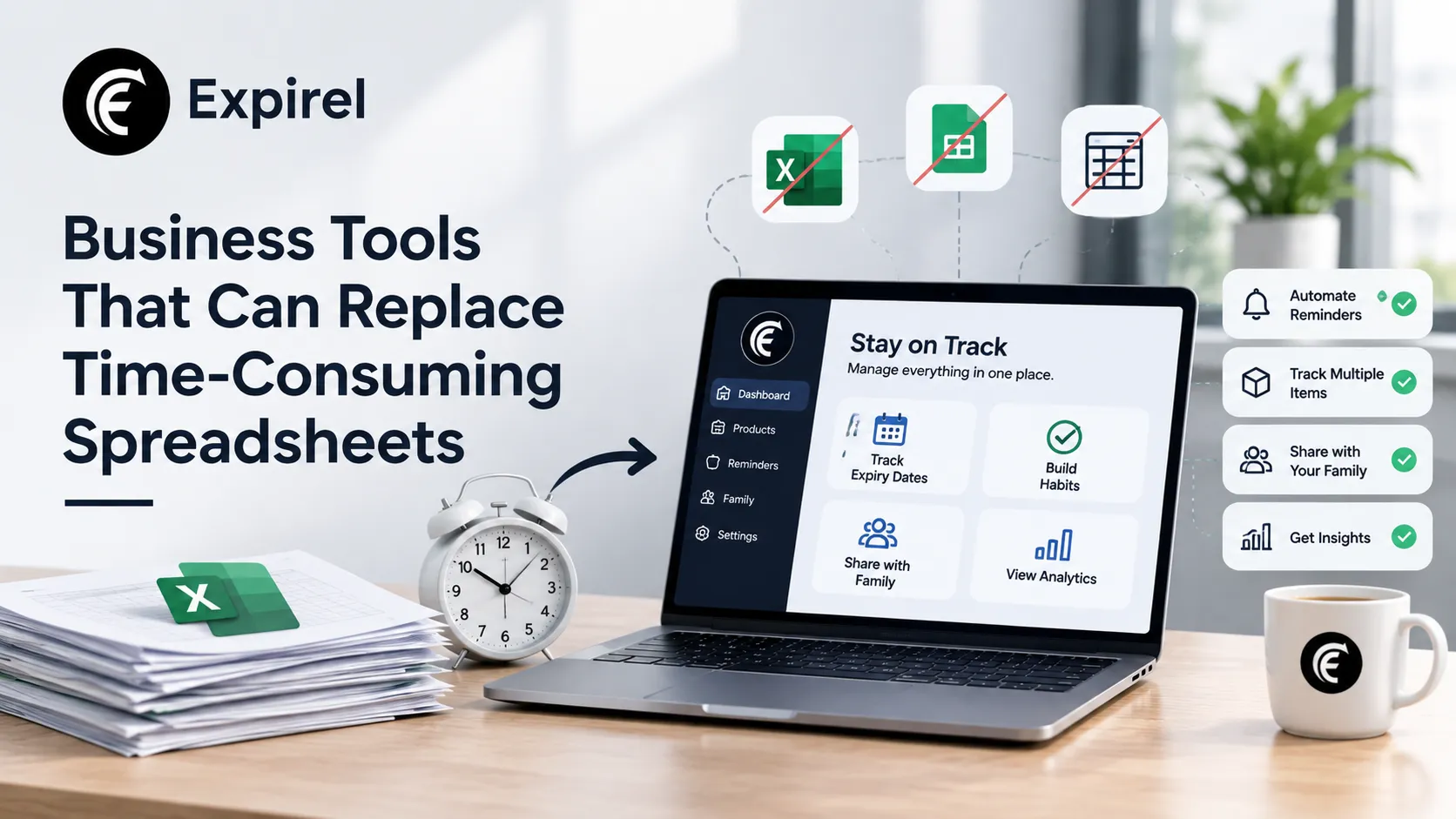
An expiry tracking app such as Expirel covers this date-based part. A barcode scanner speeds up adding packaged items, and multi-channel alerts deliver reminders by email and WhatsApp. Teams with long item lists can look at the business features. For the habit side of this work, our guide to expiry tracking habits that reduce waste shows how simple reminders prevent losses. Keep in mind that an expiry tracker is not a full stock system. If you also need counts, locations and reorder points, pair it with an inventory platform.
Expense Management Software
Expense spreadsheets create work for employees and finance alike. Someone enters the expense, attaches a receipt and sends the file for approval, and then finance may key the same data into accounting software again.
Expense management tools capture receipt data from a phone, categorize transactions, route claims for approval and export approved expenses to the accounting system. Policy rules can flag purchases over a limit, missing receipts, duplicate claims or the wrong category. The review changes from checking every row to investigating only the exceptions.
Reporting and Dashboard Platforms
Many businesses still build management reports by exporting figures into Excel and refreshing the same charts every week or month. Business intelligence tools connect directly to accounting, sales, marketing, or operations systems and refresh dashboards automatically. Common dashboards track:
Revenue and margin
Sales pipeline
Customer acquisition
Inventory
Operating expenses
Project performance
Automation should handle the repetitive preparation, not the interpretation. A dashboard can show that margins fell, but someone still has to find out whether pricing, supplier costs or discounts caused it.
Workflow Automation for Work Between Systems
Sometimes the spreadsheet exists only because two applications do not talk to each other. An employee exports customers from one platform, reformats them in a sheet and uploads them to another system every Friday.
Workflow automation platforms connect applications through integrations and APIs, so an event in one system triggers an action in another. AICPA & CIMA notes that modern automation lets small accounting firms handle tasks such as client onboarding, recurring data entry and status updates without writing code, which frees staff for higher-value work. The same logic applies in other businesses.
For example, closing a sale can create a customer record, start an onboarding project, notify the account manager and open the billing workflow. This often helps more than swapping the spreadsheet for another isolated app. The same source advises mapping the process first, testing with sample data, and reviewing automations on a schedule.
Replace the Process, Not Just the File
Buying software does not fix a messy workflow. Follow these steps before you switch:
Document the current process. Note what enters the spreadsheet, who updates it, and where the data goes next.
List the decisions it supports. If nobody uses a column, drop it.
Remove unneeded steps. Do this before you configure the new tool.
Pick the controls you need. Think permissions, integrations, audit history, reminders, and approvals.
Pilot with one team. Run the old and new systems side by side for a full cycle.
Retire the old file. Archive it as read-only so nobody keeps updating it.
Avoid these common mistakes:
Copying the messy sheet straight into the new tool. Clean the data first.
Switching everything at once. Start with the process that costs the most time.
Keeping both systems alive. Two sources of truth recreate the original problem.
Skipping training. People return to the spreadsheet if the tool feels slower.
Final Thoughts
Spreadsheets remain valuable for analysis and flexible calculations. They become a problem when a business forces them to act as a database, a workflow engine, an accounting subledger, and a project platform at the same time.
Moving those jobs into purpose-built tools reduces manual upkeep, gives teams cleaner data and leaves more time to use it. Start with the one spreadsheet that causes the most pain, and replace the process around it, not just the file.
Frequently Asked Questions
Q: When should a business stop using spreadsheets?
Move when several people edit one file, data is copied between systems, or staff rely on manual reminders. Those signs mean the file now costs more time than it saves.
Q: Can a spreadsheet replace a CRM?
For a few prospects and one user, yes. Once several people share records and need follow-up reminders and history, a CRM is safer and faster.
Q: What is the best tool for tracking expiry dates?
Choose a tool that sends reminders before the date, supports several alert channels and lets you assign owners. A dedicated expiry tracker handles dates, while an inventory system handles stock counts.
Q: Are spreadsheets still useful?
Yes. They remain strong for one-time analysis, financial modeling and small datasets managed by one person.