Turn Different Emotions into Expressive Talking Avatar Characters
Create expressive talking avatars with AI by matching emotions, facial expressions, scripts, and voices. Learn how to bring every character to life with Pippit.
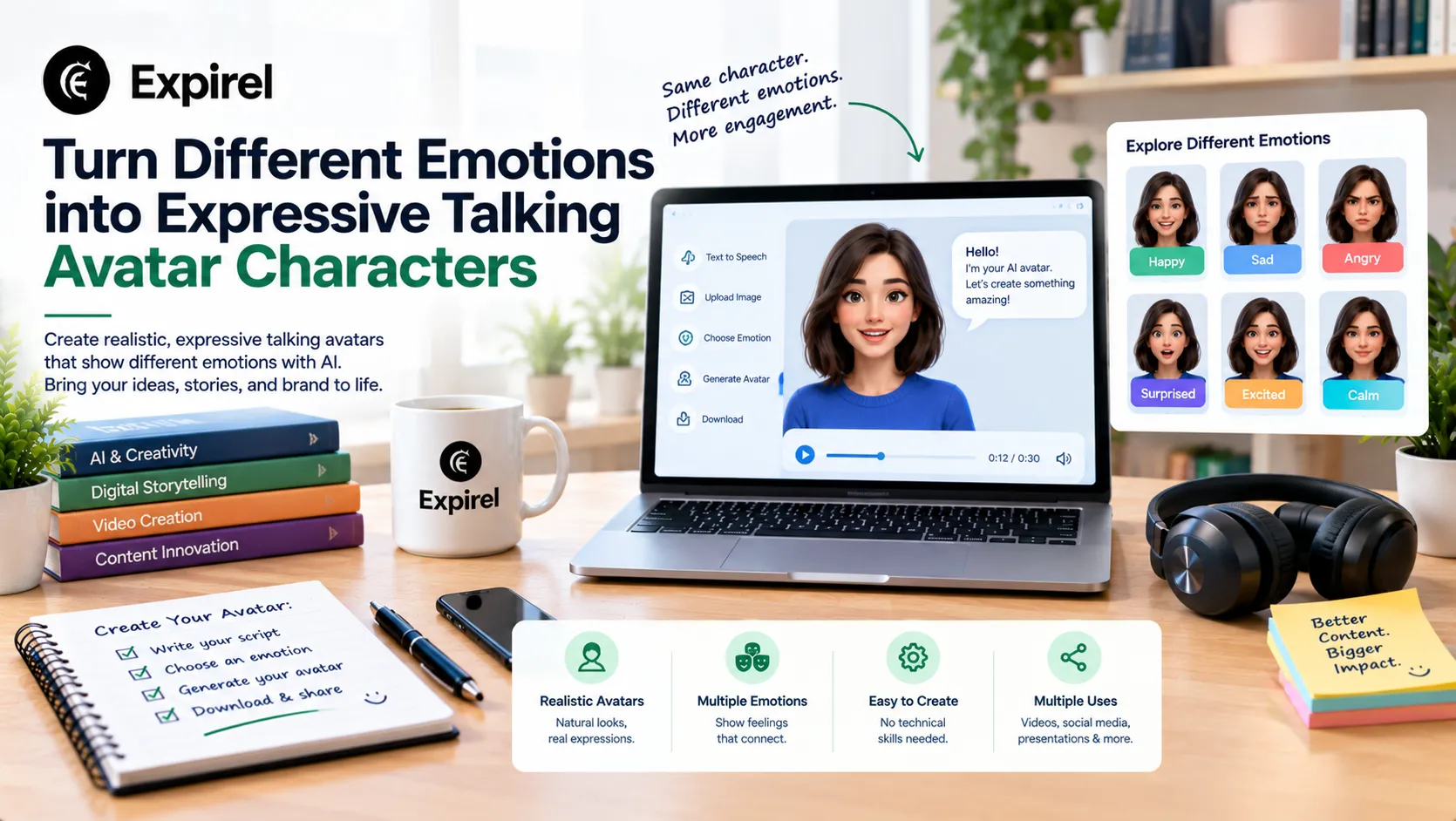
Same character, same face, completely different mood. That's the trick behind expressive avatars, and it's easier than you'd guess. Instead of making one generic presenter, you can build a small family of emotional performers, each with its own voice and delivery. A talking photo of a nervous intern feels nothing like one of a gloating villain, even if both start from similar artwork. In this guide, you'll learn how to match feelings to faces, scripts, and voices using Pippit. Ready to make your characters feel something? Open Pippit and pick your first emotion.

Feelings first, faces second
Start by deciding what the character feels, not what it looks like. Emotion drives everything else: the words, the pace, the pitch of the voice. A smug character talks slowly and lets sentences hang. A panicked one rushes and trips over details. Once the feeling is clear, the image you choose has a job to do, which is to support that mood. Pick pictures with expressions that already lean in the right direction, such as raised eyebrows for surprise or a tight jaw for anger. You'll spend less time fighting the picture and more time playing with the performance.
A mood board you can steal from
Here are a few emotions that translate well, along with how each tends to sound:
Joy: bright, quick, with laughter creeping into the edges of sentences.
Nervousness: pauses, restarts, and a voice that rises at the end of lines.
Smugness: slow and low, every word placed on purpose.
Heartbreak: soft, short phrases with long gaps in between.
Fury: clipped sentences, hard consonants, and no filler.
Teaching the voice to feel something
Emotion lives in sound, and SeedAudio 1.5 gives you real handles to steer it.
Rhythm, style, and everything between the words
Upload a reference sample, and you can adjust rhythm, style, emotion, and even non-speech sounds like sighs and laughs, all while the speaker's tone and accent stay recognizable.
One speaker per file, up to six
Each character needs their own reference recording. The limit now sits at six, so a scene with a panicked intern, a smug boss, and a weeping receptionist is entirely possible.
Timing the emotional turn
Timestamps let you place a line exactly where a mood should flip, like the second a calm voice cracks.
Everything in one pass
Add scene details, such as an empty office or a ticking clock, and you receive dialogue, ambience, effects, and music together in one result.
Bring one emotion to life in three stages
Pick a single feeling to start with. You can repeat the process for the others later.
Step 1: Open the tool and add your image
Login to the Pippit site and click on Video generator.
Select the AI version that creates the talking picture and click Next to upload the character picture using either the box or drag-and-drop method. Use a picture size of at least 256 x 256 pixels. Make sure that you own the rights to it and click Next.
Step 2: Script the emotion
Click on the Read out script button and write the text. Select the language of your choice and choose a voice that goes well with the emotion. Pick your preferred caption style and click Save. Or you may opt to use the Upload audio clip option to upload your recording or a trending clip.
Step 3: Export the performance
Press Export, rename the video, and decide what happens with the watermark. Adjust the resolution, quality, frame rate, and format, then click Download to keep the clip on your device.
Matching words to the feeling
Emotion hides in word choice. Anger prefers short, blunt phrases like "No. Not again." Joy loves exclamations and specifics, such as "You won't believe the cake." Sadness trails off. Notice how punctuation changes the delivery too. Ellipses slow things down, dashes create interruptions, and question marks lift the voice. Write a line, listen to the result, then adjust the punctuation before touching the words. Often a single comma turns a flat sentence into a believable one, and it costs you nothing to test.
One avatar, five moods, endless content
Here's a fun experiment. Give the same character the same sentence and deliver it five ways: delighted, terrified, bored, suspicious, heartbroken. Post them as a single compilation, and viewers will rewatch to compare. Teachers can use this to illustrate tone of voice. Writers can audition how a line might sound before putting it in a story. Actors in training can study contrast. It's also an easy way to make a week of content from one script, which comes in handy when ideas run low.
Common slip-ups with emotional clips
Watch out for a few traps. Mixed signals are the biggest: a joyful voice paired with a stern face leaves viewers confused unless you meant it as a joke. Overacting is next, since extreme emotion from start to finish becomes tiring. Let the feeling build instead. Don't forget silence either, because a pause before a confession can say more than shouting. Finally, keep clips short. A single emotion handled well in twenty seconds beats a rambling one-minute tour of every mood you can think of.
Letting expressions and voice work together
A believable emotional clip depends on harmony between what viewers see and what they hear. Before you commit, check that the face you chose could plausibly say the line you wrote. A calm, still portrait delivers quiet sadness better than explosive anger. If the mismatch bothers you, swap the image rather than forcing the voice to compensate. It also helps to watch the first two seconds on mute and ask what the character seems to feel. If your answer matches the script, you're on the right track. If it doesn't, adjust the picture or soften the wording.
Giving your objects a shared universe
Once you have a few characters, let them live in the same house. The toaster can gossip about the sock, and the houseplant can complain about the lamp. Cross-references reward viewers who watch more than one clip, and they make your series feel like a world rather than a pile of random jokes. Keep a simple list of who dislikes whom and what each one wants. Even a few notes are enough to keep the stories consistent. Over time, your household becomes a cast, and fans will start requesting their favorite object's next appearance.
Give your characters a heart
Faces get attention, but feelings keep it. When your avatar sounds worried, thrilled, or heartbroken, viewers lean in because they recognize something real. Pippit lets you try each mood with just a picture and a script, so experimenting costs almost nothing. Pick one emotion, write a line that carries it, and see what your character does with it. Open Pippit and start giving your avatars something to feel.

Fahad Ahmad
Founder of EXPIREL · Digital Entrepreneur · Product Management Specialist
Fahad Ahmad is the founder of EXPIREL and a digital entrepreneur with over 10 years of experience in SaaS development, SEO, and digital product creation. He focuses on building practical solutions that help individuals and businesses manage product expiration dates, organize inventory, track habits, and improve daily productivity.
Through EXPIREL, Fahad shares actionable guides, product management tips, barcode scanning tutorials, and research-backed insights designed to help users reduce waste, stay organized, and make smarter decisions.
Related Articles
View all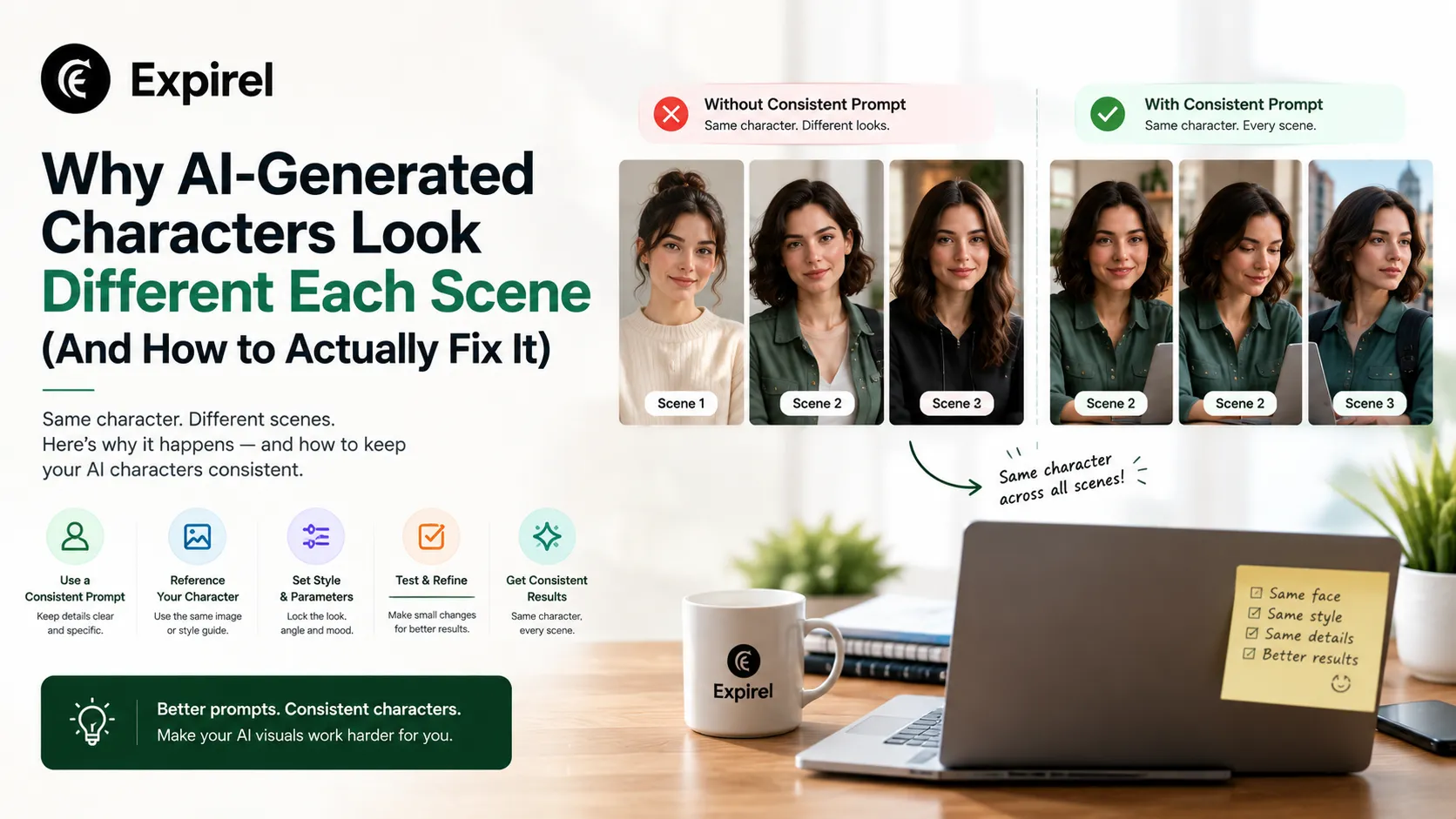
Why AI-Generated Characters Look Different in Every Scene (And How to Actually Fix It)
September 14, 2026
AI-generated characters drift from scene to scene by default. Here's the exact mechanism reference, context engine, and review that keep them consistent.

Productivity Recipe: A Step-by-Step System for Turning Effort Into Consistent Results
July 17, 2026
Tired of productivity hacks that fade by week two? This productivity recipe gives you the exact steps, a Google Sheets template, and the mistakes to avoid.

Best Productivity Apps for Medical Students in 2026: Pick by Stage
October 9, 2026
Find the best productivity apps for medical students in 2026: free picks, a stack for each stage, tools for doctors, and how to protect patient privacy.