8 Best Salesforce Data Collection Tools for Healthcare Compliance
Compare 8 HIPAA-compliant Salesforce tools for healthcare data collection, from Health Cloud to FormAssembly. See BAA coverage, cost, and setup effort.
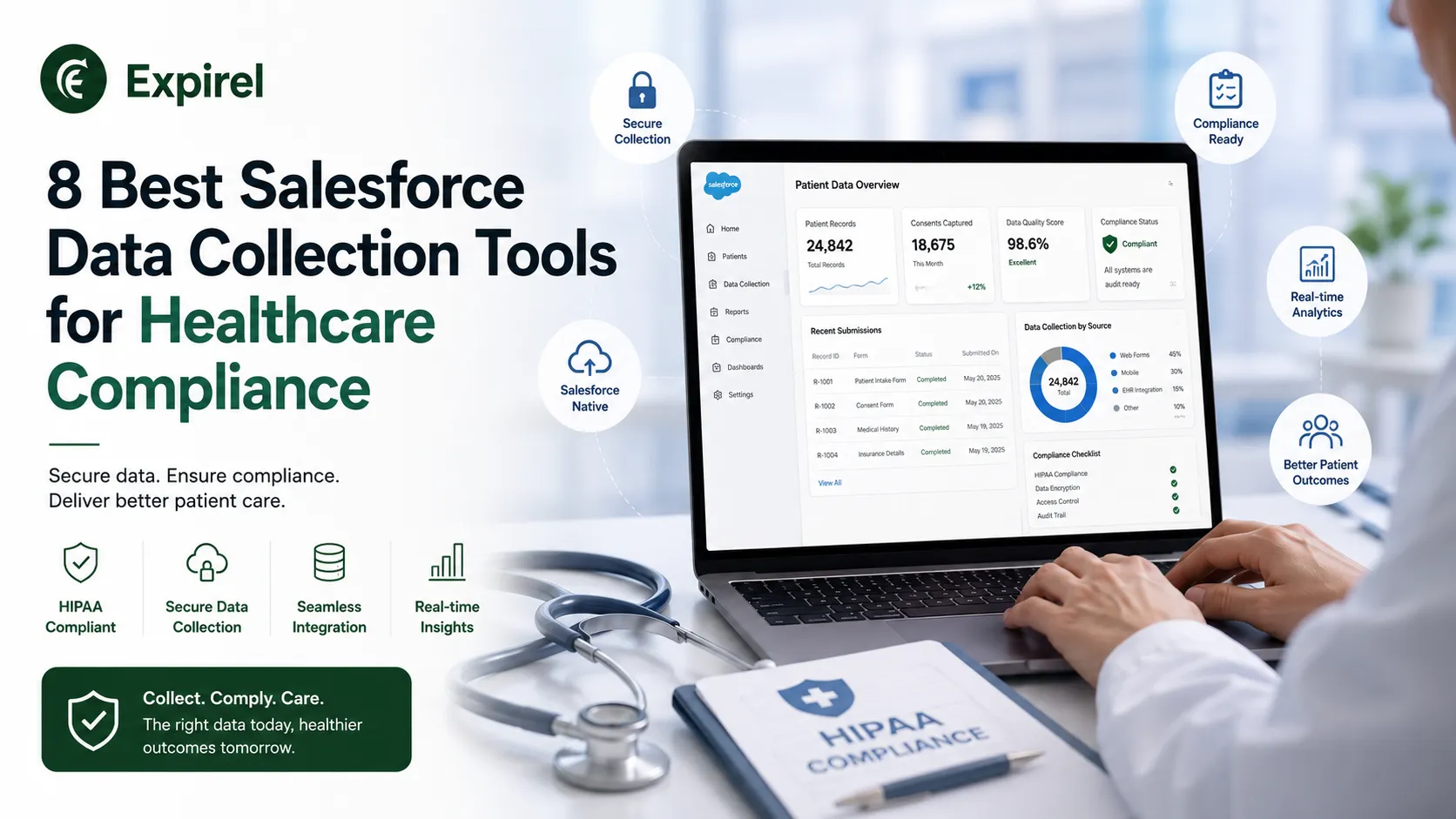
Getting protected health information into Salesforce correctly isn't a mystery, but most healthcare teams still land in the same handful of traps. Some pick a form vendor whose HIPAA coverage is only available on a pricing tier nobody mentioned during the sales call. Others push PHI directly into standard Salesforce fields with no encryption or access restriction layered on top. And a large share build a workflow that runs fine in production but never produces a documented risk analysis, which is one of the most frequently cited gaps in actual HIPAA enforcement actions.
None of this means Salesforce is a poor fit for regulated healthcare data. It means the real decision sits one layer above the platform itself: which tool actually collects the data on the front end, and whether that tool was built to the same compliance bar you already hold your EHR and clinical systems to.
The Three Mistakes That Keep Showing Up
Across healthcare organizations building on Salesforce, the failures cluster around the same three patterns:
A form tool is selected, then it turns out HIPAA support only exists on a contract tier the organization isn't paying for.
PHI gets written into default Salesforce objects with no field-level access control or encryption applied on top.
A workflow ships and works technically, but nobody documents the risk analysis behind it, the single most common finding cited in HIPAA enforcement cases.
What You Cannot Compromise On
Regardless of which platform an organization ultimately chooses, five requirements apply without exception:
A signed BAA at the tier you're actually paying for. Any vendor touching PHI is legally a business associate under HIPAA, and compliance features gated behind a premium tier are common and rarely disclosed upfront.
Encryption in transit and at rest, including temporary storage. Many form platforms hold submissions on their own servers before or after the handoff to Salesforce, so it's worth confirming what's retained, for how long, and how abandoned or partial submissions are handled.
Field-level access control once data lands in Salesforce. This half of the obligation is a Salesforce configuration question rather than a vendor one, and it should sit alongside the healthcare data security practices an organization already applies to its clinical systems.
Audit logging that survives an investigation. Showing who accessed which record and when has to exist from day one, since reconstructing it after the fact is rarely possible.
A current, documented risk analysis. No vendor delivers this for you, but it's the single document enforcement actions turn on most consistently.
Comparing the 8 Tools at a Glance
Tool | Best For | BAA Availability | Setup Effort |
FormAssembly | Native Salesforce writes, patient matching | Yes, all tiers | Medium-High |
Salesforce Health Cloud + Shield | Full clinical data model | Yes, via Salesforce | High |
Formstack | Consent forms with document generation | Yes, specific plans only | Medium |
Titan | Keeping data inside Salesforce | Yes | Medium-High |
Jotform Enterprise | Fast, simple intake | Yes, enterprise tier | Low |
Redox | EHR-to-Salesforce integration | Yes | High |
DocuSign | Signed consent and authorizations | Yes | Low |
MuleSoft | Enterprise-wide system integration | Yes | Very High |
The 8 Tools, Evaluated
1. FormAssembly
FormAssembly signs BAAs and applies HIPAA capability across the entire product rather than gating it by tier, and it also carries SOC 2 Type II, ISO 27001, and PCI DSS Level 1 for organizations that handle payments alongside PHI. On the Salesforce side, it writes directly into Health Cloud or custom objects with lookups already populated, matches incoming submissions against existing patient records instead of duplicating them, and prefills forms from data already on file so returning patients aren't re-entering the same information twice.
For Salesforce data collection for healthcare, that combination is the core of its appeal, though enterprise pricing and configuration effort scale with the capability it provides.
2. Salesforce Health Cloud with Shield
Health Cloud functions as the foundation rather than a standalone collection tool. It provides a clinical data model in the spirit of an EHR system, and Shield layers platform encryption, event monitoring, and field audit trail on top. Shield adds meaningful cost along with some functional trade-offs around search and sorting performance, so it's worth scoping exactly which fields need platform-level encryption rather than applying it universally by default.
3. Formstack
Formstack offers HIPAA-capable plans with Salesforce integration and built-in document generation, which suits teams that need to produce consent forms, care summaries, or authorization documents directly from collected data. Confirm which specific plan actually carries HIPAA coverage before committing, since this is the point where healthcare buyers most often discover a gap late in a rollout.
4. Titan
Titan keeps submission data inside Salesforce itself rather than routing it through vendor infrastructure, which answers a question compliance teams ask almost every time, and it handles complex multi-object writes without custom development. The trade-off is a steeper learning curve than lighter, simpler tools require.
5. Jotform Enterprise
Jotform offers HIPAA-compliant arrangements on its enterprise tier with BAA availability, while keeping the fast build experience the platform is known for. Its Salesforce integration is lighter than the specialists on this list, workable for straightforward intake into standard objects but limited once Health Cloud data models or patient matching enter the picture.
6. Redox
Redox isn't a form tool, but it's frequently the missing piece. It handles integration between healthcare systems and applications, translating HL7 and FHIR into a usable format, which is how data from an EHR actually reaches Salesforce in the first place. Any requirement involving clinical systems rather than patient-submitted forms will need something in this category.
7. DocuSign
Consent forms, release-of-information authorizations, and treatment agreements all need a signature with an audit trail that holds up years later. DocuSign is HIPAA-capable with BAA availability and already sits inside most healthcare technology stacks for exactly this reason, though it produces signed documents rather than queryable structured records.
8. MuleSoft
MuleSoft is Salesforce's integration platform, relevant once healthcare data needs to move across many systems with governance and transformation requirements attached. It functions closer to an enterprise programme than a tool purchase, a fit for large health systems rather than a single clinic or practice.
A Regulatory Change Worth Tracking
HHS published a Notice of Proposed Rulemaking in January 2025 that would modernize the HIPAA Security Rule. Its most consequential proposed change would eliminate the current distinction between required and addressable safeguards, making encryption, multi-factor authentication, and regular penetration testing mandatory rather than matters of documented judgment. The comment period closed in March 2025, and the rule hasn't been finalized, so the current Security Rule still governs today.
For any organization signing a multi-year platform agreement now, it's worth asking vendors directly whether they already meet the proposed standard rather than only the version currently in force.
How to Scope This Project Without Overspending
Use this four-step sequence before selecting a tool, rather than after:
Classify every form honestly. Not every healthcare form collects PHI. An event registration for a community health talk usually doesn't, while a symptom questionnaire clearly does. This classification decides which vendor requirements are actually binding, and treating every form as maximum sensitivity inflates project cost without adding real protection.
Trace one PHI-carrying submission end to end. Name every system it passes through, from browser to final storage, and every place a copy persists along the way.
Map a BAA to every system on that path. Each system identified in step two needs its own signed agreement, and each one belongs in the risk analysis document.
Write the risk analysis before go-live, not after. The failure pattern in enforcement actions is rarely a sophisticated technical breach. It's usually an organization that can't produce evidence anyone systematically thought through where the data goes.
Conclusion
Every tool on this list can be configured to meet HIPAA's technical requirements. Whether a specific organization's implementation actually does depends on work no vendor performs on its behalf: honest data classification, a documented risk analysis, and a BAA that covers the tier actually being paid for. Start with those three, then choose the tool that fits the workflow, not the other way around.
Frequently Asked Questions
Q: Does Salesforce itself sign a Business Associate Agreement?
Salesforce offers a BAA through its HIPAA-compliant offerings, typically tied to Health Cloud and Shield rather than the base platform. Confirm BAA coverage applies to your specific edition and add-ons before treating any configuration as compliant.
Q: Is Salesforce Shield required for HIPAA compliance?
Not automatically. Shield adds platform encryption, event monitoring, and field audit trail, which support compliance, but the underlying requirement is that PHI is protected and auditable, not that Shield specifically is installed. Some organizations meet that bar with a combination of Health Cloud configuration and a compliant front-end tool instead.
Q: Can PHI be stored safely in standard Salesforce objects?
Only with field-level access control, encryption, and audit logging configured on top. Standard objects with no additional configuration do not meet HIPAA's technical safeguard requirements on their own.
Q: Which tool fits a single clinic rather than a large health system?
Jotform Enterprise or Formstack typically fit a single clinic's budget and complexity better than Health Cloud with Shield, Redox, or MuleSoft, which are built for larger, multi-system environments.
Q: What changes if HHS finalizes the proposed HIPAA Security Rule update?
Safeguards currently treated as addressable, meaning subject to documented judgment, such as encryption and multi-factor authentication, would become mandatory. Organizations signing long-term platform agreements now should confirm whether their chosen tools already meet that proposed bar.

Fahad Ahmad
Founder of EXPIREL · Digital Entrepreneur · Product Management Specialist
Fahad Ahmad is the founder of EXPIREL and a digital entrepreneur with over 10 years of experience in SaaS development, SEO, and digital product creation. He focuses on building practical solutions that help individuals and businesses manage product expiration dates, organize inventory, track habits, and improve daily productivity.
Through EXPIREL, Fahad shares actionable guides, product management tips, barcode scanning tutorials, and research-backed insights designed to help users reduce waste, stay organized, and make smarter decisions.
Related Articles
View all
11 Best Social Media Productivity Tools to Save Time in 2026
October 12, 2026
Compare 11 social media productivity tools for 2026 that save time on routines, scheduling, design, automation, video, analytics, and link tracking.
7 Best EHS Compliance Software for Safer Teams and Smoother Audits
September 25, 2026
Choosing EHS software shouldn't feel like guesswork. Compare 7 platforms on training, certification tracking, audits, and real setup trade-offs.
How to Manage Local Data and Storage When Running AI Tools on a Mac
September 16, 2026
Local AI tools fill a Mac faster than you'd expect. Here's how to monitor storage, organize datasets, and clean up safely without losing work.