How Digital Tools Are Changing the Way We Manage Everyday Life
See how digital tools help you manage your schedule, work, money, health, and home, plus a simple way to pick the right apps and avoid screen overload.
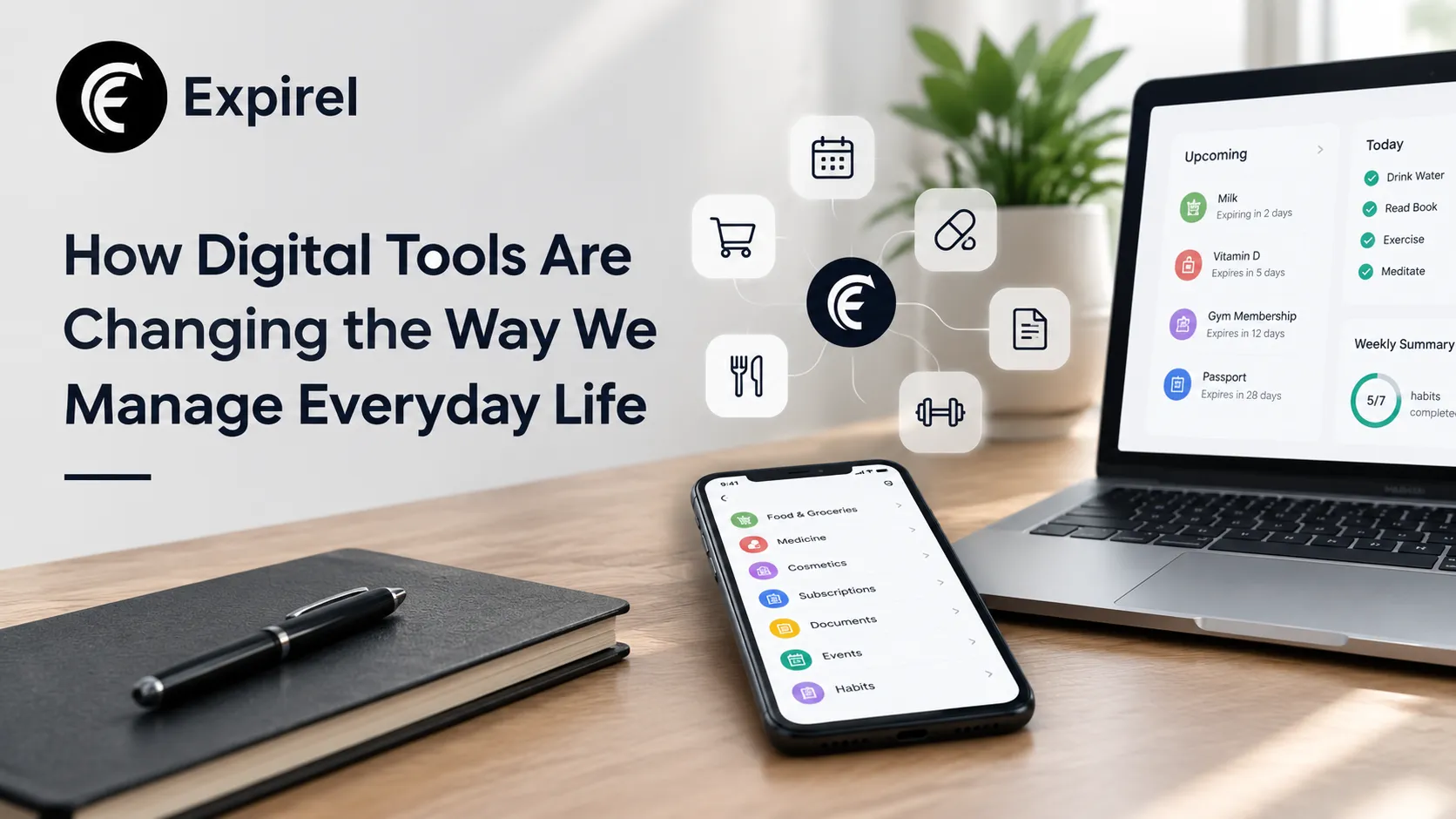
Quick answer: Digital tools help you manage everyday life by handling reminders, schedules, payments, health data, and home devices for you. They work best when you pick a few tools that solve real problems and review them often. Too many apps create noise, so more tools do not always mean a better routine.
Most people touch a digital tool before they get out of bed. An alarm wakes you, a phone shows your messages, and a calendar tells you where to be. Over the day, other tools pay bills, count steps, move meetings, and turn off lights. Together they act like a quiet assistant that never sleeps.
That help comes with a trade-off. Faster and better-organized days can also mean more screen time and more alerts. This guide shows how digital tools for everyday life work in each area of your day, how to choose the right ones, and how to keep control of them.
What are digital tools for everyday life?
Digital tools are apps, devices, and online services that help you plan, track, pay, communicate, or control something. Most fall into six groups:
Time tools: calendars, alarms, reminders, and to-do lists
Work tools: task boards, project software, automation, and AI writing helpers
Money tools: budgeting apps, banking apps, and payment apps
Health tools: fitness trackers, sleep trackers, nutrition logs, and habit apps
Home tools: smart lights, thermostats, plugs, locks, and voice assistants
Household tools: shopping lists, delivery apps, and expiry trackers
Area | What the tools do well | What to watch for |
|---|---|---|
Schedule | Remind you, share calendars, plan routes | Alert overload and duplicate calendars |
Work | Organize tasks, automate repeat steps, draft text | Unchecked AI output and shared private data |
Money | Track spending, pay bills, flag subscriptions | Weak passwords and forgotten trials |
Health | Log activity, sleep, food, and habits | Inaccurate readings and number obsession |
Home | Automate lights, locks, and appliances | Default passwords and outdated firmware |
How do digital tools help you manage your schedule?
Schedule tools turn a messy day into a visible plan. Your phone gathers messages, email, calendar alerts, and weather in one place. Shared calendars let a family or a team see the same plan. Delivery and ride apps cover the gaps when you run out of time.
The problem is volume. When every app sends alerts, you stop noticing any of them. Use these habits to keep your schedule clear:
Pick one calendar as your source of truth. Sync everything else into it.
Turn off alerts you never act on. Keep only those that need a decision.
Set reminders with lead time. A reminder one hour before a meeting is too late to prepare.
Share plans, not messages. A shared event beats five chat replies.
The dates your calendar misses
Calendars handle meetings well, but they handle "use by" dates poorly. Warranty deadlines, medicine expiry, trial endings, and food dates do not belong in a meeting grid. An expiry tracker such as Expirel fits this gap. You add an item and its date, then it reminds you before the deadline passes, so those dates stop depending on memory.
How are digital tools changing the way we work?
Work tools have cut a lot of repeat effort. Task apps set priorities, build checklists, and track deadlines. Project tools help teams plan, assign work, and follow milestones. Automation handles data entry, approvals, reports, and form processing. AI writing tools can draft emails and documents, and large language models can summarize long text, answer questions, and test projections.
Speed brings a new job: checking quality. If you use AI to draft, you still own the result. An AI checker can highlight lines that read as machine-written, so you can rewrite them in a more natural voice. Treat the score as an estimate, not proof. These tools can be wrong in both directions, so pair them with your own read-through.
A simple rule set for AI at work
Check every fact an AI tool gives you before you share it.
Do not paste private client or company data into tools your employer has not approved.
Follow your workplace policy on AI use, and disclose it when asked.
Edit AI drafts until they sound like you.
How do digital tools help you manage money?
Few people keep a paper money diary now. Budgeting and expense apps do that job. They set monthly budgets, record purchases, sort spending into categories, and flag overspending. Banking and payment apps let you check balances, pay bills, and send money. Specialist tools cover saving, investing, debt, taxes, and subscriptions, and dashboards pull several of these views together.
Three habits make these tools work:
Review once a week. Five minutes beats a panic at month end.
List every subscription. Free trials that quietly turn paid are a common leak. Put each trial end date in a reminder.
Lock down access. Use strong, unique passwords and two-step sign-in on every money app.
How do digital tools help you track your health?
Health tools log calories, meals, steps, workouts, water, sleep, mood, and habits. They work best when you pair them with a phone or wearable and use them to build steady routines, not to chase perfect numbers.
Activity trackers count steps, workouts, and movement, and let you set goals.
Sleep tools estimate sleep stages and total hours, and suggest ways to improve.
Nutrition apps log food and nutrients, and support special diets.
Habit and wellness apps track hydration, cycles, mood, and long-term conditions.
Accuracy depends on the device. More advanced watches can estimate heart rate, blood oxygen, skin temperature, and stress signals, but they are estimates. Be especially careful with blood sugar. The U.S. Food and Drug Administration has warned people not to use smartwatches or smart rings that claim to measure blood glucose without piercing the skin. A watch can display readings from an authorized glucose monitor, but it cannot replace one. If a health decision depends on a number, ask your doctor which device to trust.
For simple daily habits, such as taking vitamins or drinking water, a reminder app is often enough. Expirel also works as a habit tracker with smart reminders, so you can keep dates and habits in one place.
How do smart home and security tools fit in?
Smart homes use connected lights, thermostats, plugs, and appliances. A voice assistant such as Google Nest, Alexa, or Apple HomePod often acts as the control center. You can ask it questions, run schedules, and switch devices on or off with your voice. With compatible gear, it can also control a TV, speakers, an oven, or a washing machine, and it can lock doors, check lock status, turn on security lights, and work with alarm systems.
More connected devices mean more places to protect. Follow this short checklist:
Change default passwords on every device and on your Wi-Fi router.
Turn on automatic updates so security fixes arrive quickly.
Use a guest network for smart devices, so they stay apart from your main laptops and phones.
Review app permissions and remove access you no longer use.
Test locks and alarms by hand now and then, since a power or internet outage can affect them.
Can digital tools help reduce waste at home?
Yes, and it is one of the most practical uses. The U.S. Department of Agriculture estimates that food waste is between 30 and 40 percent of the food supply. Much of it happens at home, when food is forgotten at the back of a fridge or cupboard. USDA also notes that date labels often show best quality, and confusion over them leads people to throw away good food. Read the label type, and use your senses and storage rules too.
A simple setup can help:
Add items when you shop. The barcode scanner saves typing for packaged goods.
Set reminders before the date. Multi-channel alerts reach you by email or WhatsApp, so the warning does not get lost.
Share one list with your household. Family sharing means everyone sees what to eat first.
Review what you wasted. The analytics view shows patterns, so you can buy less of what you often throw away.
The same idea works for medicine, cosmetics, pet food, and household supplies.
How do you choose the right digital tools?
Start with the problem, not the app. Use this five-step method:
Name one problem. For example: "I forget bill dates" or "I waste groceries."
Pick one tool for that job. Avoid apps that overlap.
Check privacy. Read what data the tool collects and who can see it.
Try it for two weeks. Count how often you actually use it.
Keep it or delete it. An unused app only adds noise.
What are the downsides of relying on digital tools?
The same tools that save time can make you dependent on screens and constant connection. Many people scroll for hours or fixate on a calorie count or step total. Tools should serve your goals, not run your day. Use these limits:
Set a notification budget, and keep alerts only for things that need action.
Use one app per job.
Review your tools every month, and delete what you do not use.
Schedule screen-free time, such as meals and the hour before bed.
Keep a paper backup of critical information, such as emergency contacts.
Common mistakes people make with digital tools
Installing too many apps at once. You end up using none of them well.
Trusting every number. Wearables and trackers give estimates.
Ignoring privacy settings. Default settings often share more data than you expect.
Skipping updates. Old software leaves security gaps.
Letting AI write without review. Errors and stiff phrasing slip through.
Forgetting non-calendar dates. Trials, warranties, and expiry dates cause avoidable losses.
Real-world examples
A busy parent. One shared calendar replaces a dozen text messages. A shared list shows which food to use first, so fewer groceries get thrown out.
A remote freelancer. A task board tracks deadlines, a budgeting app separates business and personal spending, and an AI checker helps polish drafts before they go to clients.
A college student. A calendar handles classes, a reminder app covers assignment deadlines, and a short list of subscriptions keeps the budget under control.
Final thoughts
Digital tools for everyday life save time and reduce mental load when you choose them with care. Pick one tool per problem, check the numbers they give you, and review your setup every month. Use the tool, but do not let it use you.
Frequently asked questions
Q: How do digital tools make daily life easier?
They automate reminders, payments, tracking, and routine tasks, so you spend less time on admin and fewer things slip through.
Q: What are examples of digital tools for everyday life?
Calendars, task apps, budgeting apps, banking apps, fitness trackers, smart speakers, smart locks, and expiry trackers.
Q: Are digital tools bad for you?
Not by themselves. Problems start when you use too many, check them constantly, or trust inaccurate data. Choose a few tools and set limits.
Q: Can an AI checker prove that someone used AI?
No. It gives an estimate. Use it as one signal alongside your own review.
Q: Can a smartwatch measure blood sugar?
No smartwatch or smart ring that works without piercing the skin is authorized to do this. It can only show data from an approved glucose monitor.
Q: How can I use digital tools to reduce food waste?
Log items with their dates, set reminders ahead of time, and share the list with your household.

Fahad Ahmad
Founder of EXPIREL · Digital Entrepreneur · Product Management Specialist
Fahad Ahmad is the founder of EXPIREL and a digital entrepreneur with over 10 years of experience in SaaS development, SEO, and digital product creation. He focuses on building practical solutions that help individuals and businesses manage product expiration dates, organize inventory, track habits, and improve daily productivity.
Through EXPIREL, Fahad shares actionable guides, product management tips, barcode scanning tutorials, and research-backed insights designed to help users reduce waste, stay organized, and make smarter decisions.
Related Articles
View all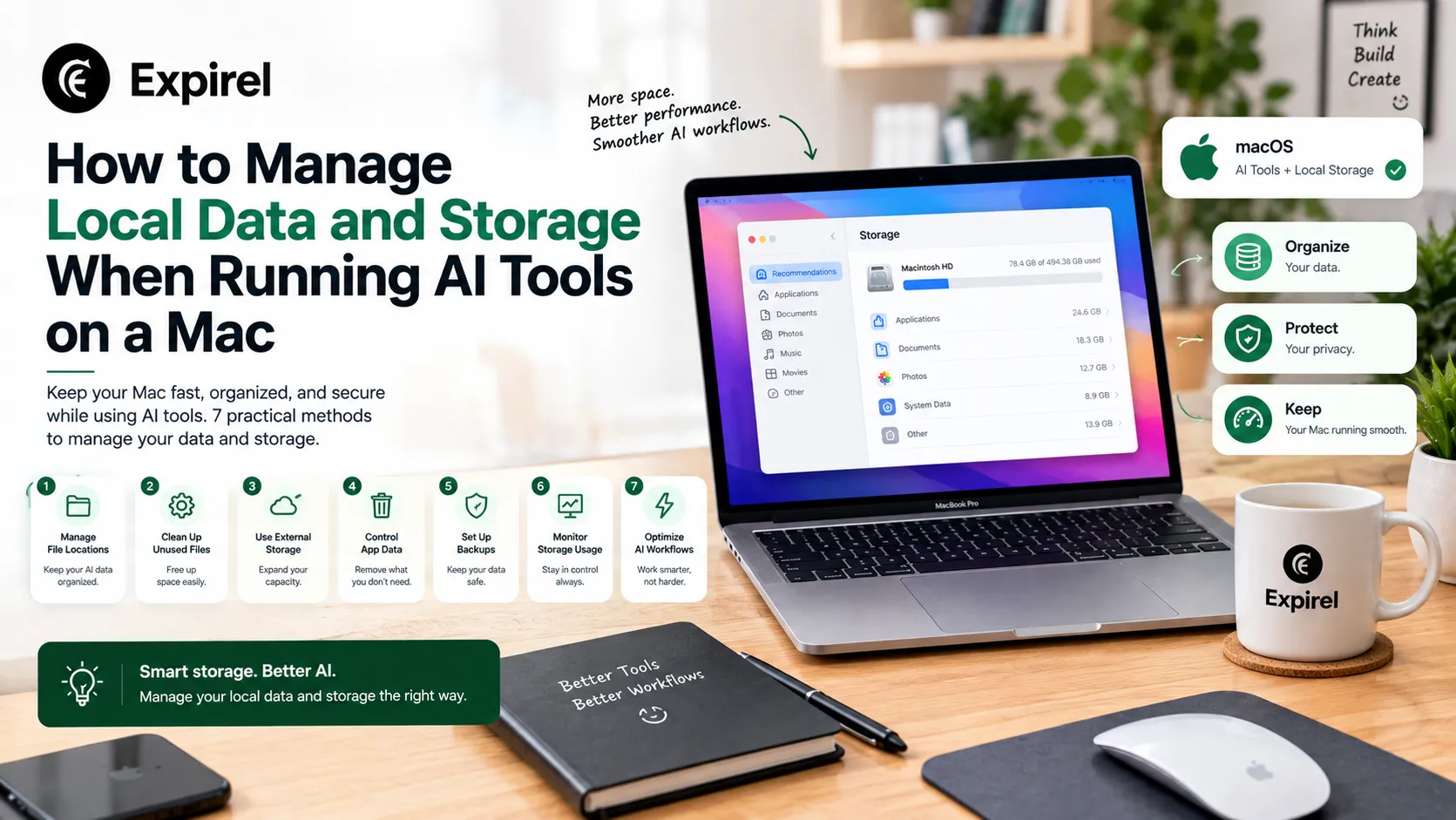
How to Manage Local Data and Storage When Running AI Tools on a Mac
September 16, 2026
Local AI tools fill a Mac faster than you'd expect. Here's how to monitor storage, organize datasets, and clean up safely without losing work.
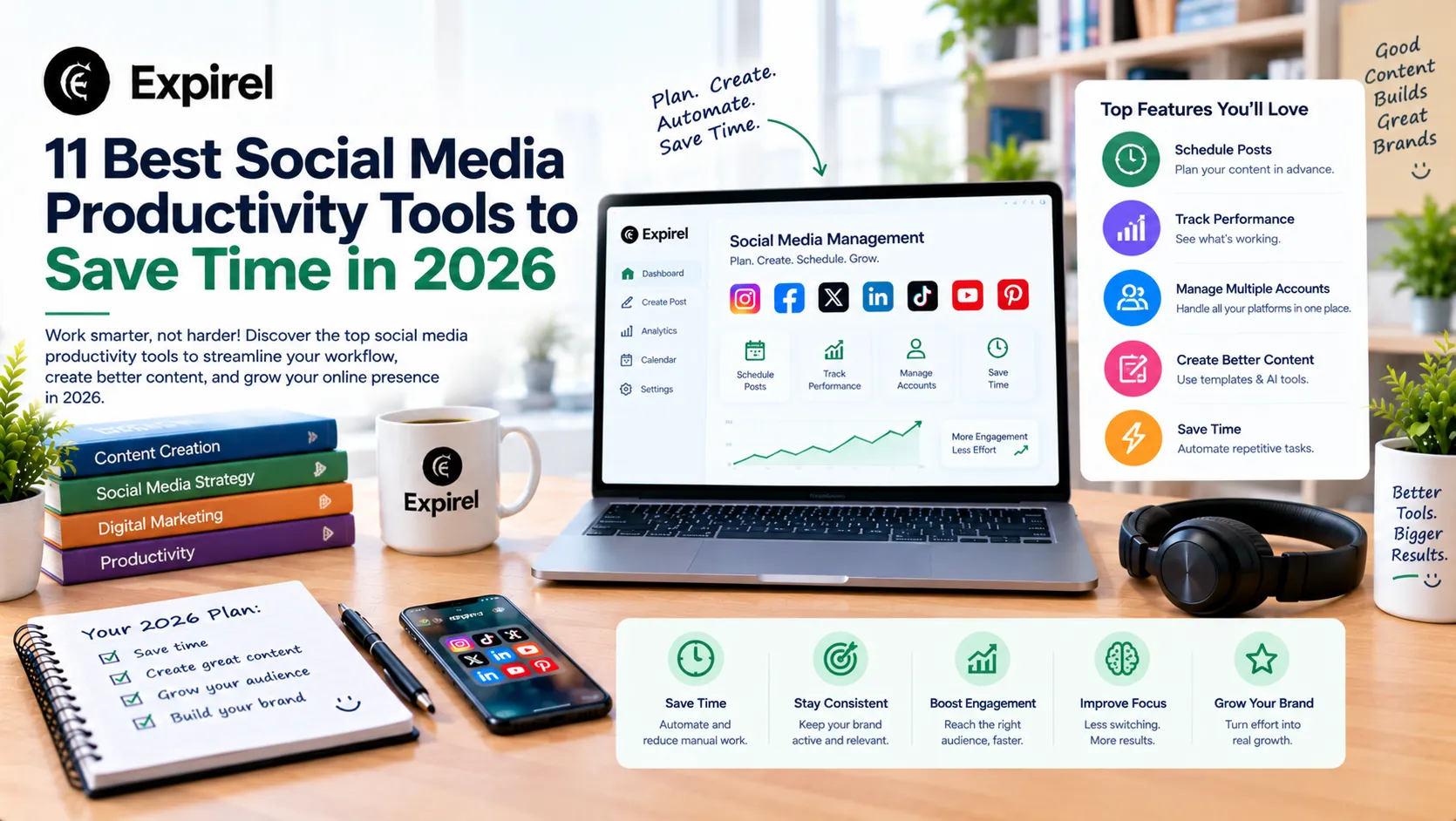
11 Best Social Media Productivity Tools to Save Time in 2026
October 12, 2026
Compare 11 social media productivity tools for 2026 that save time on routines, scheduling, design, automation, video, analytics, and link tracking.
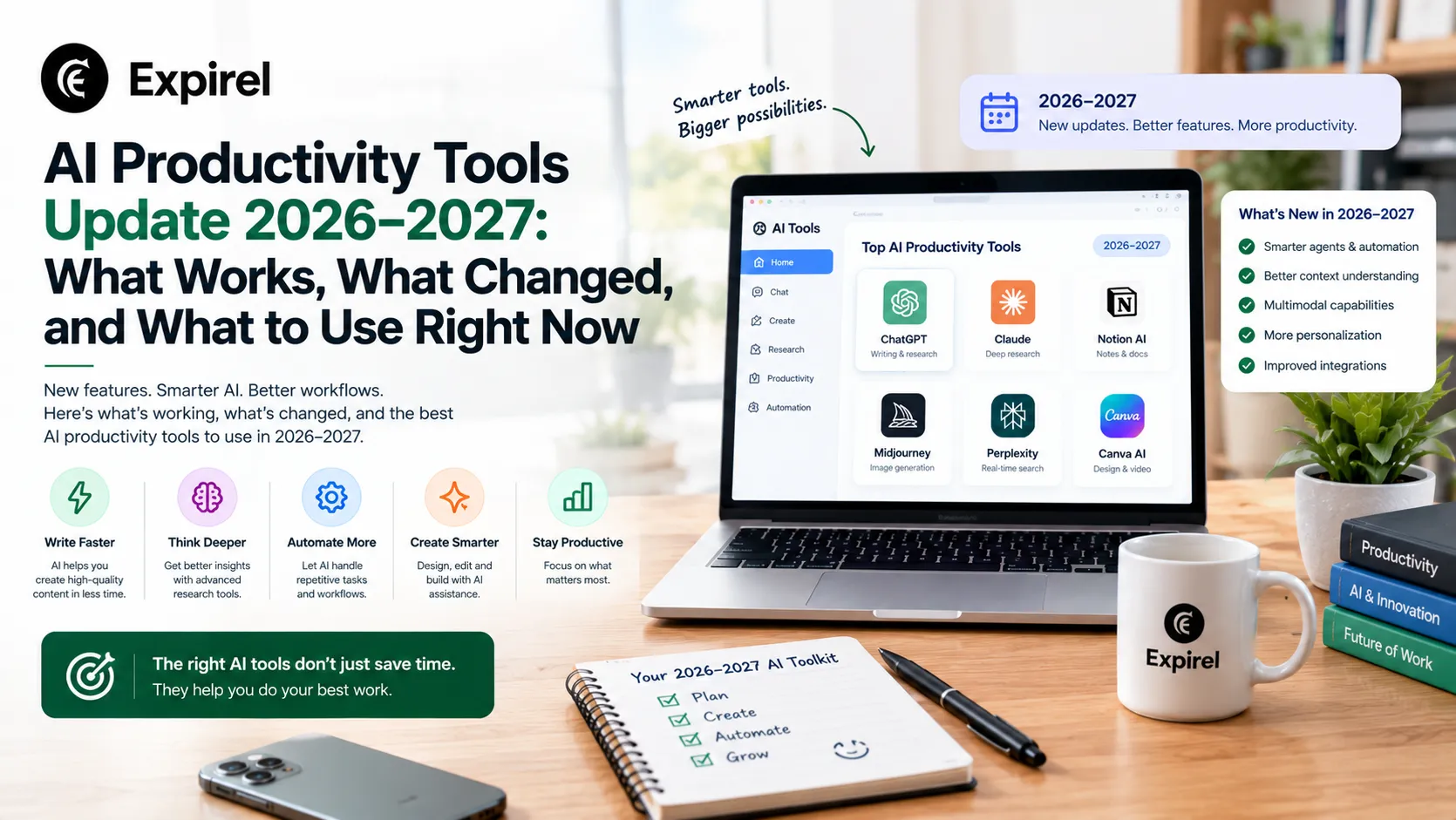
AI Productivity Tools Update 2026–2027: What Works, What Changed, and What to Use Right Now
September 18, 2026
AI productivity tools in 2026 and heading into 2027. What they mainly reduce the best tools by role, free options, and how to evaluate any tool before adopting.