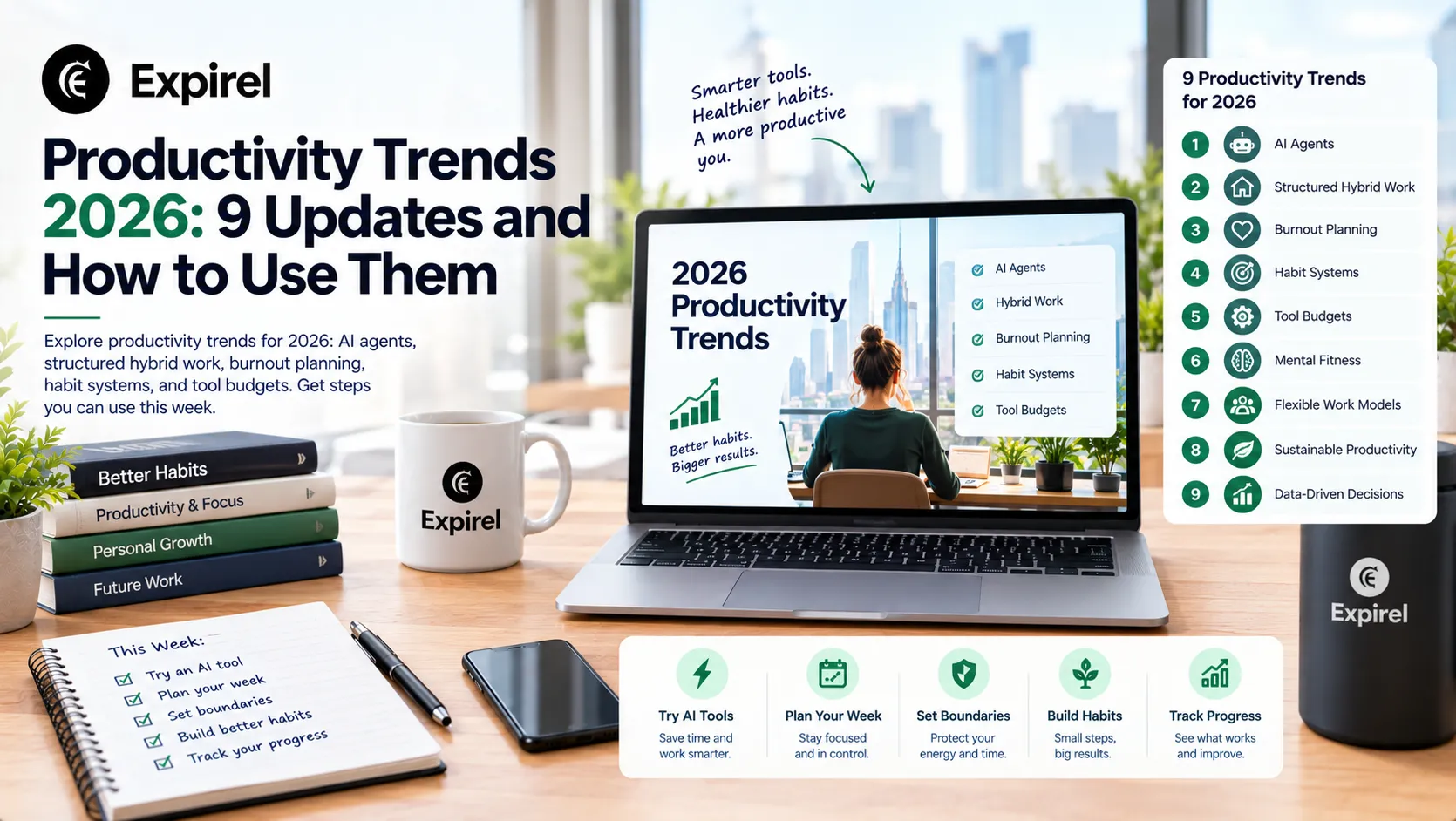
Productivity Trends 2026: 9 Updates and How to Use Them
Explore productivity trends for 2026: AI agents, structured hybrid work, burnout planning, habit systems, and tool budgets. Get steps you can use this week.
Productivity trends in 2026 point in one clear direction. The best results no longer come from longer hours or more apps. They come from better systems, sharper judgment, and smarter use of AI. If you feel busy but behind, this guide shows what changed this year, why it matters, and what to do about it this week.
You will find nine trends backed by recent research from Microsoft, Gallup, the US Bureau of Labour Statistics, and workforce surveys. Each trend comes with a practical action, a common mistake, and a way to measure your progress. You can apply every step without buying new software, whether you lead a team, run a business, or work for yourself.
Quick answer: the biggest productivity trends in 2026 1. AI agents move from assistants to teammates that run whole workflows. 2. Judgment and quality control become the most valuable work skills. 3. Companies redesign work instead of just adding AI tools. 4. Hybrid work succeeds only with structure. 5. Planning now accounts for burnout and energy, not only time. 6. Habit systems replace motivation as the engine of consistency. 7. Teams use AI to widen brainstorming, not to replace it. 8. Tool budgets get tighter, and B2B stacks get smaller. 9. Leaders benchmark productivity by outcomes, not hours. |
Why productivity trends in 2026 look different from past years
Three forces reshaped daily work over the past year. First, AI agents started doing multi-step tasks instead of answering single questions. Second, hybrid work became the normal setup for people who can work remotely. Third, engagement fell while burnout stayed high. Gallup's State of the Global Workplace 2026 report found that global employee engagement dropped to 20% in 2025, its lowest level since 2020.
Microsoft's 2026 Work Trend Index shows the scale of the first force. The report combines trillions of anonymous Microsoft 365 signals with a survey of 20,000 AI users in 10 countries. In that survey, 58% of AI users said they now produce work they could not have produced a year ago, and 66% said AI gives them more time for high value work. These answers are self-reported, so read them as strong signals, not proof.
Gallup shows the second force. Among remote capable US employees, 52% work hybrid, 26% work fully remote, and 22% work fully on site, and these shares have stayed steady since mid 2022. The question for managers is no longer whether hybrid work will last. The question is how to run it well.
The wider numbers look healthy too. The US Bureau of Labour Statistics reports that nonfarm business labour productivity, which means output per hour worked, rose 2.2% from the second quarter of 2025 to the second quarter of 2026. A national average cannot tell you how your own team is doing, so the sections below focus on what you can control.
These shifts connect, so the sections below build on each other. Read them in order, or jump to the trend that matches your biggest problem right now.
Trend 1: AI agents become teammates, not just tools
An AI assistant answers when you ask. An AI agent takes a goal, breaks it into steps, and works through them with little supervision. Microsoft reports that active agents on its Copilot Agents platform and in SharePoint grew 15 times in a year. That figure has no published baseline, so read it as a sign of direction, not of scale. Only 16% of AI users qualify as what Microsoft calls Frontier Professionals: people who use agents for multi-step work, redesign how they work, and share AI standards with their teams.
This gap is your opportunity. Most people still use AI for one off questions. A small group has built repeatable workflows, and they pull ahead every month.
A simple framework: Draft, Review, Direct
Do not hand a full process to an agent on day one. Climb three levels, and move up only when the level below runs without surprises.
Draft: AI writes the first version, and you check every line. Good for emails, outlines, and summaries.
Review: AI handles a routine task on its own, and you check a sample. Good for meeting notes, data cleanup, and sorting support tickets.
Direct: AI runs a multi-step workflow within rules you set, and you approve only at defined stop points. Use this only for tasks that passed the first two levels.
How to start this week
Pick one task you repeat every week that takes at least 30 minutes.
Write down the steps and the quality bar. What does a good result look like?
Run the task with AI at the Draft level for two weeks.
Record minutes saved and mistakes found.
Promote the task to Review if mistakes stay low. Drop it if they do not.
Common mistake: handing over unclear work. AI amplifies vague instructions. A September 2025 Harvard Business Review article by BetterUp Labs and the Stanford Social Media Lab gave a name to the result: workslop, which means polished AI output that looks finished but pushes the real thinking onto a colleague. In their survey of 1,150 US employees, 40% said they had received workslop in the past month. Use one rule to avoid it. Never send AI output that you have not read and could not defend in a meeting.
Trend 2: Judgment and quality control become the premium skills
When AI produces a draft in seconds, writing the draft is no longer the hard part. Deciding whether the draft is right is the hard part. In Microsoft's survey, AI users named quality control of AI output (50%) and critical thinking (46%) as the human skills that matter most as AI does more of the work. And 86% said they treat AI output as a starting point, not a final answer. Frontier Professionals go further: 43% say they deliberately do some work without AI to keep their skills sharp, compared with 30% of other users.
You can train this skill on purpose. Build a short review checklist for each task type, and use it every time.
Is it true? Check names, numbers, dates, and claims against a source.
Is it useful for this reader? Remove anything that fills space without helping a decision.
Does it sound like us? Match your tone, terms, and standards.
Would I sign my name to it? If not, edit until the answer is yes.
Example scenario: A small agency lead asks AI to summarize a client call. The summary reads well but lists a deadline the client never confirmed. A two minute check against the call notes catches it. Without the check, the team would have planned a sprint around a false date. The skill that saved the project was review, not writing.
Trend 3: Companies redesign work instead of adding tools
Business productivity depends more on how work is organized than on which tools a company owns. In Microsoft's survey, organizational factors such as culture, manager support, and talent practices were linked to more than twice the reported AI impact of individual mindset and behaviour (67% vs 32%). Microsoft notes that this is a statistical association based on self reported answers, not proof of cause and effect. The same research describes a Transformation Paradox: 65% of AI users fear falling behind, yet 45% say it feels safer to protect current goals than to redesign how they work. Only 26% say their leadership is clearly and consistently aligned on AI, and just 13% feel rewarded for reinventing their work.
In plain words, people want to change, but their workplace does not make change safe or rewarded. That is a management problem, not a tool problem.
How to redesign a workflow before you automate it
Map the workflow from request to delivery on one page.
Mark every handoff. Handoffs hide most of the delay.
Remove steps that nobody uses, such as approvals that never change a decision.
Decide which steps need human judgment and which are routine.
Add AI or automation only to the routine steps.
Write down what works and share it as a playbook.
Common mistake: automating a messy process. You get the same mess, only faster. Fix the flow first. Also model the behavior you want. A separate Microsoft People Science survey of 1,800 workers (July 2025) found a 17 point lift in reported AI value when managers modeled AI use themselves.
Trend 4: Hybrid work only works with structure
Gallup's research gives a clear and slightly surprising answer. Hybrid work can support strong productivity when teams are managed well. But full freedom is not the winning setup. Employees with fully self-determined hybrid schedules were 76% more likely to name burnout or fatigue as their biggest challenge than employees on team-set schedules.
Planning also matters. Gallup reports that 48% of hybrid workers said their team had not discussed a plan for working together, and that teams with a formal hybrid collaboration plan were 66% more likely to be engaged and 29% less likely to report burnout (2024 data). Fairness matters too: 91% of employees call a schedule fair when the team sets it, against 73% when leadership sets it. Structure is not bureaucracy. It protects focus and rest.
Build a team charter in one hour
A team charter is a one page agreement that sits beside company policy. It defines how your team works together. Cover these five points:
Core days: which days the team overlaps in person or online.
Response times: how fast people must reply on chat, email, and urgent channels.
Focus blocks: protected hours with no meetings and no pings.
Meeting rules: agenda required, decision owner named, notes shared.
Handoff format: what a good status update or task handoff contains.
Review the charter every quarter. If a rule creates friction for three weeks in a row, change it.
Trend 5: Planning now accounts for burnout and energy
Behavioural trends in productivity have moved from time management to energy management. DHR Global's Workforce Trends Report 2026, a survey of 1,500 professionals in North America, Europe, and Asia published in November 2025, found that 83% of workers feel at least some burnout, and 52% say burnout drags down their engagement, up from 34% the year before. Burnout rates held steady, but their effect on engagement grew. Gallup points the same way at the management level: manager engagement fell from 27% to 22% between 2024 and 2025.
This matters because a full calendar does not equal full output. A tired person produces slower work, more errors, and more rework.
Run a one week energy audit
Three times a day (morning, midday, late afternoon), rate your energy from 1 to 5.
Note what you did in the previous hour.
After seven days, find your two highest energy windows.
Move your hardest, most important work into those windows.
Move email, admin, and routine tasks into your low energy windows.
Then add two protections. Set a daily stop time and keep it. And do not plan every hour. As a starting point, schedule about two thirds of your day and leave the rest for surprises. This is a practical rule of thumb, not a research finding, so adjust it to your role.
Common mistake: treating rest as a reward you earn after finishing everything. Work never finishes. Schedule recovery first, and fit work around it.
Trend 6: Habit systems replace motivation
Motivation rises and falls. Systems stay. The strongest productivity gains in 2026 come from small, repeatable habits that remove daily decisions. If you want a full set of starter ideas, browse the Expirel blogs for habit and routine guides.
One myth deserves correction here. Many articles claim a habit takes 21 days. A study by Phillippa Lally and colleagues in the European Journal of Social Psychology (published online in 2009) found a different picture. In that study, 96 volunteers practiced a simple daily behavior, such as eating fruit or going for a run, for 84 days. On average, it took 66 days to reach peak automaticity, and individual times ranged from 18 days to a projected 254 days. About half of the volunteers did not reach a clear habit level within the study window. The sample was small, and the behaviours were simple, so treat 66 days as a rough guide. Plan for months, not weeks, and expect uneven progress.
A four step habit system that sticks
Shrink it. Make the habit so small it feels almost silly, such as writing your top three tasks for tomorrow.
Anchor it. Attach it to something you already do: “After I close my laptop, I write tomorrow's top three.”
Track it. A visible streak shows progress and makes skipping feel real. A habit tracker does this in seconds.
Forgive one miss. Never skip twice in a row. One miss is a blip. Two is the start of a new pattern.
Some people stay consistent when habits feel like a game. If points and streak badges keep you motivated, see how habit gamification works in practice. If you are still choosing a tool, this guide to the best apps for habit tracking compares your options.
Common mistake: starting five habits at once. Start with one. Add the next only after the first runs on autopilot.
Trend 7: Teams use AI to widen brainstorming, not replace it
Good brainstorming techniques protect the variety of ideas. The risk with AI is the opposite: if everyone asks the same tool the same question first, everyone gets similar answers. Ideas then converge before anyone has thought independently.
A five step AI assisted brainstorm
State the problem in one sentence. Include the goal, the audience, and one hard constraint.
Brainwrite first. Each person writes five ideas silently for five minutes. Silent writing reduces the influence of the loudest voice.
Share and cluster. Group similar ideas on a board.
Use AI as a challenger. Ask it for what is missing, for the opposite approach, and for ways each idea could fail. This is reverse brainstorming.
Vote and test. Pick two ideas and write a small test you can run within a week.
After the session, turn the winning idea into a measurable goal you can track over time using a goal-setting app. Once the direction is clear, microlearning apps can help your team build the specific skills needed to put the idea into practice.
Trend 8: Tool budgets tighten and B2B stacks get smaller
Budgeting for productivity tools used to be easy: add what looks useful. In 2026 that approach creates overlap, wasted renewals, and security gaps. Smart teams now audit first and buy second. For B2B productivity solutions, governance is also becoming a buying factor. Microsoft made Agent 365 generally available in 2026 to help organizations govern, observe, and secure AI agents, which shows how much control matters once agents act on their own.
The subscription audit
List every paid tool, including the small ones people forget.
Next to each, write the monthly cost, the renewal date, and the owner.
Record how many people used it in the last 30 days.
Divide cost by active users to find your real cost per user.
Cancel, merge, or downgrade any tool that nobody can link to a clear outcome.
A simple keep rule works well: keep a tool only if it replaces something else or saves more time than it costs. If a tool saves one person two hours a month and that time is worth more than the fee, it earns its place.
Renewal dates are another place where money can quietly leak away. Add important subscription and renewal dates to Expirel, so you can receive reminders before a charge comes due instead of paying for tools you no longer need.
Questions to ask before you buy a B2B tool
Can we export all our data if we leave?
Does it connect to the tools we already use?
What admin controls, permissions, and audit logs does it offer?
Can five real users pilot it for 30 days before we sign a yearly plan?
Trend 9: Leaders benchmark productivity by outcomes
Benchmarking productivity by hours worked stopped making sense for knowledge work. A person can work ten hours and deliver little. Another can work five focused hours and ship something important. Measure outcomes instead.
At the national level, economists measure productivity as output per hour worked. The US Bureau of Labour Statistics reports that this measure rose 2.2% from the second quarter of 2025 to the second quarter of 2026. Borrow the idea for your own team: compare what you produce with the time and cost you spend, but choose outcomes that fit your work.
Pick three to five outcome metrics
Cycle time: how long a task takes from request to delivery.
Rework rate: how often finished work comes back for fixes.
On time delivery: the share of tasks that meet the agreed date.
Response time: how fast customers or colleagues get answers.
Focus hours: hours per week spent on deep work with no interruptions.
Collect four weeks of data before you change anything. That gives you a baseline. Then change one thing, such as a new AI workflow or a focus block rule, and compare the next four weeks to your baseline.
Compare yourself to your own past before you compare to other companies. External benchmarks often hide differences in team size, industry, and how each company counts work. For individuals, a weekly review works well: note your top three outcomes, your focus hours, and your habit streaks. A dashboard such as advanced analytics keeps these numbers in one place.
Trend watch: where does blockchain in productivity fit?
Blockchain in productivity gets attention, but the honest view is narrow. Most teams do not need it. A normal database with good audit logs is cheaper, faster, and easier to maintain.
Blockchain makes sense in a few cases: tamper evident records shared by several organizations, verifiable digital credentials, supply chain traceability, and automated payments through smart contracts. Use one test. Ask whether several parties who do not fully trust each other must share a single record. If the answer is no, skip it and spend the time on the nine trends above.
Your 30 day productivity plan for 2026
Week | What to do |
|---|---|
Week 1 | Set your baseline. Record cycle time, focus hours, and energy ratings. Start the subscription audit. |
Week 2 | Choose one repeated task and run it with AI at the Draft level. Write a one page team charter if you manage a team. |
Week 3 | Start one tiny habit with a clear anchor and a visible streak. Move your hardest work into your best energy window. |
Week 4 | Compare results to your baseline. Keep what worked, drop what did not, and promote one AI task to the Review level. |
Common productivity mistakes to avoid in 2026
Adding tools before fixing the process.
Trusting AI output without a review checklist.
Giving hybrid teams total freedom with no shared rules.
Measuring hours instead of outcomes.
Starting many habits at once and quitting all of them.
Skipping rest to "catch up" and creating more rework.
Letting subscriptions auto renew without a review.
Best practices for productivity: your 2026 checklist
I know my baseline for at least three outcome metrics.
I have one AI workflow running at the Draft or Review level.
I use a review checklist before sending AI assisted work.
My team has a written charter, or I have written my own rules.
I know my two best energy windows and protect them.
I run one tiny habit with a streak.
I audited my subscriptions in the last 90 days.
I review my numbers every week.
Conclusion: start small, measure, and improve
Productivity trends in 2026 reward people who build systems. AI agents, hybrid structure, energy planning, and habit tracking all work best when you start small, measure results, and adjust. Pick one trend from this guide and run it for 30 days. Then add the next.
Frequently asked questions
Q: What are the main productivity trends in 2026?
The main trends are AI agents that run multi-step work, judgment as a core skill, work redesign, structured hybrid schedules, burnout-aware planning, habit systems, AI-assisted brainstorming, tighter tool budgets, and outcome-based benchmarking.
Q: Does AI really improve productivity?
Many users report gains. In Microsoft's 2026 survey, 58% said they produce work they could not produce a year ago. These numbers are self-reported, and gains depend on clear workflows and careful review. Without both, AI can create extra rework.
Q: Is hybrid work still productive in 2026?
Yes, when managers run it well. Gallup finds that hybrid work can support strong productivity under good management, but fully self-set schedules are linked to more burnout than team-set ones. A team charter with core days and focus blocks addresses most of these problems.
Q: How do I benchmark my productivity?
Pick three to five outcome metrics such as cycle time, rework rate, and focus hours. Measure them for four weeks to set a baseline. Change one thing, then compare the next four weeks to your own baseline.
Q: How much should I spend on productivity tools?
No fixed number fits everyone. Start with an audit of every subscription, then keep only tools that replace another tool or save more time than they cost. Review renewals at least 30 days before the charge.
Q: Is blockchain useful for productivity?
Only in narrow cases, such as shared tamper evident records between organisations. Most teams get better results from a standard database with audit logs.
Q: How long does it take to build a productivity habit?
A well known study by Lally and colleagues found an average of 66 days, with individual times from 18 to a projected 254 days. The sample was small, so treat it as a rough guide. Start small, track daily, and expect some missed days.

Fahad Ahmad
Founder of EXPIREL · Digital Entrepreneur · Product Management Specialist
Fahad Ahmad is the founder of EXPIREL and a digital entrepreneur with over 10 years of experience in SaaS development, SEO, and digital product creation. He focuses on building practical solutions that help individuals and businesses manage product expiration dates, organize inventory, track habits, and improve daily productivity.
Through EXPIREL, Fahad shares actionable guides, product management tips, barcode scanning tutorials, and research-backed insights designed to help users reduce waste, stay organized, and make smarter decisions.
Related Articles
View all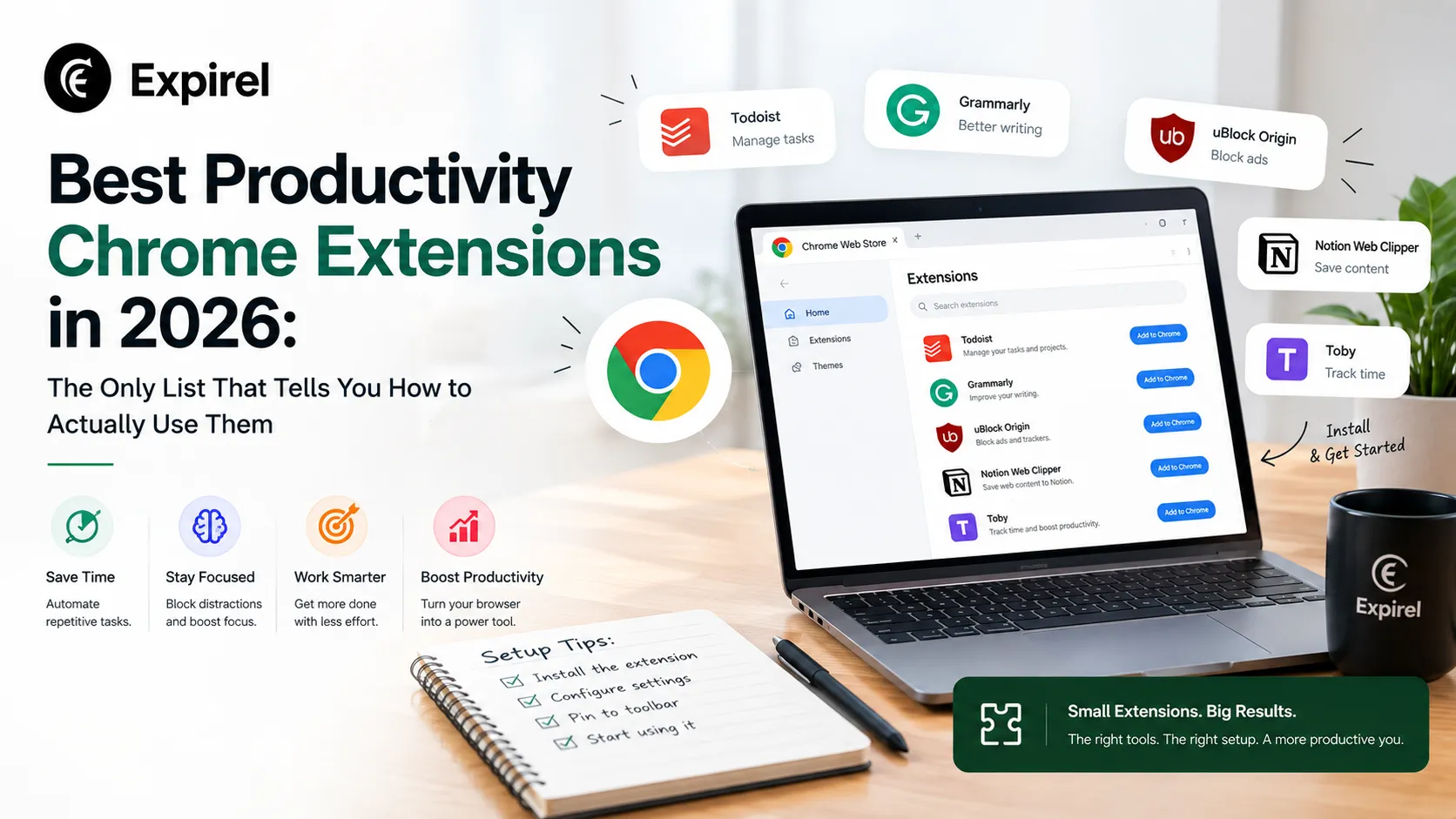
Best Productivity Chrome Extensions in 2026: The Only List That Tells You How to Actually Use Them
September 8, 2026
13 Best productivity Chrome extensions in 2026 with setup tips, privacy ratings, Cold Turkey vs StayFocusd, Google extensions, and persona-based picks.
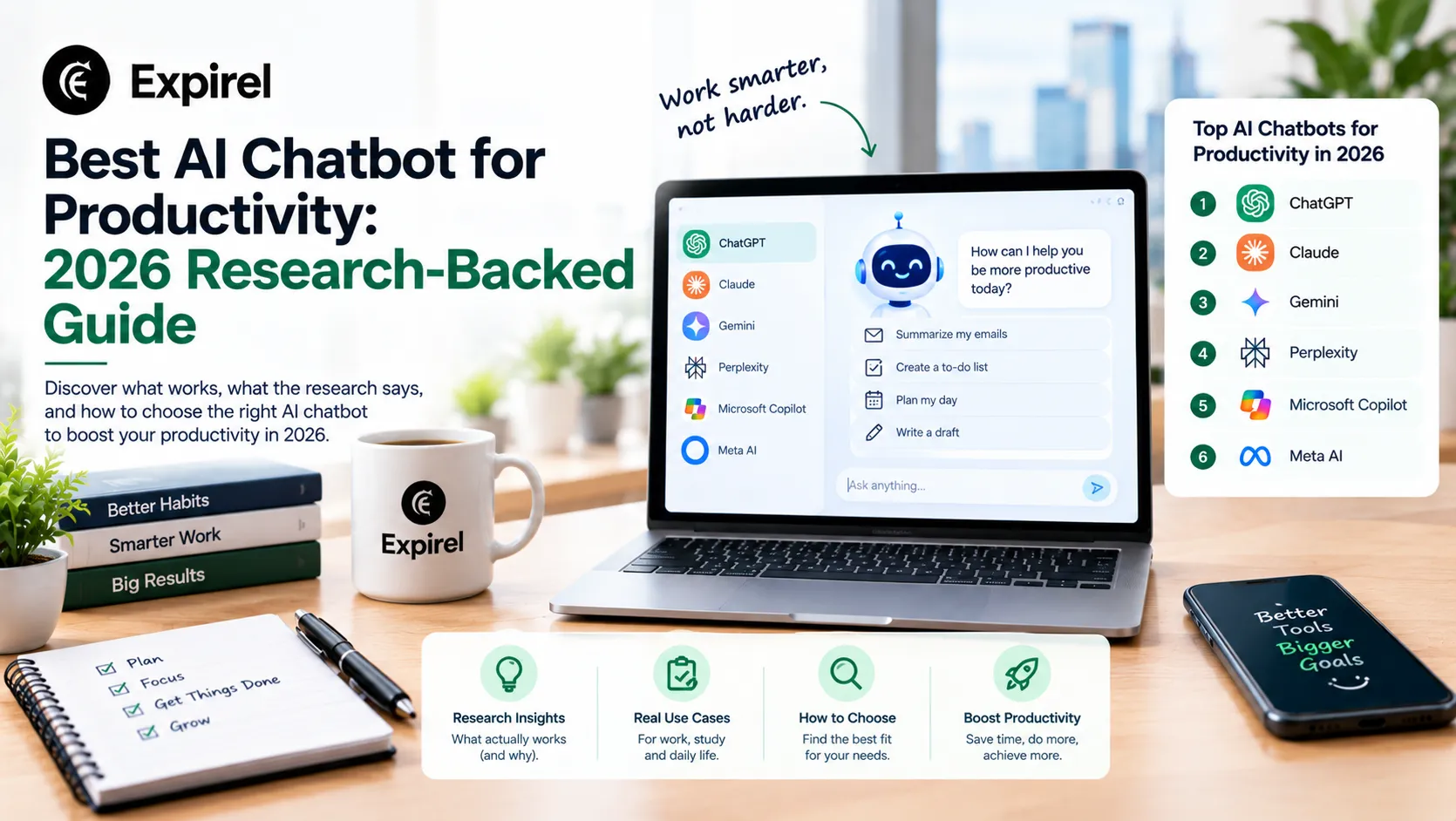
AI Chatbot for Productivity: Complete 2026 Guide: Research, Pricing, and Which One Actually Works for You
September 29, 2026
Verified 2026 pricing, peer-reviewed research, and honest comparisons of the best AI chatbots for productivity, customer service, and website engagement.
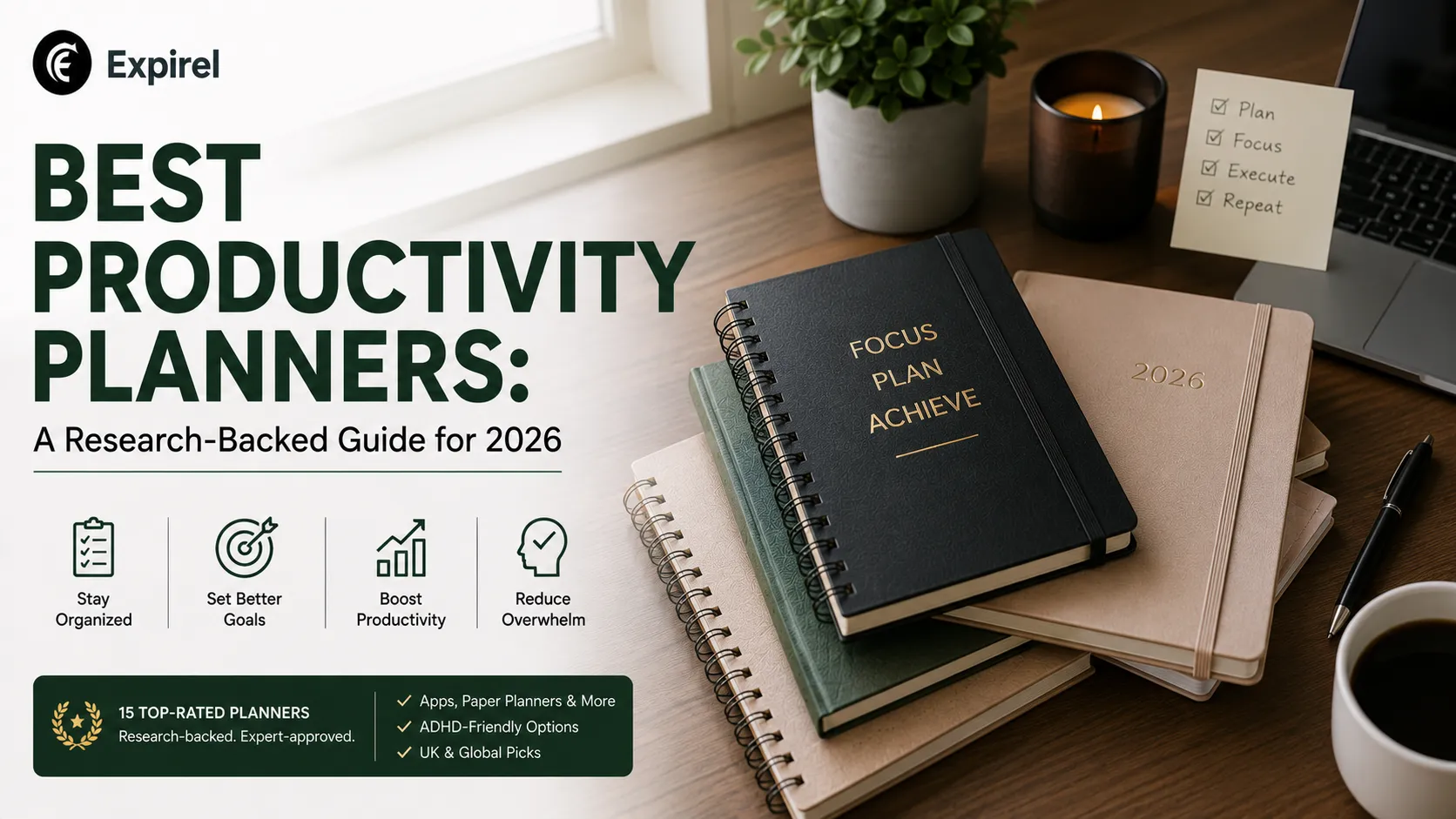
Best Productivity Planners: A Research-Backed Guide for 2026
July 21, 2026
Which productivity planner actually fits how you work? Compare 15 top picks for ADHD, iPad, work, and paper by price, pros, and cons.