Best Productivity Apps for Medical Students in 2026: Pick by Stage
Find the best productivity apps for medical students in 2026: free picks, a stack for each stage, tools for doctors, and how to protect patient privacy.
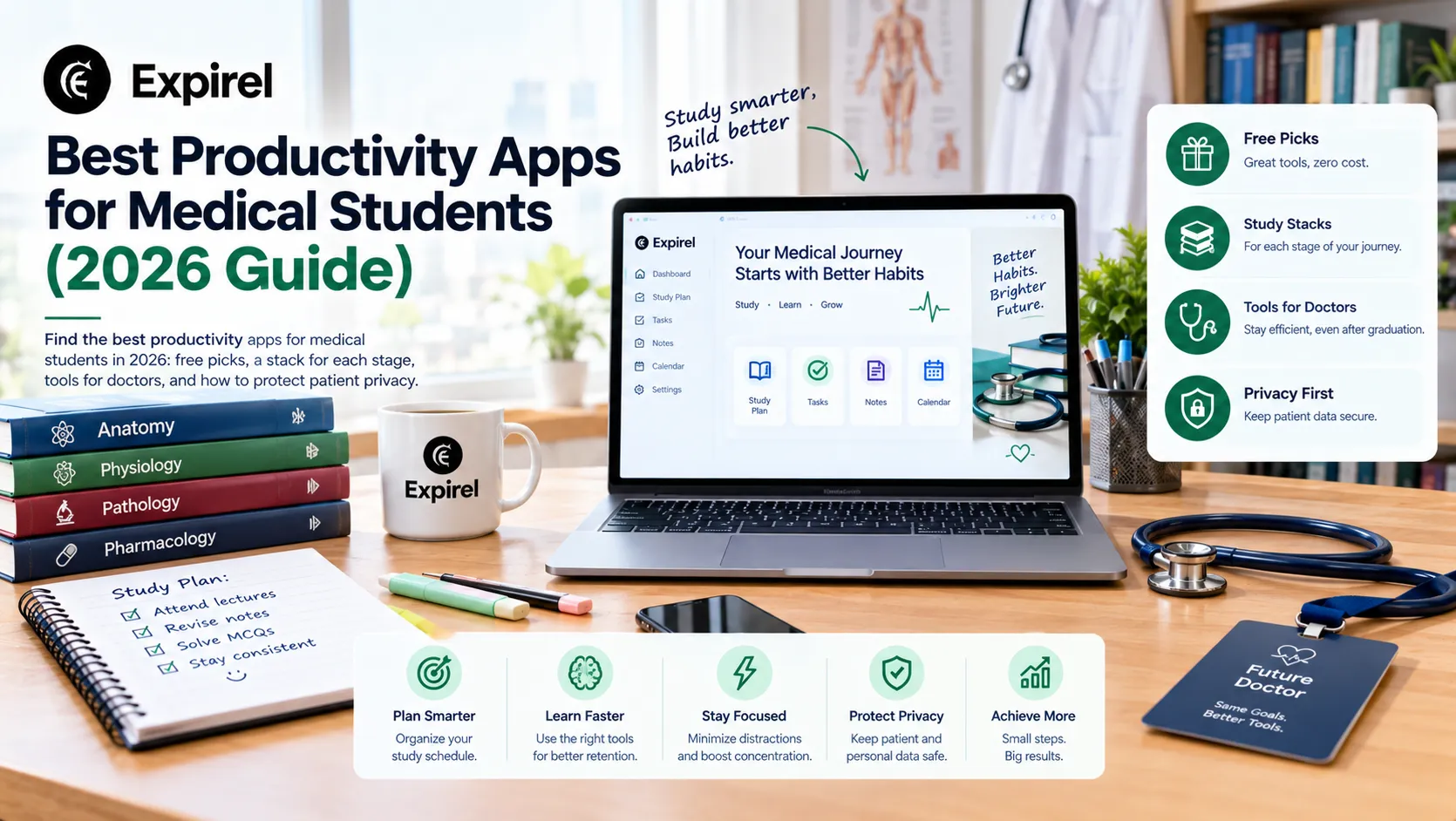
Which app is best for medical students? There isn't just one. The best productivity apps for medical students form a small "stack": one app for memorizing facts, one for weekly planning, one for note-taking, and one to prevent your phone from eating up your study time. Then come the clinical tools.
Medical school introduces two challenges beyond those faced by the average student: the sheer volume of facts to memorize, and the need, starting from your first clinical rotation, to handle patient information that doesn't belong in a casual app. This guide covers both aspects. You will find free options, pricing details, and a recommended app stack for every stage, from the early years through residency.
Quick Answer
Use Anki for memorization, Google Calendar for planning, Notion or OneNote for notes, and Todoist or Microsoft To Do for tasks. If your phone is a distraction, add Forest; add Zotero when you begin research. For clinical reference, include Medscape and MDCalc. Ensure you keep identifiable patient details out of all of them.
What medical students need from productivity apps
A general student app helps you finish work. A medical student's app has to do more work, as there are four parts to this profession.
Retain: thousands of facts that must stay in memory for years.
Plan: exams, rotations and deadlines in one view.
Look up: drugs, doses and risk scores at the point of care.
Protect: your focus, your sleep, and the patient's privacy.
Research backs the first job. A major 2013 review, summarized by the Association for Psychological Science, found that practice testing and spaced study sessions work best, while rereading and highlighting work poorly. Therefore, choose apps that prompt you to answer questions, rather than those that merely store notes. And keep your core stack to three to five apps.
Best productivity apps for medical students: the core stack
1. Anki: Excellent for memorizing facts
Anki displays each flashcard right when you are about to forget it. It is available for free on desktop, the web (via AnkiWeb), and Android (via AnkiDroid). On iPhone, AnkiMobile is a one-time purchase of $24.99 in the United States.
The evidence regarding this is promising but limited in scope. A 2023 survey of 165 medical students at a US educational institution revealed that 56% of students used Anki daily. Daily usage was linked to better 'Step 1' scores (though not 'Step 2' scores) and improved sleep quality. This is merely an association, not definitive proof, and the authors noted that similar results could potentially be achieved through various other study methods.
Many students also pay for 'AnkiHub', a service that keeps shared 'decks' up to date. At last check, the cost was approximately $6 per month; however, a free tier and scholarships are available, so it is worth checking before subscribing. Tip: Complete your 'reviews' before adding new cards, and limit the number of new cards added each day.
2. Notion or OneNote: best for notes
Use one notes page per block or rotation with the same template: key points, questions you missed, and what to review. Notion's help center says university students can get its Plus plan free with a school email, so check that your school qualifies. OneNote is free through many schools that use Microsoft 365 Education, and Microsoft explains eligibility on its education page. Export your notes before you graduate.
3. Google Calendar: best for planning
Enter every exam, rotation start date and deadline first. Then plan backwards from each exam and block named sessions, such as “Cardiology question set, 60 minutes.” Google Calendar is free. Use your school's calendar if it runs on Outlook.
4. Todoist or Microsoft To Do: best for tasks
Todoist's free plan allows 5 personal projects, and Pro costs $5 a month billed yearly, according to Todoist's pricing. Microsoft To Do is free, runs on every major device and syncs with Outlook. Pick one. Use a single school project with labels instead of separate projects for each course.
5. Forest: best for phone free focus
When you focus, 'Forest' grows a virtual tree, and if you leave the app, it destroys it. The core timer is free, with an optional Plus plan. Use it for question bank blocks, when your phone is most tempting.
6. Zotero: best for research
When research or a case report starts, Zotero saves sources and builds citations. This app is free and includes 300 MB of file storage. References and notes sync without using this quota, so only attach PDFs for the sources you actually use.
Useful apps for medical students beyond productivity
These tools are not productivity apps, but most medical students end up using them. Check your library first, because many schools provide some of them at no personal cost.
App | What it does | Cost snapshot |
|---|---|---|
Drug reference, interaction checker, free CME | Free, ad supported | |
Drug information, interactions, pill identifier | Free tier. Premium is paid | |
Hundreds of clinical calculators and risk scores | Free | |
Secure messaging and news for clinicians | Free | |
UpToDate | Evidence based clinical answers | Paid. Often through your school or hospital |
UWorld or AMBOSS | Practice questions for licensing exams | Paid. Often your biggest app cost |
A university library maintains a list of free clinical apps, illustrating how common these tools are in medical educational institutions. A question bank is usually the largest expense, so ask your library about AMBOSS or UpToDate access and compare prices on each provider's site before you buy.
Medical productivity apps for doctors and residents
Doctors need the same core stack, weighted differently: fast lookups, secure communication and strict privacy. The best productivity apps for doctors fall into three groups.
Reference: Medscape, Epocrates and MDCalc for quick answers, plus UpToDate through your hospital.
Messaging: Doximity for secure messages and calls, if your hospital allows it.
Personal tasks: Microsoft To Do or Todoist for shift swaps, CME deadlines and exam prep, with no patient details in them.
The privacy rule that matters In the US, HHS says providers may use mobile devices to reach patient data only when safeguards and agreements are in place. As a user, please note that the Taskware app does not have any agreement with your hospital. Treat it as off limits for names, record numbers, dates of birth and any detail that could identify a patient. Follow your school's and hospital's policy, and use only approved tools for patient information. |
Pick your apps by stage
Your needs change as you move through training. Add apps when a stage demands them, and drop what you no longer use.
Stage | Focus | Apps to lean on |
|---|---|---|
Preclinical years | Steady daily retention | Anki, Notion or OneNote, Google Calendar |
Dedicated exam prep (Step 1 or your national exam) | Practice questions and weak areas | Question bank, Anki, calendar blocks, Forest |
Clinical rotations | Fast capture and quick lookups | Calendar per rotation, a task app, Medscape, MDCalc |
Residency | Shifts, messaging, CME | Shift calendar, Doximity, a task app |
Rotations add a hidden task: expiry dates. Basic life support cards, immunization records, ID badges, visas and licence renewals all lapse. You can track them in a reminder app. Expirel is our own product, so weigh this accordingly, but its expiry reminders go out by email on every plan and by WhatsApp on paid plans.
Free productivity apps for students: a zero-dollar stack
You can build a strong 'stack' without making a payment. Here is what costs nothing:
Google Calendar, Microsoft To Do and OneNote through your school.
Anki on desktop, web and Android.
Notion's free plan, or Plus free with an eligible school email.
Zotero with 300 MB of storage, plus Medscape and MDCalc.
Obsidian for private notes. Obsidian's pricing page says students get 40% off its optional Sync.
Three potential expenses are expected: AnkiMobile for iPhone, an optional AnkiHub plan, and a question bank. For more free picks outside medicine, see Expirel's guide to the best productivity apps for students.
Set up your stack in one weekend
Pick one app per job. Anki, a calendar, a notes app and a task app.
Enter every date. Add exams, rotation starts and deadlines. Set reminders 7 days and 1 day ahead.
Install Anki and set a daily time. Tie 20 minutes to something you already do, like breakfast, and track the streak with a habit tracker.
Make one notes template. Use key points, missed questions and a short review list.
Block your week. Give each study block one task, and end it with 10 minutes of recall without notes.
Write your privacy rule. One line: no identifiable patient details in personal apps.
Common mistakes medical students make with apps
Building before studying. A perfect Notion dashboard is not progress. Use a simple setup for two weeks first.
Adding too many new cards. Reviews pile up fast. Cap new cards and clear reviews first.
Paying twice. Check whether your school already provides AMBOSS, UpToDate or a question bank.
Putting patient details in personal apps. This violates privacy principles and can end a career. Keep notes de-identified.
Trading sleep for cards. In the same 2023 survey, daily Anki use was linked to better sleep quality, so keep reviews short and steady. For meditation and journaling help, Expirel's guide to the best apps for self improvement compares options.
Copying a classmate's setup. Choose by your stage and your four jobs.
Best productivity apps for high school students aiming for medicine
If you're still in high school, skip the heavy stack. Use Google Calendar, a task management app (such as Todoist's free plan or Microsoft To Do), and the free Anki desktop or Android app to memorize these facts. Notion's free Plus plan is for university students, so use the regular free plan. A brief daily review beats a long, chaotic session at the end of the week.
Conclusion: build a small stack for your stage
The best productivity apps for medical students are the ones you open every day. Start with Anki, a calendar and a task app. Add notes, focus and clinical tools only when your stage needs them, and protect patient privacy from day one. Review your tools and apps monthly and remove any that you do not use.
Frequently asked questions
Q: Which app is best for medical students?
No single app wins. Anki is the most useful for remembering facts, and Google Calendar plus a task app keep your week in order. Add a notes app and a focus timer as needed.
Q: What are the best free productivity apps for medical students?
Google Calendar, Microsoft To Do, Anki on desktop and Android, Notion's free plan, Zotero, Medscape and MDCalc are all free. Some have limits, such as Zotero's 300 MB of storage.
Q: What are the best productivity apps for doctors?
Doctors usually combine reference apps such as Medscape, Epocrates and MDCalc with a task app and approved secure messaging. Keep patient details out of personal apps.
Q: Is Anki necessary in medical school?
No. It is popular, but a survey linked daily use to better Step 1 scores only, and the authors note other methods can work. Use any method that makes you test yourself regularly.
Q: Can I put patient information in a notes app?
Not in a personal one. Use only tools your school or hospital approves, and keep personal notes de-identified. Follow your institution's policy.
Q: How many apps should a medical student use?
Three to five core apps. Add clinical reference apps separately, and drop any app you haven't opened in two weeks.

Fahad Ahmad
Founder of EXPIREL · Digital Entrepreneur · Product Management Specialist
Fahad Ahmad is the founder of EXPIREL and a digital entrepreneur with over 10 years of experience in SaaS development, SEO, and digital product creation. He focuses on building practical solutions that help individuals and businesses manage product expiration dates, organize inventory, track habits, and improve daily productivity.
Through EXPIREL, Fahad shares actionable guides, product management tips, barcode scanning tutorials, and research-backed insights designed to help users reduce waste, stay organized, and make smarter decisions.
Related Articles
View all
Best Productivity Apps for Students in 2026: Top 10 by Need
October 5, 2026
Find the best productivity apps for students in 2026: top 10 picks, free options, real costs, and setups for college, PhD, law, medical, and high school.
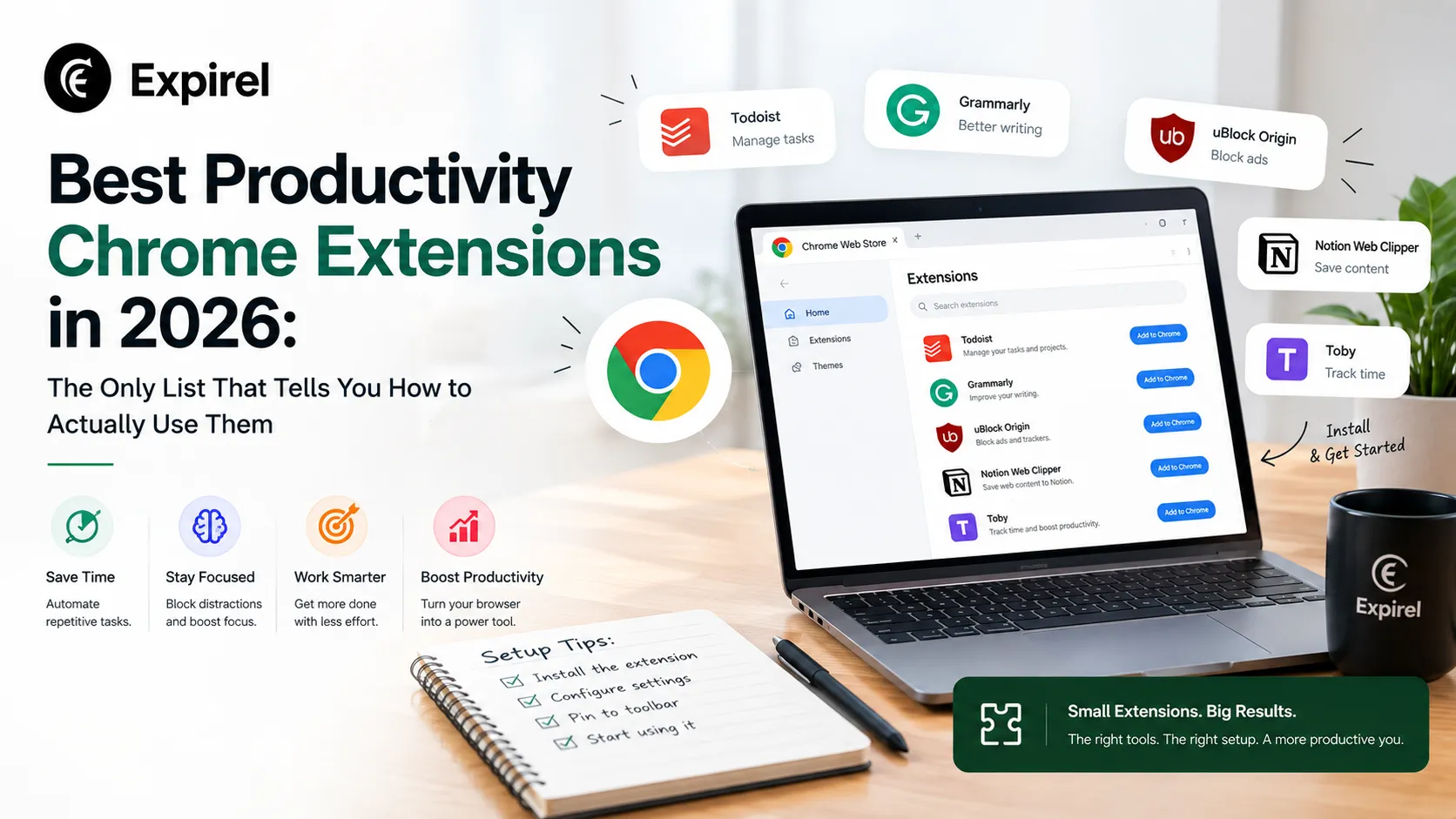
Best Productivity Chrome Extensions in 2026: The Only List That Tells You How to Actually Use Them
September 8, 2026
13 Best productivity Chrome extensions in 2026 with setup tips, privacy ratings, Cold Turkey vs StayFocusd, Google extensions, and persona-based picks.
Best Productivity Planners: A Research-Backed Guide for 2026
July 21, 2026
Which productivity planner actually fits how you work? Compare 15 top picks for ADHD, iPad, work, and paper by price, pros, and cons.