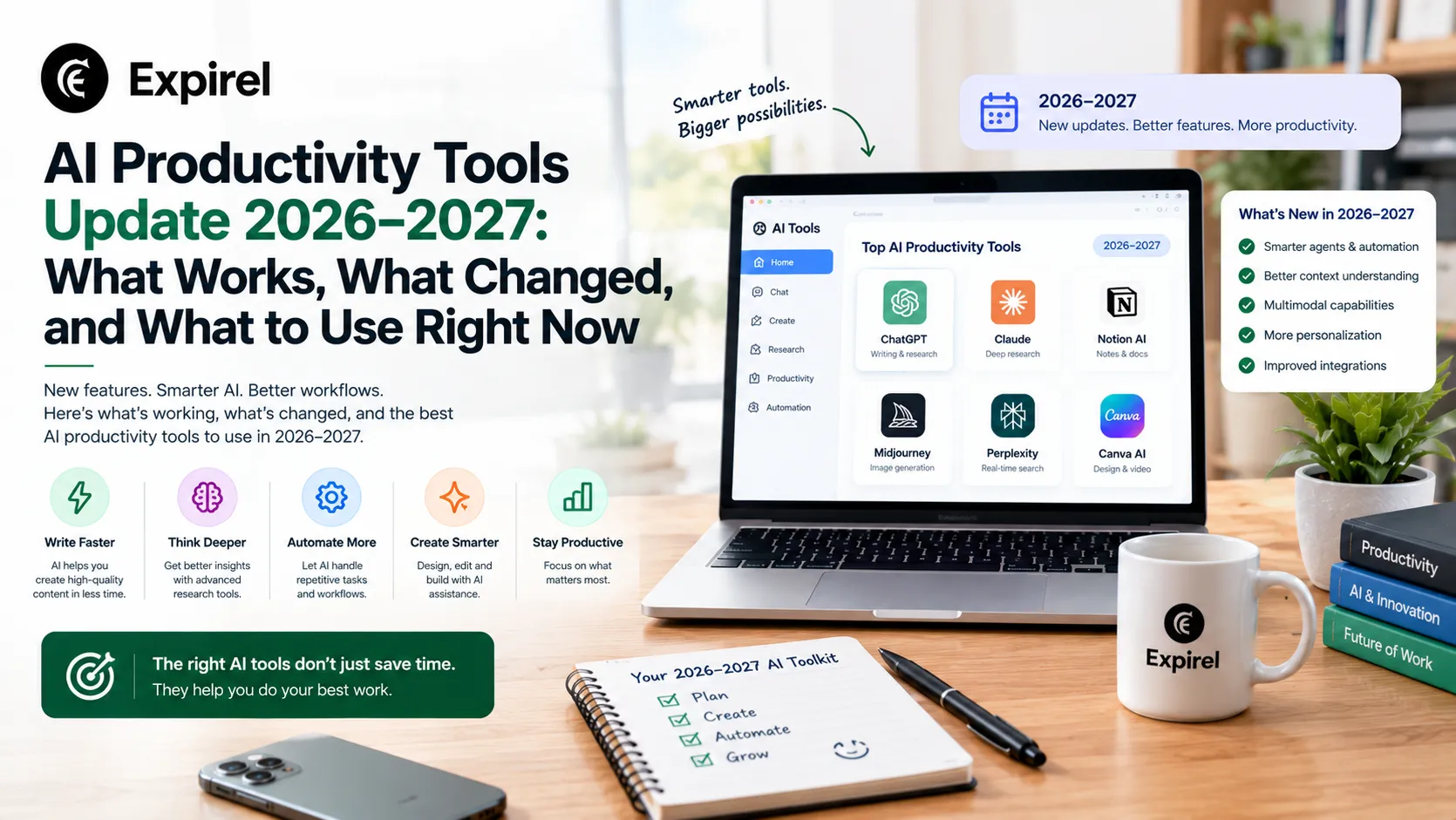
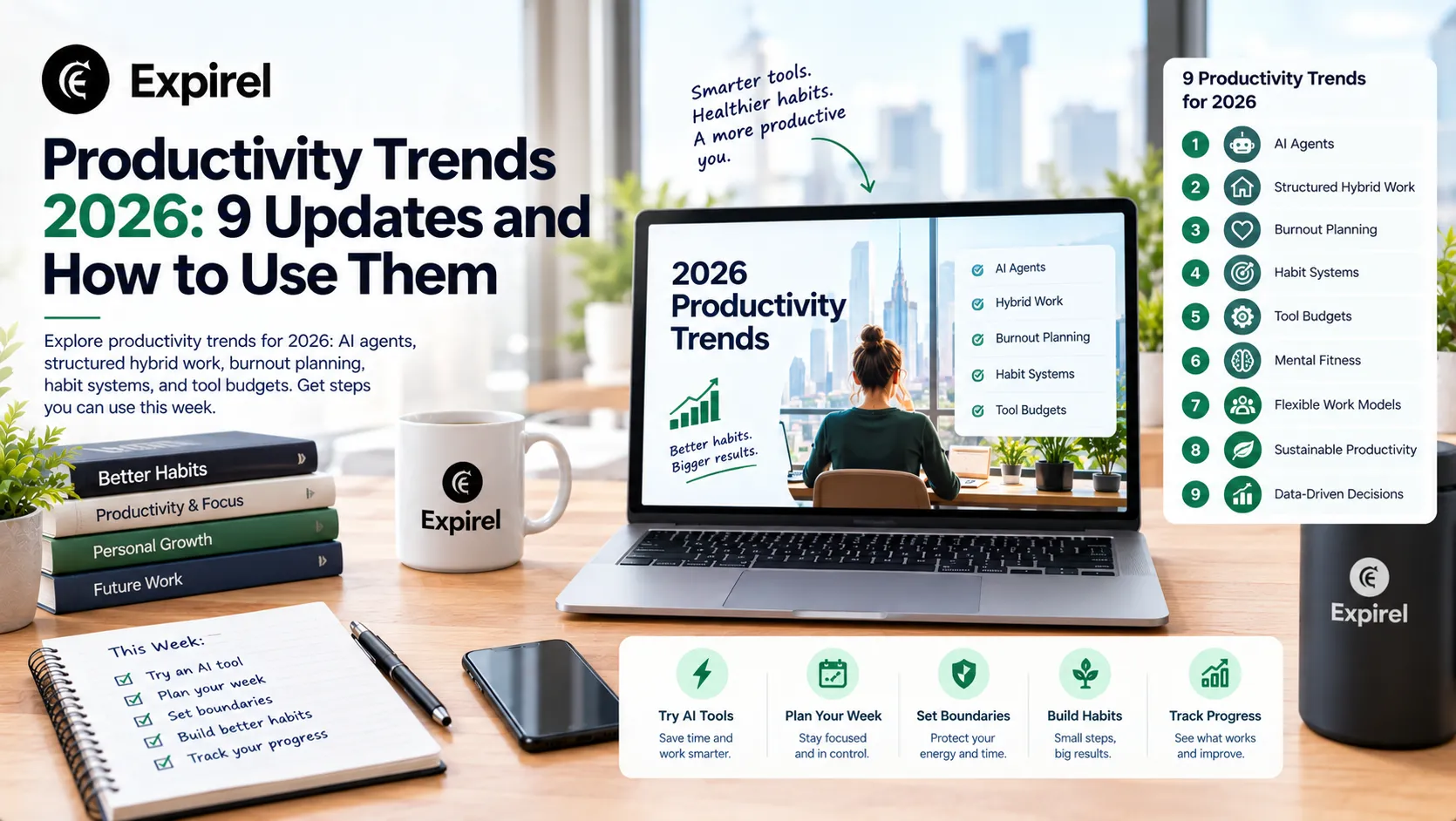
Productivity Tools Updates: What Changed in 2026 and What to Expect in 2027
What is productivity, and which productivity tool updates matter for 2027? See changes in Microsoft, Google, Slack, Notion, Todoist, and Apple.
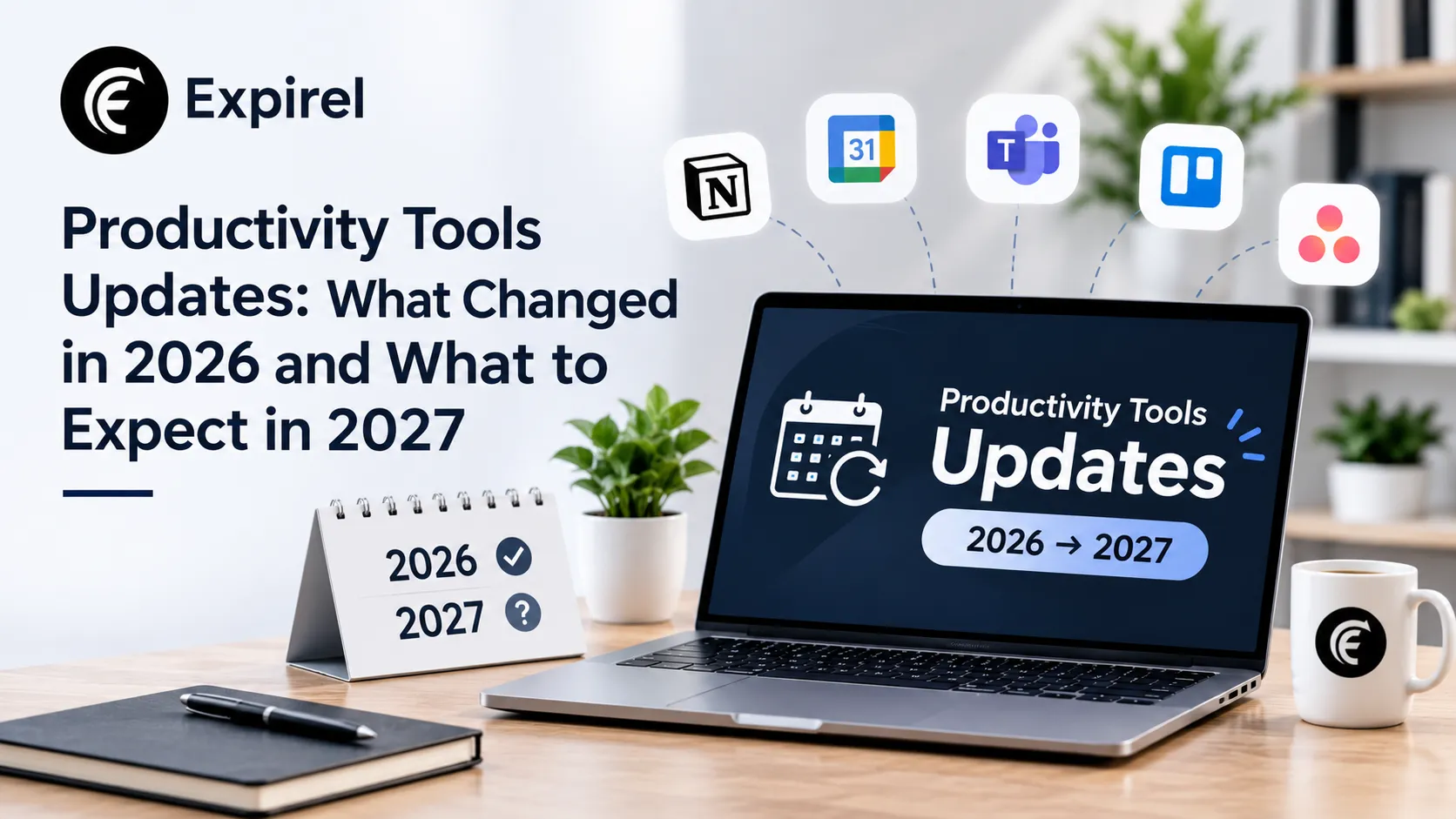
Productivity tools updates used to mean a new button, a fresh theme, or a faster sync. In 2026, they mean something bigger. The tools you already use now plan tasks, draft work, schedule meetings and act across your apps. That changes how you should choose, pay for, and trust them as 2027 approaches.
This guide explains what productivity really means, then walks through the most important productivity tools updates of 2026, tool by tool. It separates confirmed changes from predictions, shows you how to evaluate any new feature, and provides a 30-day plan to prepare. Every product claim comes from the vendor’s own announcement or a named report, and we flag what is still in the early stages.
A note on 2027: nobody can see it yet. What we can do is read the roadmaps vendors have announced, the rollouts already underway, and the forecasts of analysts, then explain what they point to.
What Are the Biggest Productivity Tools Updates Heading Into 2027?
The biggest update is the shift from AI assistants that answer questions to AI agents that complete multi-step tasks inside your tools. Microsoft, Google, Slack, Notion, and others all moved this way in 2026. Around that shift, five other changes matter.
Trend | What it means for you | Where you will see it |
|---|---|---|
Assistants become agents | Tools plan and finish tasks, not just suggest text | Microsoft 365 Copilot, Gemini agent, Slackbot, Notion Custom Agents |
AI lives inside the suite | Less copying between apps | Docs, Sheets, Gmail, Word, Excel, Slack |
Usage-based pricing | You may pay for what agents do, not only per seat | Notion credits, Copilot usage-based billing |
Open connectors | One agent can reach many apps | MCP support in Slack, Google Workspace, and Microsoft plugins |
Admin and safety controls | Companies can see and limit what agents do | Agent usage reports, permissions, approvals |
Voice and natural language | Faster capture and fewer menus | Todoist Ramble, Apple’s rebuilt Siri |
If you only have one minute: pick one repeated task, test an agent on it with read-only access, measure the time saved against the cost, and expand only if the result is clear.
What Is Productivity? A Clear Definition
Before we talk about tools, we need a shared answer to a basic question: what is productivity?
Productivity is the amount of valuable output you produce compared with the time and resources you spend. In economics, the U.S. Bureau of Labor Statistics defines labor productivity as real output per hour worked, as explained in its concepts guide to productivity measurement. The idea works at every level, from a country to a team to a single person.
A simple example shows the math. If you write 500 words an hour and then raise that to 750 words an hour with the same quality, your productivity rose by 50 percent.
Productivity is not the same as being busy
Many people confuse activity with output. Answering 80 messages feels productive, but if none move a goal forward, output is low. A better test is: what finished, and did it matter?
Three levels of productivity
Personal productivity: How well you use your own time and energy to finish meaningful work.
Team productivity: How well a group turns shared effort into results. Our guide on practical steps for lifting team output covers this in depth.
Organizational productivity: How well a whole company converts people, tools and money into value.
Productivity, efficiency and effectiveness
These words are related, but they are not the same:
Productivity compares output with input.
Efficiency asks how little waste you create along the way.
Effectiveness asks whether you are doing the right work at all.
A tool can raise efficiency (faster typing) without raising effectiveness (writing the wrong report faster). Keep this in mind as you read about new features.
What Are Productivity Tools?
Productivity tools are apps and software that help you plan, do, track, and finish work with less time and effort. Most fall into six groups.
Category | Main job | Examples |
|---|---|---|
Task and to-do apps | Capture and track actions | Todoist, TickTick, Things, Microsoft To Do |
Calendar and planning apps | Schedule time and commitments | Google Calendar, Apple Calendar, Fantastical |
Notes and knowledge tools | Store ideas, plans and reference material | Notion, OneNote, Obsidian, Apple Notes |
Communication and collaboration | Talk, share and decide | Slack, Microsoft Teams, Google Chat |
Project and workflow tools | Manage shared work | Asana, Trello, monday.com, ClickUp |
AI assistants and agents | Draft, research and act on your behalf | Microsoft Copilot, Gemini, Slackbot, Notion agents, general AI assistants such as ChatGPT and Claude |
If you want to compare dozens of options by need, see our roundup of 34 organization apps compared. If you work in sales, our guide to tools that remove admin work for sales teams goes deeper.
The Big Shift: From Assistants to Agents
Understanding this one idea makes every other update easier to judge.
Feature | AI assistant | AI agent |
|---|---|---|
How it works | Answers when you ask | Takes a goal and works through the steps |
Output | Text, suggestions, summaries | Finished tasks, files, updates, scheduled actions |
Your role | You do the work with help | You set the goal, review and approve |
Main risk | Wrong or generic answers | Wrong actions taken with real permissions |
An assistant might draft an email. An agent might read your inbox, find the thread, draft the reply, check your calendar and propose a meeting time, then wait for your approval.
What the analysts say
Gartner predicts that 33 percent of enterprise software applications will include agentic AI by 2028, up from less than 1 percent in 2024, and that at least 15 percent of day-to-day work decisions will be made autonomously by then. The same press release carries a warning: Gartner also expects more than 40 percent of agentic AI projects to be canceled by the end of 2027 because of rising costs, unclear value or weak risk controls. You can read both points in Gartner’s prediction on agentic AI projects.
Gartner also describes "agent washing," where vendors relabel chatbots or simple automation as agents. This matters for you as a buyer. Many features carry the word "agent" without being much more than a chatbot with a button.
A five-question test for any "agent" feature
Does it finish a task, or only suggest? Real agents complete steps.
Which apps can it reach? Check the connections.
Can you see what it did? Look for logs and activity history.
Can you limit what it does? Look for permissions and approvals.
What does each run cost? Look for credits, usage fees or plan limits.
If a feature fails three or more of these, treat it as marketing until proven otherwise.
Productivity Tools Updates in 2026: Tool by Tool
Here are the most important changes from the tools most people use, based on vendor announcements and release notes. Features, rollouts and prices change quickly, and some features reach only certain plans or regions, so check each vendor before you decide.
Microsoft 365 Copilot
Microsoft kept moving Copilot from a chat box toward an agent platform that works across Word, Excel, PowerPoint, Outlook, Teams and more. Microsoft’s own Copilot release notes show the trend. A November 2026 entry adds an agents usage report to the admin center, so IT teams can see how many people use agents and how many agents are active. Another entry lets users create Microsoft Lists from a plain-language prompt through a SharePoint list agent.
Other changes reported from Microsoft’s message center notices this autumn:
Microsoft is folding Copilot Agents into a single "Plugins" area, which bundles agents, skills, connectors and remote MCP servers. Rollout was due by late November 2026.
Standalone Word, Excel and PowerPoint agents are being replaced by document creation and editing built into Copilot Chat. The rollout started in mid-November 2026 and should finish by late December.
New experiences such as Copilot Home, Cowork, Code and Autopilot (formerly called Scout) are rolling out in stages, and reports describe some of them as early access, so check what your license includes.
Usage-based billing models are arriving for some Copilot features.
Why it matters: Microsoft is pairing more agent power with more admin visibility and metered cost. If you manage a team, review who can create agents and what they can access.
Google Workspace and Gemini
Google’s biggest announcement was the Gemini agent, introduced at Gemini at Work on October 8, 2026. Google describes it as a single agent for work that works inline in Gmail, Drive, Docs, Slides, Sheets, Chat, and Calendar. According to Google, it can create temporary sub-agents for multi-step tasks and can run work that takes hours or days. Some features, such as delegating background tasks, were listed as early access at launch.
Earlier in the year, Google I/O 2026 introduced conversational features for Gmail, Docs and Keep and a personal agent called Gemini Spark for some paid users. At Google Cloud Next 2026, Google also announced a Workspace MCP Server in preview, which lets outside AI apps and agents connect to Workspace in a standard way.
Why it matters: If your life runs on Gmail and Google Calendar, the practical test is whether the agent saves you real steps on tasks like scheduling and document drafting. Check what your plan includes first.
Slack and Slackbot
Slack turned Slackbot into a full AI agent in 2026. Salesforce announced the reimagined Slackbot in January, and in March it announced more than 30 new capabilities, including reusable skills and meeting summaries, as TechCrunch reported. At Dreamforce in September 2026, Slack said Slackbot was expanding into Salesforce, and introduced a full-screen AI workspace called Big Mode for longer research and writing tasks, as described on the Slack blog. Slack says Slackbot is included in Business+ and Enterprise+ plans.
Why it matters: For teams that already live in Slack, the question is whether Slackbot reduces searching and note-taking. Check privacy settings carefully, because some features reach beyond Slack itself.
Notion
Notion launched Custom Agents in February 2026 for Business and Enterprise plans. These agents run on schedules or triggers, such as sorting email or writing status updates. A key detail is pricing. Notion explains that Custom Agents use credits based on how much work they do, while the seat price stays the same, in its post introducing Custom Agents. Metered credits began in May 2026.
Why it matters: Notion shows where pricing is heading. Seats pay for access, and credits pay for work. Keep agents lean and measure what each one costs.
Todoist
Todoist launched Ramble in January 2026. Ramble lets you speak to add tasks, and the app turns your words into structured tasks with dates and priorities, even when you correct yourself mid-sentence, as TechCrunch covered. It works across iOS, Android, desktop and web, and supports 38 languages. Doist says audio is not stored or used for AI training.
Why it matters: Capture speed decides whether a task app gets used. Voice capture is useful when your hands are full, such as while walking or commuting.
Apple: iOS 27 and the new Siri
Apple released iOS 27 in September 2026, and the headline change is a rebuilt Siri that can take actions across apps. As Macworld’s iOS 27 guide explains, later iOS 27 updates keep widening what Siri can do inside apps such as Calendar and Reminders. MacRumors reports natural-language support for adding and changing events and reminders. Availability can depend on your device, language and region, so check Apple’s page for your model.
Why it matters: If you use Apple Reminders and Calendar, you may get stronger voice and natural-language control without installing anything new.
Summary Table
Tool | Key 2026 update | What to check before using |
|---|---|---|
Microsoft 365 Copilot | Agents folded into Plugins, new agent usage reports, usage-based billing | Admin controls, license type, billing model |
Google Workspace | Gemini agent inside Gmail, Docs, Sheets and Calendar, Workspace MCP Server preview | Plan access, early-access limits |
Slack | Slackbot as an AI agent with skills, Big Mode, Salesforce link | Plan level, data access settings |
Notion | Custom Agents with credit-based pricing | Credit costs per run, plan requirements |
Todoist | Ramble voice-to-task capture | Free-plan limits, language support |
Apple | iOS 27 with rebuilt Siri and app actions | Device, language and region support |
The Open Standard Behind Many of These Updates: MCP
You will see "MCP" in many release notes. The Model Context Protocol is an open standard for connecting AI apps to outside tools and data. It was created by Anthropic, which donated it in December 2025 to the Agentic AI Foundation under the Linux Foundation, co-founded by Anthropic, Block and OpenAI, with support from companies such as Google and Microsoft, as Anthropic explained in its announcement about donating MCP.
In simple terms, MCP is a shared plug type. Instead of every app building a custom connection to every other app, tools can follow one standard. For you, the practical benefit is that an agent in one app can increasingly reach data in another, such as your calendar, files or tasks. The practical risk is that more connections mean more places where your data can travel, so permissions matter.
What These Updates Mean for 2027: Our Analysis
These points are our reading of the evidence, not guarantees.
Agents will become normal in the tools you already use. Vendors are building them into suites, so most people will meet agents by updating, not by shopping.
Pricing will keep shifting toward usage. Notion’s credits and Microsoft’s usage-based billing suggest a mix of seat fees and metered costs. Budget for variable cost.
Governance will become part of the buying decision. Agent usage reports, permissions and approval steps are now standard product features.
Many pilots will fail. Gartner expects a large share of agentic AI projects to be canceled. Small, measured tests beat grand rollouts.
Voice and natural language will replace menus for capture. Todoist Ramble and Apple’s Siri changes point the same way.
The winning skill is judgment. Tools will draft and act faster. People will need to decide what is worth doing and check the result.
Habits will still decide results. A better tool cannot fix an unclear goal or a skipped weekly review.
How to Evaluate Any Productivity Tool Update
Feature lists change monthly. A stable method lasts longer. Use these five checks on any update.
Check | Question to ask | Red flag |
|---|---|---|
Task | Does it solve a task I repeat every week? | It solves a problem I do not have |
Trust | Can I see, limit and undo what it does? | No logs, no approvals |
Time | Does it save time after setup and review? | Review takes as long as doing it by hand |
Total cost | What is the full monthly cost, including usage? | Unclear or open-ended billing |
Teammates | Will others actually use it? | It only works if everyone changes habits |
A simple pilot template
Pick one repeated task, such as weekly status reports or meeting follow-ups.
Record the current time it takes for two weeks.
Turn on the new feature with the lowest permissions possible.
Review every output before it is sent or saved.
After two weeks, compare time saved, errors found and cost.
Keep it, adjust it or drop it. Write the decision down.
Which Productivity Tools to Use Heading Into 2027
There is no single best stack. Match your tools to your situation, and add AI where it removes a clear chore.
Profile | Core stack | AI layer and guardrail |
|---|---|---|
Student or solo user | Calendar, one task app, one notes app | Use built-in assistants for summaries and drafts, and check facts yourself |
Busy professional | Calendar, task manager, notes, team chat | Try voice capture and meeting summaries, keep sensitive data out of unapproved tools |
Small business owner | Shared tasks, shared calendar, invoicing and a tracker for renewals | Start with one agent for one chore, measure its cost |
Team lead | Project tool, chat, shared knowledge base | Review agent permissions and usage reports monthly |
Family or household | Shared calendar, lists and a tracker for dates | Keep it simple, shared access for adults only |
Households can also share tracking for dates such as warranties and food expiry, and family sharing in Expirel supports that kind of shared setup.
Security and Privacy Checklist for AI-Enabled Tools
Agents act with your permissions, so a mistake is more costly than a bad suggestion. Before you turn one on:
Start read-only. Let it read and draft before it sends, deletes or edits.
Require approval for external actions. Emails, payments and file sharing should need a human click.
Limit what it can see. Connect only the folders, calendars and channels it needs.
Check data use. Look for how your data is stored and whether it is used for training.
Review the activity log. Make weekly checks part of your routine.
Keep a human in charge of code and sensitive decisions. For a closer look at one risk area, read why AI-generated code needs a human security review.
Plan for mistakes. Know how to revoke access and undo changes.
Control the Cost: Prepare for Metered Pricing
Usage-based billing changes how you plan. Seat fees were predictable. Credits and per-run costs are not, unless you set limits.
List every AI feature you pay for. Include add-ons and credit packs.
Set a monthly budget per tool. Alert yourself when usage nears it.
Track cost per task. If an agent costs more than the time it saves, change it.
Choose smaller models or simpler flows for repeat work. Some vendors offer cheaper options for routine tasks.
Audit renewals. Put every subscription and its renewal date in one list, and set reminders ahead of time. A tracker with email and WhatsApp reminders helps you cancel or downgrade before an unwanted renewal. Larger teams can look at business features for shared tracking.
If you still run parts of your business on spreadsheets, our guide to business tools that replace time-consuming spreadsheets can help you decide what to move first.
Your 30-Day Plan to Prepare for 2027
Week 1: Audit. List the tools you use, what each costs, and when each renews. Note which already include AI features you have not turned on.
Week 2: Choose one pilot. Pick one repeated task. Record how long it takes today. Read the vendor’s notes for the feature you want to test.
Week 3: Run the pilot. Use the lowest permissions. Review every output. Log time saved, errors, and cost.
Week 4: Decide and set rules. Keep, change or drop the pilot. Write a one-page rule for your team: what AI may do, what needs approval and who reviews.
Repeat this loop each quarter. Small, measured steps beat a big reset.
Habits Still Decide Whether Tools Work
The newest agent cannot help if you never open your task list or never review your week. Tools raise the ceiling, but habits set the floor. A few routines make any stack work:
Daily: Plan your top three tasks in the morning, and clear your inbox of tasks in the evening.
Weekly: Do a 15-minute review of goals, calendar and open tasks.
Quarterly: Audit your tools, costs and permissions.
A daily habit tracker helps you keep these routines visible, and you can compare habit tracking apps if you want more features. For the new year, goal-setting apps help you break a big goal into steps. As AI tools change how work gets done, building new skills matters too, and short daily learning apps and self-improvement apps can support a steady learning routine.
How to Measure Whether a Tool Update Helped
Without a baseline, every tool feels useful. Measure a few things before and after.
Metric | What it tells you | Watch out for |
|---|---|---|
Time per repeated task | Direct time saved | Ignoring review and setup time |
Error or rework rate | Quality of the output | Hiding errors to look good |
Tasks finished per week | Throughput | Counting small tasks as large ones |
Tool cost per month | Total spend, including usage | Forgetting add-ons and credits |
Adoption | Share of the team actually using it | Counting logins instead of real use |
Clear visual progress dashboards make trends easier to see. For team-level data, this guide on turning workforce data into better operational decisions explains how to use capacity and utilization data without invading privacy.
Common Mistakes When Adopting New Productivity Tools
Adopting everything at once. You cannot learn what worked if you change five things together.
Believing the word "agent." Run the five-question test first.
Skipping the baseline. If you never timed the old way, you cannot prove the new way is better.
Giving broad permissions on day one. Start narrow and expand.
Ignoring variable costs. Usage-based billing can surprise you.
Forgetting people. A tool nobody uses has zero productivity.
Chasing every launch. Review updates monthly, not daily.
Skipping the review step. AI output still needs a human check.
Three Real-World Scenarios
Scenario 1: A freelancer who spends Fridays on admin
Problem: Invoices, follow-ups, and meeting notes eat half a day.
Fix: Pilot one voice-capture or meeting-summary feature in a tool already in use. Time the admin before and after. Keep drafts as review-only.
Result to expect: Less typing and fewer forgotten follow-ups, with a clear time comparison after two weeks.
Scenario 2: A 12-person agency with a growing software bill
Problem: Several tools now charge for AI, and nobody knows the total.
Fix: List every tool, owner, cost, and renewal date. Set reminders before each renewal, and review which AI features each person actually uses.
Result to expect: Fewer unused seats and a predictable monthly budget.
Scenario 3: A team lead evaluating an AI agent in a chat tool
Problem: The vendor promises that the agent will handle status updates.
Fix: Run the five-question test, give read-only access, review outputs for two weeks and track errors.
Result to expect: A clear keep-or-drop decision based on measured results, not marketing.
Frequently Asked Questions
Q: What is productivity?
Productivity is the amount of valuable output you produce compared with the time and resources you spend. At the economy level, the U.S. Bureau of Labor Statistics measures it as real output per hour worked.
Q: What are productivity tools?
Productivity tools are apps and software that help you plan, do, track, and finish work with less time and effort. Common types include task apps, calendars, note tools, collaboration platforms, project tools, and AI assistants.
Q: What are the biggest productivity tools updates in 2026?
The biggest update is the move from AI assistants to AI agents that complete multi-step tasks. Microsoft, Google, Slack and Notion all shipped agent features, and vendors added admin controls, open connectors and usage-based pricing around them.
Q: Will AI agents replace productivity apps?
Not soon. Agents are mostly appearing inside existing apps. Gartner expects agentic AI to be included in a third of enterprise software applications by 2028, which suggests agents will join apps rather than replace them.
Q: Which productivity tools should I use in 2027?
Start with a calendar, a task manager, and a notes app. Add an AI feature only where it removes a clear, repeated chore, and pilot it before you rely on it.
Q: Are AI productivity tools worth paying for?
They can be, if you measure the result. Compare time saved against the full monthly cost, including usage fees. If the savings are unclear, stay on the free or included features.
Q: What is agent washing?
Agent washing is when vendors rebrand chatbots or simple automation as AI agents without real agent abilities. Gartner uses the term to warn buyers to check what a product actually does.
Q: How do I keep up with tool updates without wasting time?
Set one monthly 30-minute review. Check release notes for the three or four tools you rely on, note changes that affect your work, and ignore the rest.
Q: How do I keep my data safe with AI agents?
Start with read-only access, require approval for outside actions, connect only what the agent needs, and review its activity log every week.
Q: How do I measure productivity at work?
Pick a few measures, such as time per repeated task, error rate, and tasks finished per week. Record them before and after any change.
Final Thoughts
The best productivity tools updates are the ones that remove a real chore without adding risk or cost. As 2027 approaches, the trend is clear: tools will do more on their own, and your job is to choose where to trust them. Learn what productivity actually means, test one change at a time, measure the result, and keep the habits that make any tool work. For more practical guides on routines, focus and smarter tools, explore the latest articles on the Expirel blog.
Note: Product details in this article reflect vendor announcements and reports available on November 9, 2026. Features, rollouts, plans, and prices change often, so confirm details on each official site before you decide.