Productivity Recipe: A Step-by-Step System for Turning Effort Into Consistent Results
Tired of productivity hacks that fade by week two? This productivity recipe gives you the exact steps, a Google Sheets template, and the mistakes to avoid.
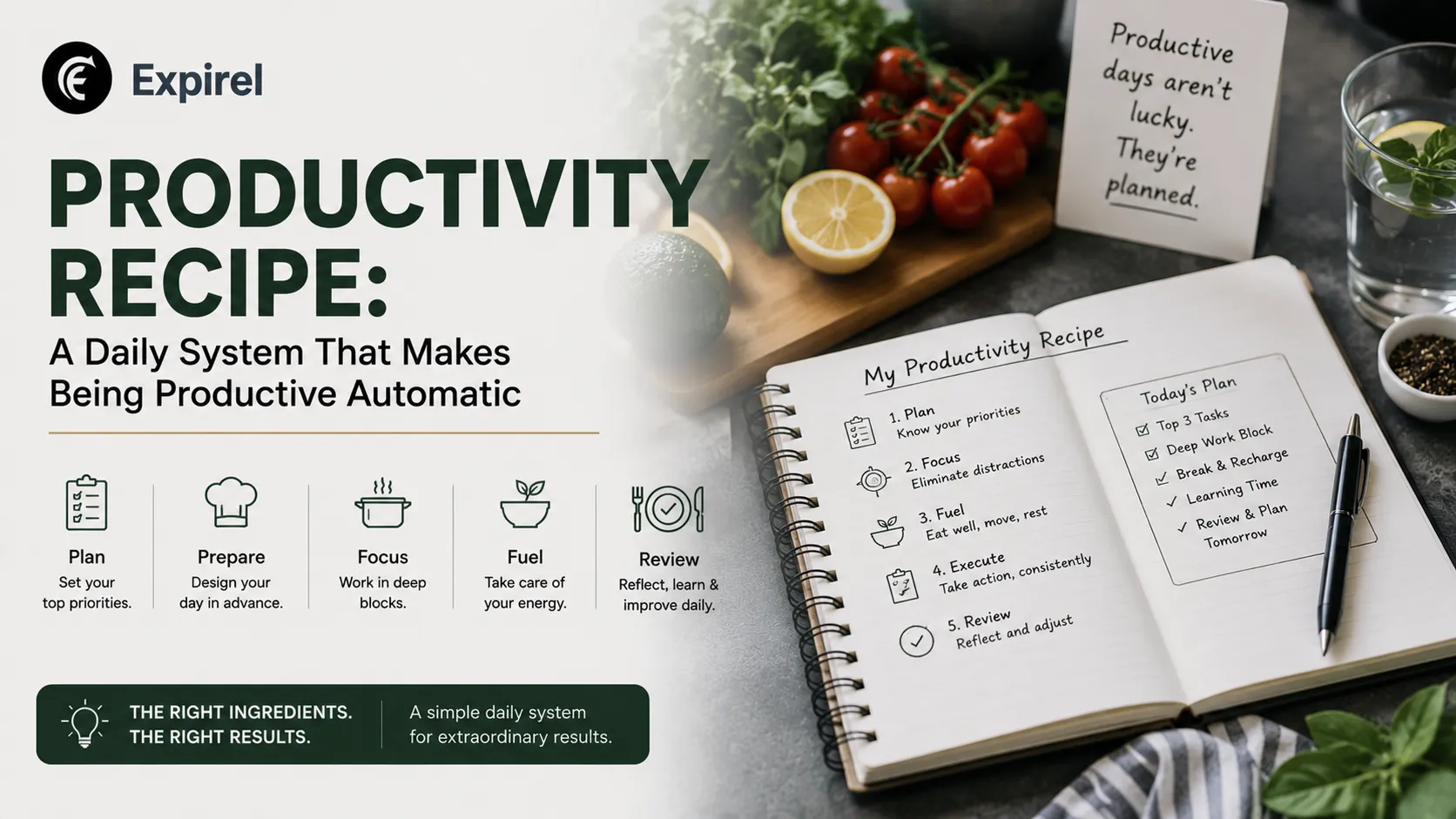
Most people search for a productivity recipe expecting a single formula that guarantees more output. That is the wrong mental model, and it is also why most productivity advice fails within two weeks. A recipe works because it combines ingredients in a specific order, at a specific ratio, and under specific conditions. A productivity recipe works the same way. It is not a list of hacks. It is a repeatable combination of capture, prioritization, time structure, review, and habit reinforcement that you tune to your own life until it holds under pressure.
This guide breaks the idea down the way a real recipe card would: ingredients, measures, and a method, backed by the same research that shapes how psychologists and productivity researchers actually talk about attention and habit formation. It also covers how to build your own tracker in Google Sheets, the mistakes that quietly break most systems, and how to keep the recipe alive once the initial motivation fades.
Productivity Recipe at a Glance
Treat this like the header of any recipe card. It tells you what you are committing to before you start.
Detail | What to Expect |
|---|---|
Prep time | 20 to 30 minutes to set up your capture system and first week of time blocks |
Active time | 15 minutes a day (5-minute daily review, plus scheduling), 20 to 30 minutes on weekly review |
Time to become automatic | 2 to 3 weeks of consistent daily use, based on habit-formation research |
Difficulty | Easy to start, moderate to sustain past week two |
Yields | 1 working system you can run indefinitely, adjusted quarterly |
What Is a Productivity Recipe, and Why Generic Tips Don't Work
A productivity recipe is a defined, repeatable sequence you follow to move a task from idea to done, combined with the supporting habits that keep that sequence running without constant willpower. It has three properties that separate it from a random productivity tip:
It is written down, not held in your head.
It has a fixed cadence, daily and weekly checkpoints, not just occasional bursts of motivation.
It gets reviewed and adjusted, because a recipe that never changes eventually stops matching your actual workload.
Generic tips fail because they hand you one ingredient without the rest of the dish. Waking up an hour earlier is an ingredient, not a recipe. Without a capture system to decide what that extra hour goes toward, and a review loop to check if it is even working, the tip collapses the moment life gets busy.
Why "Recipe" Is Not Just a Metaphor
A cooking recipe works because of four things: exact ingredients, a fixed order, measured quantities, and a method you can repeat with the same result every time. A productivity recipe needs the same four properties. Skip the order (do your review before you capture anything) and the system produces a worse result even with the same ingredients. Guess at the quantities (an hour of deep work instead of two structured 90-minute blocks) and the output drops. This is why treating your system as a literal recipe, not just a checklist, changes how carefully you build it.
The Productivity Recipe: Ingredients
Here are the five ingredients, with the measure (how much, how often) and the purpose (why it matters) for each one.
Ingredient | Measure | Purpose |
|---|---|---|
A capture system | One inbox, checked once daily | Removes the cognitive cost of holding tasks in memory. This is the core discipline behind David Allen's Getting Things Done method. |
A prioritization filter | 2-question filter, applied at capture | Separates real, goal-linked work from busywork before it reaches your calendar |
Time blocks | Calendar slots, not list items | Forces a decision about what fits in a day; scheduled tasks get done far more often than listed ones |
A review loop | 5 minutes daily, 20 to 30 minutes weekly | Catches drift before small gaps compound into a system that feels broken |
A habit anchor | Attached to an existing daily habit | Automates the review itself; research on habit formation shows this is what makes a system last past the motivation phase |
The Research Behind Each Ingredient
Capture systems: the discipline of getting tasks out of your head and into a trusted system is the founding principle of David Allen's Getting Things Done methodology, still the most widely referenced framework for this specific ingredient.
Time blocks: computer science professor and productivity author Cal Newport has written extensively on scheduling every task directly onto a calendar rather than leaving it on an open-ended list, which is the specific mechanism that makes this ingredient work.
Review loops: the cost of skipping review shows up as task-switching cost. The American Psychological Association's research on multitasking found that shifting between tasks without a structured checkpoint can meaningfully reduce productive output, which is exactly what an unreviewed system allows to happen unnoticed.
Habit anchors: a frequently cited University College London study on habit formation found it takes a median of roughly two months of consistent repetition for a new behaviour to become automatic, with meaningful variation between 18 and 254 days. That is why judging a productivity recipe after a few days, rather than a few weeks, is premature.
The Productivity Recipe: Method
Here is the sequence, in order, that turns the five ingredients into a daily and weekly routine.
Capture everything for 48 hours before building anything. Write down every task, idea, and obligation as it appears, without organizing it yet.
Sort captured items into three buckets: do this week, do someday, and drop entirely. Most first-time users are surprised how much belongs in drop.
Assign your do-this-week items to specific calendar blocks, not just days. A task without a time slot rarely gets done ahead of whatever is loudest that day.
Run a five-minute end-of-day review. Check off what got done, move what did not to tomorrow's blocks, and capture anything new.
Run a weekly review every Friday or Sunday. Compare what actually got finished against what was planned, and adjust next week's blocks based on the gap.
Attach a habit anchor to steps four and five so the review itself becomes automatic within two to three weeks.
Repeat this loop for a month before judging whether the recipe works. Most productivity systems fail evaluation not because they are wrong, but because they get abandoned in week two, before the habit anchor has had time to form.
Productivity Recipes in Google Sheets: Building Your Own Tracker
A large number of people searching for productivity recipes specifically want a Google Sheets version, usually because they want something free, editable, and not locked into an app they might abandon. This works well for people who prefer to see their whole system on one screen.
The Four-Tab Structure
Tab | What It Tracks | Why It Matters |
|---|---|---|
Capture | Task, date added, status (Open, Scheduled, Done) | One running inbox instead of five half-used lists |
Priority | Filtered view of Status = Scheduled | Shows only what is actually active this week |
Blocks | A grid of days and hours | Turns listed tasks into scheduled commitments |
Review | Planned, completed, carried over, per week | Gives you a completion-rate trend without manual counting |
Step-by-Step: Building It
Create four sheets inside one Google Sheets file, named Capture, Priority, Blocks, and Review.
In Capture, set up columns for Task, Date Added, Category, and Status, with values like Open, Scheduled, or Done.
Use a filter view on the Capture tab so Priority only shows rows where Status is Scheduled and Category matches your active goals.
In Blocks, build a simple table with days across the top and hourly rows down the side, then place your top three tasks each morning.
In Review, add one row per week with formulas that count how many tasks were marked Done versus how many were added, giving you a completion percentage without manual counting.
Color-code overdue tasks using conditional formatting so they are visually obvious without a written status check.
If you want a starting structure rather than building the sheet from a blank tab, Google's own documentation on creating and saving custom Sheets templates walks through the exact steps for turning any sheet into a reusable template.
Limitations of Spreadsheet-Based Productivity Recipes
A spreadsheet has no reminders. Nothing pings you when a task or a recurring commitment is due, which means the entire system depends on you remembering to open the sheet. This is fine for weekly planning, but it breaks down for anything with a real deadline attached to money or a real consequence, like a subscription renewal or a warranty expiring. For those recurring, date-sensitive items, a dedicated tool like Expirel expiry tracker closes the gap a spreadsheet cannot, since it flags renewals and expirations before they cost you money instead of after.
Common Mistakes People Make With Productivity Recipes
Most productivity systems do not fail because the framework is wrong. They fail because of a small number of repeated mistakes.
Building the perfect system before using it. People spend hours designing color codes and templates instead of capturing real tasks for a week first.
Treating the to-do list as the whole system. A list without time blocks and a review loop is not a recipe, it is a wish list.
Skipping the weekly review. This is the step most people cut when busy, and it is the exact step that catches a system before it drifts too far from reality.
Copying someone else's exact routine. A recipe built for someone else's job and energy pattern rarely survives contact with your own life unmodified.
No habit anchor. Without tying the review to an existing daily habit, the system depends on remembering, and remembering fails exactly when the system is needed most.
Real-World Productivity Recipe Examples by Scenario
Freelancer managing multiple clients. Capture goes into one shared inbox for all client requests. Priority is filtered by which client has an active deadline this week. Time blocks are grouped by client rather than by task type, so context switching happens once a day instead of ten times. For weekly updates and project deliverables, an online presentation maker makes it easy to replace PDFs with trackable HTML5 flipbooks with custom branding and real-time engagement analytics.
Parent managing a household alongside work. Capture includes both work tasks and household ones, like subscription renewals, school forms, and recurring bills, in the same list, since a split brain between a work system and a home system is where most people lose track of things. A habit tracker handles the daily recurring routines, while a recurring-expense tool like Expirel handles the date-based items that only need attention once a month or once a year, so neither system gets cluttered with the wrong kind of task.
Student juggling coursework and part-time work. Capture happens right after each class. Priority is filtered by exam and assignment dates. Weekly review happens every Sunday night, comparing the syllabus deadlines against what actually got scheduled that week.
How to Maintain a Productivity Recipe Long-Term
The first month of any productivity recipe runs on motivation. After that, it runs on habit, or it stops running at all. Three practices keep a recipe alive past the initial excitement phase.
First, track the habit itself, not just the tasks. Marking a streak for completing your daily review is a different signal than marking individual tasks done, and it is the metric that predicts whether the whole system survives. A visual habit tracker, like the one built into Expirel, makes this streak visible in seconds instead of requiring you to scroll back through a week of entries.
Second, separate one-time tasks from recurring obligations. Subscriptions, renewals, and bill due dates do not belong mixed into a daily task list, because they get lost among one-off items. Keeping recurring, date-driven items in a dedicated tracker keeps your daily capture list focused on actual work instead of background noise.
Third, revisit the whole recipe once a quarter, not just once a week. Life changes, jobs change, and a recipe built for a previous season quietly stops fitting. Rebuilding the priority filters and time blocks from scratch keeps the system matched to your current reality instead of an old one.
The recipe does not stop at your desk, either. What you eat and when you shut down in the evening feeds directly into how well tomorrow's blocks actually get used. If you want the companion piece on that side of the routine, our guide on dinner productivity and productivity recipes covers what to eat and when, so the evening half of your system supports the daytime half instead of undoing it.
Conclusion
A productivity recipe works the same way a good dish does: right ingredients, right order, adjusted to taste over time. Capture, prioritise, block time, review, and anchor the whole thing to a habit you already have. Build it in Google Sheets if you want full control, or pair a spreadsheet for planning with a dedicated tracker like Expirel for the habits and recurring obligations that a static list cannot remind you about. The system that wins is not the most elaborate one. It is the one you are still running in three months.
Frequently Asked Questions
Q: What is a productivity recipe?
A productivity recipe is a repeatable, written sequence of capture, prioritization, time blocking, and review that a person follows to consistently complete tasks, combined with a habit anchor that keeps the sequence running automatically.
Q: Is a productivity recipe the same as a productivity system?
Largely yes. A recipe emphasises that the steps need to happen in a specific order and combination to work, the same way ingredients in cooking do not produce the same result if the order changes.
Q: Can I build a productivity recipe entirely in Google Sheets?
Yes, for planning, prioritization, and weekly review. Spreadsheets are less suited to reminders and recurring, date-sensitive obligations, which benefit from a dedicated tracker that sends actual notifications.
Q: How long does it take for a productivity recipe to become a habit?
Research on habit formation puts the median at roughly two months of consistent daily use, though most people stop needing conscious effort within two to three weeks, which is why judging a system after a few days is premature.
Q: What is the biggest reason productivity systems fail?
Skipping the review loop. A system without regular review has no way to catch drift, so small gaps compound until the whole recipe feels broken.

Fahad Ahmad
Founder of EXPIREL · Digital Entrepreneur · Product Management Specialist
Fahad Ahmad is the founder of EXPIREL and a digital entrepreneur with over 10 years of experience in SaaS development, SEO, and digital product creation. He focuses on building practical solutions that help individuals and businesses manage product expiration dates, organize inventory, track habits, and improve daily productivity.
Through EXPIREL, Fahad shares actionable guides, product management tips, barcode scanning tutorials, and research-backed insights designed to help users reduce waste, stay organized, and make smarter decisions.
Related Articles
View all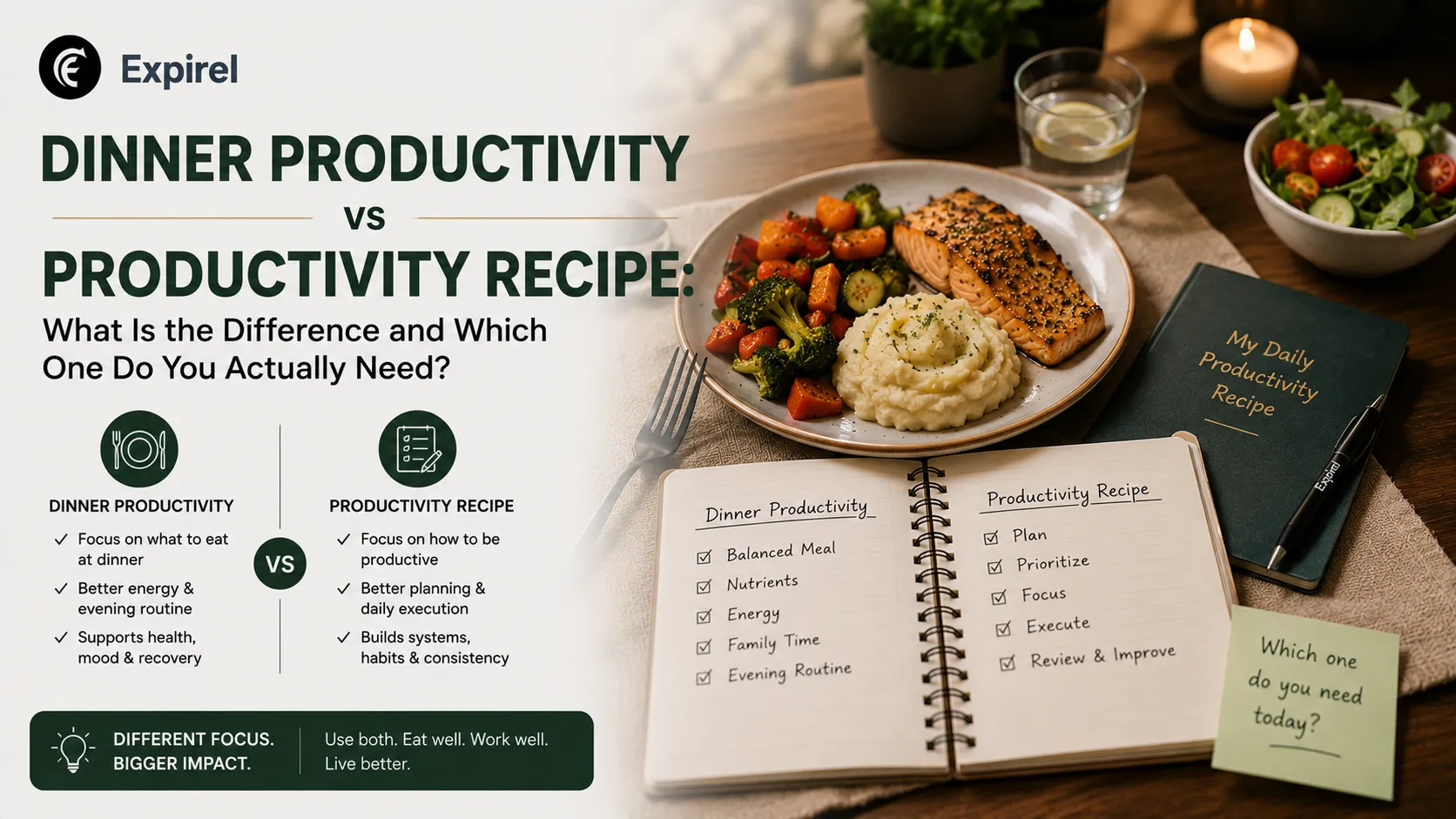
Dinner Productivity vs Productivity Recipe: What Is the Difference and Which One Do You Actually Need?
July 13, 2026
Not sure how dinner productivity and a productivity recipe differ? This guide compares both clearly, shows how they work together, and links.

The Complete Morning Routine for Success: A Step-by-Step System to Win Your Day
June 19, 2026
A proven best morning routine for success with a step-by-step checklist, daily habit tips, and tools to stay consistent every single day.
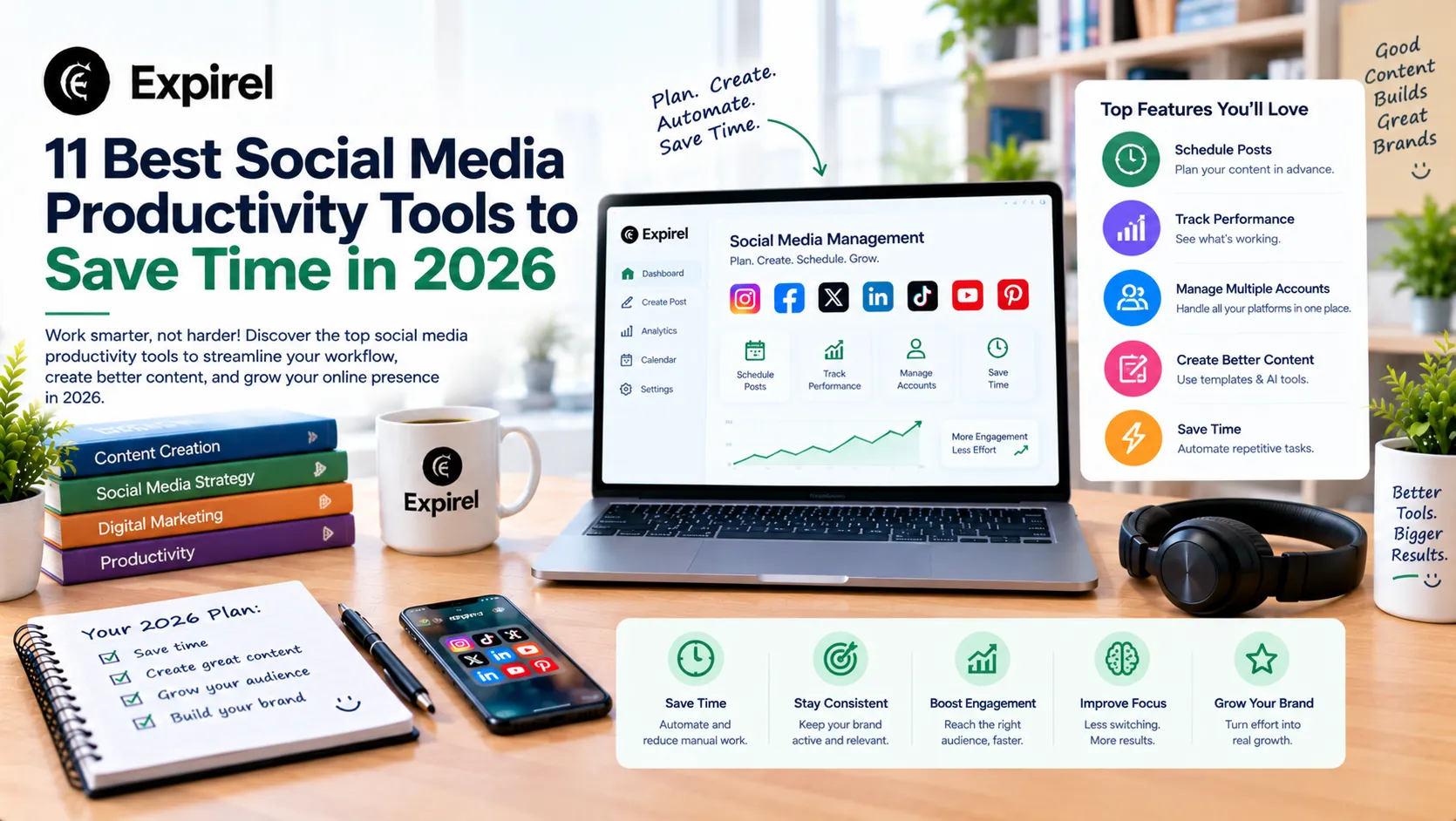
11 Best Social Media Productivity Tools to Save Time in 2026
October 12, 2026
Compare 11 social media productivity tools for 2026 that save time on routines, scheduling, design, automation, video, analytics, and link tracking.