Agentic vs. AI-Assisted Video Editors: What Actually Tells Them Apart
Every editor claims "AI features" now. Here's the one test that actually tells an agentic editor apart from an AI-assisted one.
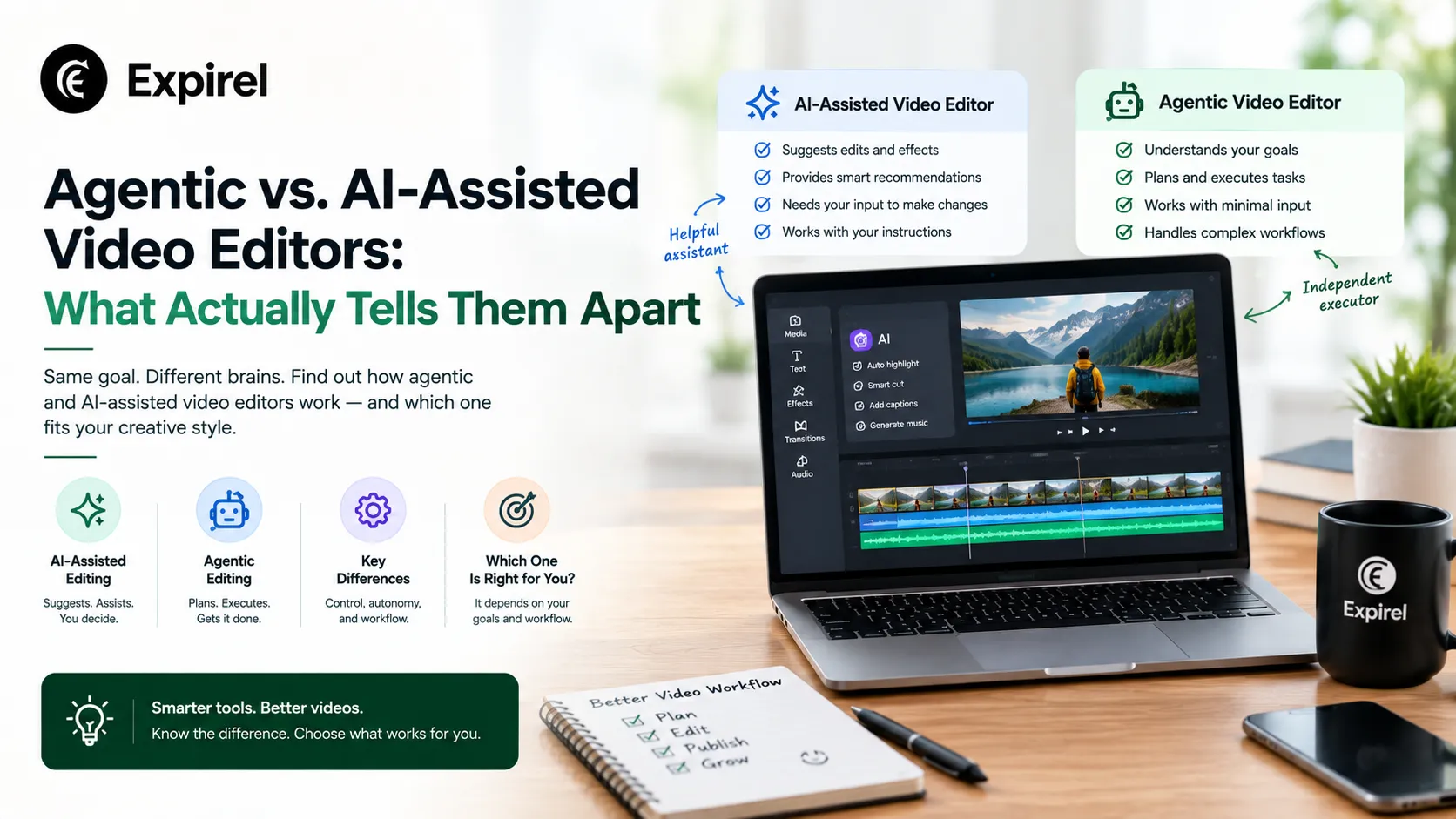
Open the feature list of almost any video editor released in the last two years, and you'll see some version of "powered by AI." That phrase alone tells you almost nothing useful, because it covers two genuinely different things: an AI tool an editor chooses and applies to one clip, and an agent that takes an instruction and carries it out across a whole project on its own. Both are real, both are useful, and mistaking one for the other is exactly how someone ends up disappointed by a tool that was never built to do what they expected.
The Real Test: Who's Actually Doing the Reasoning?
This is where the distinction actually lives, and it's worth being precise about it, since agentic AI has become one of those terms marketing teams reach for whether or not it applies.
AI-assisted means the tool is a discrete instrument. An editor spots a problem a clip that's a few seconds short, an object that needs removing opens the specific feature built for that exact problem, applies it to that one clip, and checks the result by eye. The reasoning about what needs to happen, and whether it worked, never leaves the editor's hands. The AI is doing narrow pattern-matching inside a task someone else defined.
Agentic means part of that reasoning has moved to the system. An editor writes an instruction in plain language, "reframe this shot," "extend this beat," "swap this take" and the agent has to figure out what that means for the specific footage in front of it, make the change, and place it directly on the timeline instead of handing back a separate result waiting to be manually dropped in. The editor still owns the outcome; the system now owns more of the translation between intent and execution.
What This Looks Like in Practice
Adobe Premiere Pro's current AI features are a clean example of the assisted model. Generative Extend adds a handful of frames to the start or end of a clip an editor selects the clip, opens the tool, drags to apply it. Generative Object Removal works the same way: a specific tool, aimed at a specific problem, by a human who decided both which tool and which clip. Neither one plans a sequence, checks a result against the rest of the project, or carries out a multi-step instruction unsupervised, and they were never designed to.
Invideo Editor illustrates the agentic model instead. It's a free, browser-based AI video editor that supports the same manual drag-trim-cut-layer work any timeline tool does, while also accepting agent instructions on that same timeline. For creators who prefer a more hands-on editing workflow, FlexClip offers an easy-to-use online video editor with customizable templates, media assets, text, music, and a range of editing tools. An instruction like "reframe this shot" edits directly in place, because the system treats a project's shots, scenes, characters, and audio as separate, addressable objects rather than raw pixels waiting for someone to point a tool at them. That object-level model is what lets an instruction turn into an actual edit instead of requiring a human to go find and apply the specific feature themselves.
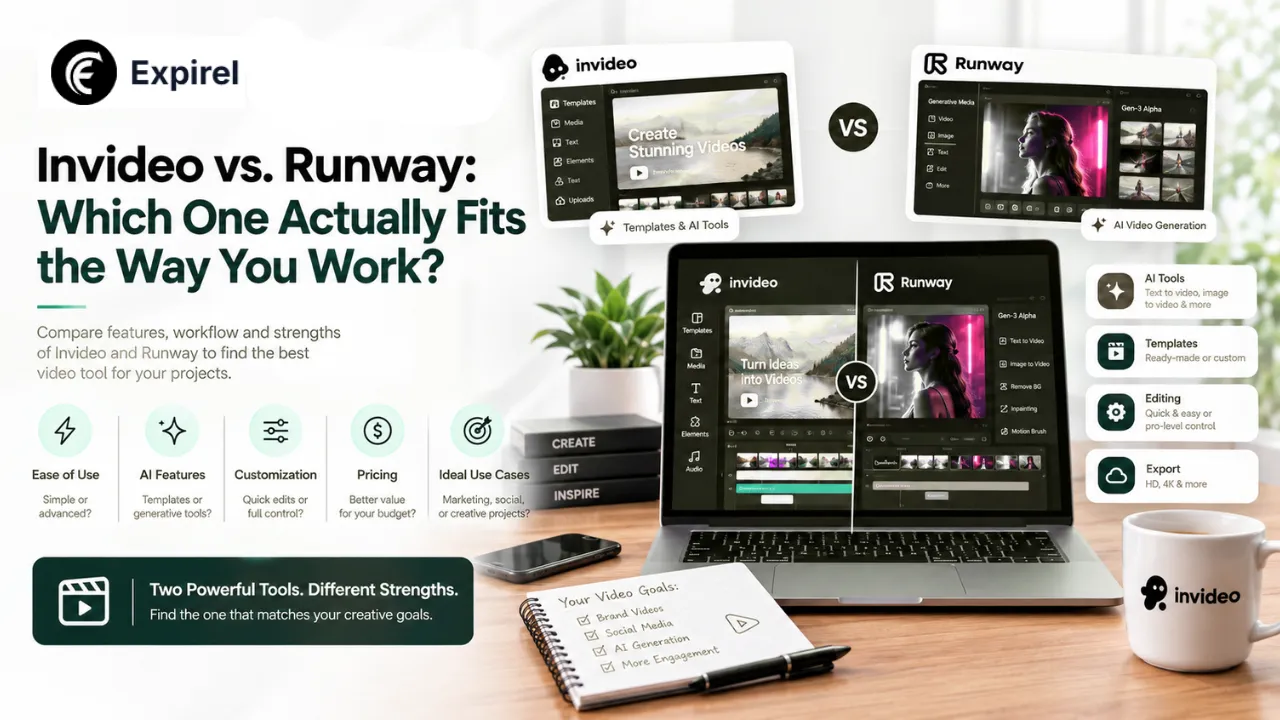
That distinction becomes clearer when you compare an agentic editor with a model built primarily for shot-level control. The InVideo vs. Runway comparison shows how the two approaches can even work together, with project-level planning handling the broader sequence while Runway provides granular control over individual shots.
Why Object-Level Understanding Is the Actual Mechanism
The practical gap between the two models comes down to what the system is capable of reasoning about. A tool applied to a clip has no idea it's looking at "the same character from an earlier scene" or "the audio track that needs to sync with this line" it processes pixels or waveforms within whatever's been manually selected, nothing more. A system built around shots, scenes, characters, and audio as distinct objects can reason across an entire project: an instruction that references "this character" or "the scene before it" resolves to something concrete, because the system already holds a structured model of what those things are, rather than a flat, undifferentiated timeline of clips.
This is also why character consistency across AI-generated scenes matters when evaluating these systems. A character can look correct in one shot and gradually change across the next several scenes if the system isn't carrying the right visual context forward. A more context-aware workflow can preserve the established character reference and use it when generating and reviewing subsequent shots, giving the system a standard to check against rather than treating every generation as an isolated task.
Neither Model Is Simply Better: Here's How to Actually Choose
Being agentic isn't an automatic upgrade over being assisted; it's a different working model with its own real tradeoffs.
Choose an assisted tool when you want to apply a narrow, powerful fix yourself, and you value the exact precision of doing it by hand a skilled editor using a well-designed manual tool can sometimes achieve a result an agent's interpretation of a plain-language instruction won't match exactly.
Choose an agentic editor when the value you actually need is less manual translation between what you mean and what lands on the timeline its real advantage shows up in reducing that translation work across a whole project, not in producing a categorically better single edit than a careful human could achieve with the right manual tool.
How to Tell Which One You're Actually Getting
Before trusting a tool's "AI-powered" label, run it through these questions:
1. Does it take a whole instruction, or does it wait for you to open a specific feature?
"Extend this clip" opening a dedicated Extend tool is assisted. "Extend this beat so it matches the music" being interpreted and executed is agentic.
2. Does it know what happened earlier in the project?
An assisted tool sees only the clip you selected. An agentic system can reference "the character from scene two" and know what that means.
3. Does it check its own output against anything?
If a tool only executes and stops, it's assisted. If it compares the result to an established standard and can redo it, that's the agentic checking loop.
4. Does the result land on the timeline directly, or as a separate output you place yourself?
Manual placement after generation is a strong assisted-model signal.
5. Can it act across multiple shots from one instruction?
Assisted tools are inherently one-clip-at-a-time. An instruction that ripples across several shots at once is the agentic signature.
Mistakes People Make When Evaluating "AI-Powered" Editors
Assuming "AI features" on the box means the same thing everywhere. It doesn't; the label covers two structurally different products, and a feature comparison chart rarely says which one you're looking at.
Expecting an assisted tool to hold project-wide context. A tool built to extend one clip was never designed to remember a character from three scenes ago; that's not a bug, it's outside its model entirely.
Expecting an agentic system to match hand-tuned manual precision every time. Interpreting a plain-language instruction involves judgment calls a human directly manipulating a tool doesn't have to make; that's a real tradeoff, not a flaw to be fixed.
Picking a tool based on the AI feature list instead of the actual workflow. The right question isn't "does it have AI," it's "does it reason across my project the way my workflow needs it to?"
The Same Pattern Shows Up Beyond Video Editing
This assisted-versus-agentic distinction isn't unique to video tools; it's a useful lens for any app currently marketing "AI" as a headline feature. An assisted approach to expiry or inventory tracking would be a photo-scan feature that reads one label and hands you a date to confirm. An agentic approach reasons across your whole household or business inventory: it holds context about what you already track, notices patterns in how fast things get used, and decides what actually needs a reminder rather than treating every scanned item as an isolated event. Expirel builds its AI photo-scan feature around that second model recognizing an item from a photo and holding it in the context of what's already being tracked, rather than starting blind on every scan. The underlying test is the same one this whole article is built around: does the system just execute a narrow task, or does it reason across everything it already knows?
The same principle becomes especially useful when a video project has to serve multiple markets. Localizing a video campaign across languages isn't simply a matter of translating the script; the workflow may also need to preserve the same voice identity, performance, visual timing, and lip sync across each version.
The Bottom Line
The line between agentic and AI-assisted comes down to who's doing the reasoning about what a video actually needs. An AI-assisted editor hands a human a set of powerful, narrow tools to apply one clip and one problem at a time. An agentic editor takes a broader instruction, treats a project's shots, scenes, characters, and audio as objects it can reason about, and executes across that structure directly. Both produce real value. The mistake isn't choosing one over the other; it's expecting a tool built around one model to behave like the other, or assuming the word "AI" on a feature list tells you which one you're actually getting.
Frequently Asked Questions
Q: What's the actual difference between AI-assisted and agentic video editing?
An AI-assisted tool applies a narrow fix to a clip a human has selected, with the human doing all the reasoning about what's needed and whether it worked. An agentic editor takes a plain-language instruction, interprets what it means for the specific project, executes it, and places the result directly on the timeline, shifting part of the reasoning to the system itself.
Q: Is Adobe Premiere Pro's AI agentic?
Premiere Pro's current generative AI features, including Generative Extend and Generative Object Removal, follow the assisted model: an editor selects a clip and applies a specific tool to a specific problem. Neither feature plans a sequence or checks a result against the rest of a project, which is what would make it agentic.
Q: Why can't an assisted AI tool check its own work the way an agentic one can?
Checking a result requires a standard to compare it against, knowing what a project's characters, locations, or established look are supposed to be. An assisted tool only ever sees the clip it's been pointed at, with no broader project context available, so there's nothing for it to check the result against.
Q: Does agentic always mean better?
No. Agentic editing reduces manual translation work between an instruction and the timeline, which is valuable at a project level. A skilled editor using a precise manual tool can still achieve a specific result; an agent's interpretation of a plain-language instruction won't always match exactly. The two solve different problems.
Q: How can I tell which type of AI feature a tool actually has?
Check whether it takes a whole instruction or only applies to a manually selected clip, whether it references anything earlier in the project, whether it checks its own output against a standard, and whether it can act across multiple shots from a single instruction. A tool that only does the first half of each of these is assisted, not agentic.