AI Chatbot for Productivity: The Complete Guide to What Works, What the Research Says, and How to Choose the Right One
What the research actually shows about AI chatbot productivity gains, plus the best chatbots for writing, customer service, and website use, with setup tips.
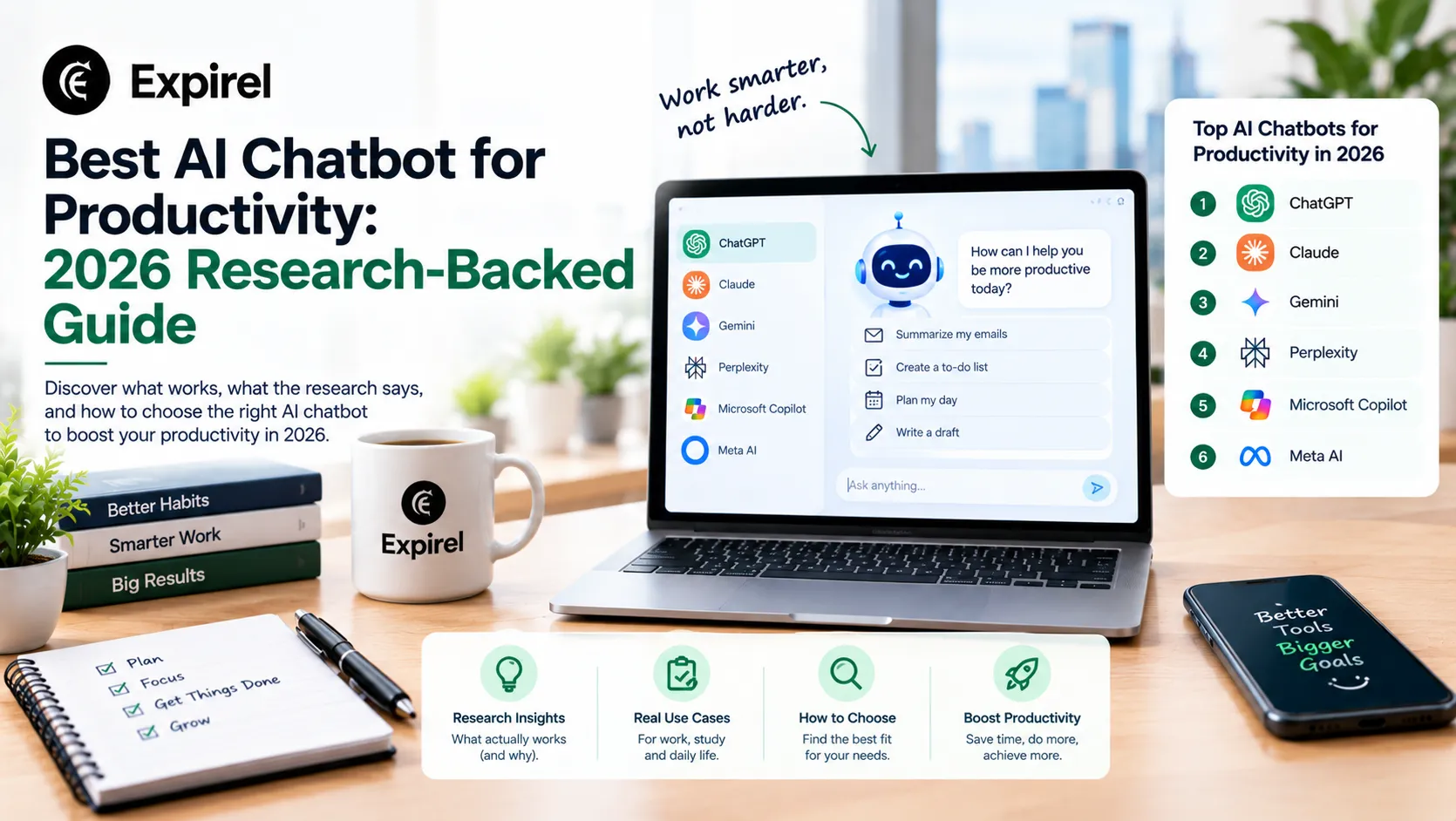
An AI chatbot for productivity is not just a search engine with a conversational interface. Used correctly, it is the closest thing most professionals have to a skilled research assistant, first-draft writer, and thinking partner available on demand at any hour. Used incorrectly, which is how most people start it is an expensive autocomplete tool that delivers mediocre outputs and wastes the time it was supposed to save.
This guide covers everything the top-ranking articles on this topic leave out: what the peer-reviewed research actually says about AI chatbot productivity gains, which chatbots are genuinely best for specific work tasks, how AI chatbots work for customer service and website use versus personal productivity use, what the leading AI chatbot companies offer and how they differ, and the specific setup steps that separate people who experience real productivity gains from those who get generic results. Whether you are looking for the best AI chat for productivity, a chatbot for work productivity, or AI productivity tools for business, this guide covers all three in a single practical resource.
If you have tried a chatbot, found it underwhelming, and want to understand why, or if you are choosing between options and want an honest comparison, this guide gives you the answers that matter.
The best AI chatbot for productivity depends on your primary use case. For writing, analysis, and complex reasoning: Claude by Anthropic and ChatGPT by OpenAI are the leading options. For research with cited sources: Perplexity AI. For Microsoft 365 users: Microsoft Copilot integrated into Outlook, Word, and Teams. For customer service automation: Intercom AI, Zendesk AI, or Tidio. For AI website chatbots: Tidio, Intercom, or Drift. Research published in Science (Noy and Zhang, 2023) found that professionals using AI chatbots completed writing tasks 37% faster with quality rated 18 percent higher by independent reviewers. The productivity gain is real but it requires prompt quality and consistent use.
What Is an AI Chatbot for Productivity? Meaning and Distinction
An AI chatbot for productivity is a conversational AI system that uses large language models to understand your instructions and generate useful outputs: written content, analysis, code, research summaries, plans, or task completions through a chat interface. It differs from earlier rule-based chatbots in one critical way: it understands context and natural language rather than following scripted decision trees.
There are three distinct types of chatbot relevant to productivity, and confusing them leads to choosing the wrong tool:
Personal and professional productivity chatbots: Conversational AI assistants like Claude, ChatGPT, and Gemini used by individuals to accelerate writing, research, planning, analysis, and thinking. These are the tools most people mean when they search for an AI chatbot for work productivity.
AI chatbots for customer service: Automated systems deployed by businesses to handle customer enquiries, resolve support tickets, qualify leads, and route complex cases to human agents. Tools in this category include Intercom AI, Zendesk AI, and Freshdesk. These are business productivity tools; they increase the output of a customer service operation, not an individual's personal workflow.
AI website chatbots: Chatbots embedded on a company's website to engage visitors, answer product questions, collect lead information, and guide users to relevant pages. Tools include Tidio, Drift (now Salesloft), and Intercom. These are marketing and operations productivity tools that automate the top of a sales or support funnel.
Understanding which of these three types you need is the most important decision in this guide. A business deploying an AI website chatbot to capture leads needs completely different tools from a copywriter using a chatbot to produce first drafts faster. Both are legitimate productivity use cases. Neither tool works well for the other's purpose.
AI chatbot examples: one from each category
Personal productivity chatbot example: A content strategist uses Claude to analyse a 40-page competitor report, extract the five most relevant insights, and draft a one-page strategic summary reducing a 3-hour analysis task to 25 minutes. Customer service chatbot example: An e-commerce company deploys Tidio's Lyro AI to handle 'where is my order?' queries automatically, resolving 65 percent of incoming support tickets without human involvement. AI website chatbot example: A B2B SaaS company deploys Drift on their pricing page to engage visitors, answer product questions, and book demo calls — converting website visitors who would have left without contacting sales into qualified meetings.
Key takeaway: Before choosing any AI chatbot for productivity, identify which of the three types you need: personal work assistant, customer service system, or website engagement tool. The tools that excel in each category are entirely different.
AI Chatbot Productivity Study: What the Research Actually Shows
Most articles claim AI chatbots improve productivity without citing a single study. Here are the specific, named research findings that give those claims their actual basis.
Noy and Zhang (2023) Science journal: 37% faster, 18% higher quality
Shakked Noy and Whitney Zhang of MIT conducted a controlled experiment published in Science (2023) in which 444 college-educated professionals completed writing tasks including press releases, short reports, and analysis documents with and without access to ChatGPT. The treatment group (with ChatGPT) completed tasks 37 percent faster. Independent evaluators rated the quality of their outputs 18 percent higher. The gains were largest for workers who started with lower baseline writing skill, suggesting AI chatbots function as a levelling mechanism, raising the floor of output quality across a team more than they raise the ceiling for already-skilled writers. Source: Noy, S. and Zhang, W. (2023). Experimental evidence on the productivity effects of generative AI. Science, 381(6654), 187-192.
Dell'Acqua et al. (2023) BCG consultants: 25% faster, 40% more efficient
Researchers from Harvard, the Wharton School, MIT, and Boston Consulting Group conducted a field experiment with 758 BCG consultants published in 2023. Consultants using AI assistance completed tasks 25.1 percent faster and produced work rated 40 percent higher in quality. However, this is the finding most summary articles omit: consultants using AI on tasks that fell outside AI's core strengths performed significantly worse than unassisted consultants. The researchers introduced the concept of the 'jagged technological frontier': AI produces strong gains on tasks inside its capability boundary and negative outcomes on tasks outside it. The practical implication: using an AI chatbot for work productivity requires knowing which tasks are inside versus outside that boundary. Source: Dell'Acqua, F. et al. (2023). Navigating the jagged technological frontier. Harvard Business School Working Paper.
Both studies point to the same practical conclusion: AI chatbot productivity gains are real and large for specific task types, particularly written communication, research synthesis, and structured analysis, and absent or negative for tasks requiring highly specialised domain judgment, unstructured novel problem-solving, or work where AI confidently produces plausible-sounding incorrect outputs. The critical skill is knowing which category your current task falls into before deciding to delegate it to a chatbot.
Key takeaway: The research shows AI chatbots make you 25 to 37 percent faster on writing and analysis tasks. The same research shows they make you worse on tasks outside their capability boundary. Knowing the difference is the most important AI skill you can develop.
Best AI Chatbot for Productivity: Top Tools by Use Case
Rather than ranking chatbots in a single list (which misrepresents how different they are for different tasks), this section organises the best options by the specific productivity problem they solve.
For Personal and Professional Productivity: Writing, Analysis, and Thinking
Claude by Anthropic: Free tier available
Best for: Long documents, nuanced instructions, extended work sessions
What it does: A large language model assistant built for extended, nuanced work. Claude handles long documents, complex multi-step instructions, and professional writing tasks with strong instruction-following and reasoning capability. Particularly strong for document analysis, structured writing, and tasks requiring sustained context across long conversations.
Specific productivity win: Reduces time on written communications, document analysis, and structured planning by generating high-quality first drafts and summaries that require editing rather than starting from scratch. Consistently rated well for following precise, multi-layered instructions.
Setup tip: Write your instructions in plain English exactly as you would brief a skilled colleague. Include context, purpose, audience, length, and tone. A 4-line prompt produces significantly better output than a single sentence. Save your best prompt templates for repeated task types.
ChatGPT by OpenAI: Free tier (GPT-4o with limits); ChatGPT Plus $20/month
Best for: Broad professional tasks, custom GPTs, plugin integrations
What it does: The most widely used AI chatbot for work, with capabilities spanning writing, analysis, coding, data interpretation, and web browsing. ChatGPT's Custom GPTs feature allows users to create specialised chatbot versions with specific instructions, knowledge bases, and tools built in effectively creating a personalised productivity assistant trained on your specific workflows.
Specific productivity win: Custom GPTs eliminate the need to re-explain your context every session. A custom GPT built with your company's style guide, client context, and standard output formats produces on-brand work from a brief prompt without repeated explanation.
Setup tip: Build one Custom GPT for your most frequent task type (weekly report writing, client email drafting, project brief creation). Add your style guide, relevant templates, and 10 example outputs as the knowledge base. Test it for one week and refine the instructions based on where the output diverges from what you need.
Perplexity AI by Perplexity AI: Free tier available; Pro at $20/month
Best for: Research, fact-checking, current information with citations
What it does: An AI search and research assistant that generates responses from real-time web sources with verifiable citations. Every claim in a Perplexity response links to its source, making it the most reliable chatbot for research tasks where accuracy and attribution matter.
Specific productivity win: Reduces the time between identifying a research question and having a structured overview of the current knowledge on it from hours to minutes. The citation system means every claim is traceable, which is essential for professional research, journalism, and academic work.
Setup tip: Use Perplexity for the discovery phase of any research task: identify the key questions, find the relevant sources, and establish the current state of knowledge. Then go to primary sources for detailed reading. Do not use it as the source itself — use it as the index to the sources.
Microsoft Copilot by Microsoft: Included in Microsoft 365 Business Standard as of 2026
Best for: Microsoft 365 users: Outlook, Word, Excel, Teams, PowerPoint
What it does: An AI chatbot and assistant embedded directly into the Microsoft 365 ecosystem. Copilot operates within the context of your actual emails, documents, and meeting recordings, drafting replies in Outlook, summarising Teams meeting transcripts, generating Excel formulas from plain English, and building PowerPoint presentations from Word documents.
Specific productivity win: For Microsoft 365 users, the context-aware integration eliminates the friction of copying content between a standalone chatbot and your work applications. Copilot can summarise your last 10 emails from a specific client and draft a response without you leaving Outlook.
Setup tip: Start with Copilot in Outlook it is the highest-frequency touchpoint for most knowledge workers and the fastest place to experience a measurable time saving. Use it to summarise long email threads before you read them in full and to draft responses from three bullet points.
AI Chatbot for Customer Service: What Actually Works in 2026
AI chatbots for customer service solve a fundamentally different problem from personal productivity chatbots. The goal is not to help one person work faster; it is to handle a volume of customer interactions that would otherwise require human agents, at a cost and speed that human agents cannot match.
What a Customer Service AI Chatbot Actually Does
Resolves tier-1 support queries (password resets, order status, account information, FAQs) automatically without human involvement.
Qualifies incoming leads by asking structured discovery questions before routing to a sales representative.
Routes complex queries to the correct human agent with a summary of the conversation already prepared reducing handle time.
Operates outside business hours at no marginal cost per interaction.
Collects structured data from every conversation for reporting and product improvement.
Best AI Chatbots for Customer Service in 2026
Intercom AI (Fin) by Intercom: Paid — included in Intercom plans
Best for: SaaS companies, B2B customer support, product-led growth teams
What it does: Intercom's Fin AI Agent resolves customer queries autonomously using your existing help documentation, support articles, and conversation history as its knowledge base. It escalates to human agents when it cannot resolve a query, with a full conversation summary passed to the agent.
Specific productivity win: Reduces first-response time to seconds for queries within the AI's knowledge scope. Teams using Fin report resolution rates of 40 to 70 percent of incoming support volume handled fully automatically, depending on the complexity and documentation quality of the product.
Setup tip: The quality of your existing help documentation directly determines the quality of Fin's responses. Before deploying, audit your documentation for gaps, outdated information, and missing edge cases. The AI is only as good as the knowledge base it draws from.
Tidio by Tidio: Free plan available; paid plans from $29/month
Best for: Small to mid-size e-commerce businesses and service businesses
What it does: An AI website chatbot combining a live chat interface, AI automation, and e-commerce integrations. Tidio's Lyro AI chatbot handles customer service questions automatically, integrated with Shopify, WooCommerce, and other platforms for real-time order and inventory data.
Specific productivity win: For e-commerce businesses, Tidio reduces support volume for order status, return policy, and shipping questions the majority of e-commerce customer queries without requiring live agent involvement. The Shopify integration means Lyro can answer 'where is my order?' questions with real-time data automatically.
Setup tip: Connect Tidio to your Shopify store and populate the knowledge base with your FAQ, return policy, and shipping policy as the first step. These three content areas typically cover 60 to 70 percent of customer service query volume for e-commerce businesses and represent the fastest route to measurable automation.
Zendesk AI by Zendesk: Included in Zendesk Suite plans
Best for: Enterprise and mid-market customer service operations
What it does: AI capabilities embedded across the Zendesk support platform, including automated ticket classification and routing, suggested responses for agents, knowledge base article generation, and autonomous resolution of tier-1 queries through the Zendesk bot.
Specific productivity win: For larger support operations already running Zendesk, the AI layer reduces agent handle time through suggested responses, eliminates manual ticket routing, and deflects a measurable percentage of tickets through automated resolution. Works within your existing Zendesk setup without tool switching.
Setup tip: Enable suggested responses for agents before deploying the autonomous bot. Agent-assisted AI produces consistent results faster than autonomous deployment because it catches AI errors before they reach customers while still reducing handle time significantly.
AI Website Chatbot: How to Use One to Capture Leads and Serve Visitors 24/7
An AI website chatbot sits on your website and engages visitors in real time answering questions about your products or services, qualifying potential customers, booking meetings, collecting contact information, and guiding visitors to relevant pages. Unlike a customer service chatbot that handles existing customers, a website chatbot primarily engages prospects who have not yet bought.
The productivity case for a website chatbot is specific: your website currently generates leads and answers questions at whatever rate a visitor decides to initiate contact through a form or phone number. A website chatbot converts passive browsing into active engagement, captures lead information at the moment of highest interest, and qualifies prospects before they reach a human reducing the time your sales team spends on unqualified conversations.
What an AI website chatbot should and should not do
Should do: engage visitors who would otherwise leave without contacting you, answer product and service questions immediately, collect name and contact details, qualify interest level with 3 to 4 discovery questions, and book a meeting or connect to a live agent when the prospect is ready. Should not do: replace your sales team for complex or high-value conversations, attempt to handle detailed technical support without human escalation, or be deployed without a knowledge base; an AI website chatbot with no product information deflects leads rather than capturing them.
Drift (Now Salesloft)
Originally the category-defining AI website chatbot for B2B companies, Drift was acquired by Salesloft in 2023 and integrated into the Salesloft revenue platform. Drift remains one of the most sophisticated AI website chatbot tools for B2B lead qualification, identifying high-intent visitors, engaging them with personalised messages based on company and page behaviour data, and routing qualified leads directly to available sales representatives for immediate conversation. Pricing is enterprise-tier and suits mid-market to enterprise B2B companies.
AI Chatbot Companies: Who Makes What and How They Position
Understanding which companies build which AI chatbots helps you evaluate tool decisions based on the organisation behind the product rather than just the product itself. Company stability, privacy practices, and development trajectory all matter for tools you build workflows around.
Company | Primary chatbot | Positioning | Best suited for |
OpenAI | ChatGPT | Broad general-purpose AI assistant and API platform | Individual professionals, developers, businesses via API |
Anthropic | Claude | Safety-focused AI with strong reasoning and instruction following | Professional writing, analysis, enterprise contexts |
Gemini | Deep Google Workspace integration; strong multimodal capability | Google Workspace users; research; multimodal tasks | |
Microsoft | Copilot | Microsoft 365 integration; enterprise deployment at scale | Microsoft 365 users; enterprise organisations |
Perplexity AI | Perplexity | Real-time research with citations | Research professionals, journalists, students |
Intercom | Fin AI Agent | Customer service AI for SaaS and tech companies | SaaS companies; B2B customer support teams |
Tidio | Lyro AI | E-commerce chatbot with Shopify integration | Small to mid-size e-commerce businesses |
Salesloft | Drift (acquired) | B2B revenue acceleration; lead qualification at scale | Mid-market to enterprise B2B sales teams |
Zendesk | Zendesk AI | Enterprise support operations platform with embedded AI | Enterprise customer service departments |
AI Chatbot Benefits: The Specific Gains, Not the Marketing Claims
Generic lists of AI chatbot benefits 'saves time,' 'improves efficiency,' 'reduces costs' are accurate but useless for decision-making. Here are the specific, measurable benefits backed by the research covered in this guide.
Faster first draft production. The Noy and Zhang (2023) Science study found 37 percent faster task completion and 18 percent higher quality outputs for written work. The gain comes from removing the blank-page friction: a chatbot produces a usable starting point in seconds, which is the most cognitively expensive part of written work.
Reduced time on low-skill portions of high-skill tasks. The BCG study (Dell'Acqua et al., 2023) found 25.1 percent faster task completion and 40 percent higher quality for tasks inside AI's capability boundary. The mechanism is the same: AI handles the structural and formulaic portions, freeing professional attention for the parts that require genuine expertise.
Reduced customer service volume without proportional cost increase. AI customer service chatbots like Intercom Fin report 40 to 70 percent autonomous resolution rates for incoming support queries, meaning that percentage of queries is handled without any human involvement or incremental cost.
24/7 availability at no marginal cost per interaction. Unlike human agents, a deployed AI chatbot for customer service or website engagement incurs no additional cost per conversation beyond the platform subscription. For businesses with international audiences or after-hours demand, this is a significant structural productivity advantage.
Reduced onboarding time for new team members. A Custom GPT or internal chatbot built on company documentation, style guides, and process documentation reduces the time new employees spend searching for information and asking colleagues basic questions. The chatbot becomes a searchable, conversational knowledge base.
How to Build Your Productivity Chatbot Stack: A Practical Framework
Most professionals either use one chatbot for everything (and get inconsistent results) or accumulate multiple subscriptions without a coherent system. A chatbot stack is a deliberate selection of one to three chatbots, each assigned a specific role in your workflow, with a clear handoff between them.
Choose your primary writing and thinking assistant. This is the chatbot you use for first drafts, analysis, brainstorming, and document review. For most professionals, this is Claude or ChatGPT, chosen based on your context window needs (Claude handles longer documents better) and integration requirements (ChatGPT integrates with more third-party tools via plugins).
Choose a dedicated research tool. Perplexity AI is the strongest option for research with citations. Do not use your primary writing assistant for factual research — the citation gap means you cannot verify what it tells you efficiently. Keep research and writing as separate tools with a clear handoff: Perplexity identifies what to read, Claude or ChatGPT helps you write about what you have read.
Add a business-facing chatbot only if you have a customer service or website engagement problem that justifies the subscription. A solo professional does not need Intercom. A business receiving 100+ support queries per week almost certainly does. Match the tool category to the business problem, not to what is popular.
Connect your chatbot practice to your broader productivity system. The productivity gains from AI chatbots compound when chatbot use becomes a consistent daily habit rather than an occasional experiment. Build chatbot usage into your daily productivity recipe, starting the first draft of any written work in Claude before you attempt to write it yourself, for example.
Track your time savings for 30 days. Without measurement, you cannot know whether the chatbot is actually saving time or consuming it in prompt iteration. Log the task, the time without chatbot assistance (baseline), and the time with it. Two to three weeks of data reveals the real productivity impact on your specific work.
Track chatbot habits alongside your productivity system with Expirel
The most common reason AI chatbot productivity gains plateau after the first few weeks is habit inconsistency: people use the chatbot enthusiastically in the first week and drift back to previous patterns by week three. Log your chatbot usage habits in Expirel Habit Tracker: 'Used AI chatbot for first draft,' 'Ran research through Perplexity before writing,' 'Processed meeting summary through Copilot.' The visible streak keeps the practice alive and gives you real data on whether adoption is building or fading. Consistent use for 30 days produces the compounding gains. Inconsistent use produces neither the gains nor reliable data on why not.
Common Mistakes People Make With AI Chatbots for Productivity
Using AI chatbots for tasks outside the capability boundary. The BCG study found that AI use on tasks requiring highly specialised judgment or novel problem-solving produced worse outcomes than no AI assistance. Chatbots are strong at writing, analysis, structure, and synthesis. They are weak at deep domain expertise, accurate numerical reasoning, and tasks where plausible-sounding wrong answers are worse than no answer.
Accepting the first output without editing. AI chatbots produce first drafts, not finished work. Treating chatbot output as final copy, final analysis, or final decisions removes the human review step that is responsible for most of the quality gain in the research studies. The quality improvement comes from the combination of AI output plus human review, not from AI output alone.
Using weak prompts and concluding the tool is not useful. 'Write a blog post about productivity' produces generic content. 'Write a 700-word blog post introduction for a productivity website audience of knowledge workers, in a direct and research-backed voice, covering the specific problem that AI chatbots are underwhelming when used without strong prompts' produces a usable draft. Prompt quality is the variable most responsible for output quality, not the underlying model.
Deploying a customer service or website chatbot without a knowledge base. An AI customer service chatbot with no product documentation, FAQ, or policy content hallucinates answers or deflects queries unhelpfully. The tool is only as good as the information you give it. Before any customer-facing deployment, build the knowledge base first.
Choosing a chatbot based on popularity rather than fit. ChatGPT is the most-used AI chatbot for work. That does not make it the best for every task. Claude often produces better results for long document analysis and nuanced instruction following. Perplexity is stronger for research. Copilot is stronger for Microsoft 365 users. Choose based on your actual workflow, not on which tool has the most users or the most recent press coverage.
Final Thoughts
The research is clear: AI chatbots for productivity deliver measurable gains on the right tasks 37 percent faster for writing and 25 percent faster on analysis tasks in peer-reviewed controlled studies. The gap between people who experience those gains and people who remain underwhelmed is almost always the same: weak prompts, wrong tool for the task type, and inconsistent use.
The framework is straightforward. Choose one primary writing and thinking assistant (Claude or ChatGPT). Add Perplexity AI for research tasks that require cited sources. Add a customer service or website chatbot only when your business has a documented volume problem it would solve. Build the usage into a structured daily practice rather than treating it as an occasional experiment. Measure the time saving after 30 days of consistent use. That sequence produces compounding productivity gains that the research supports and that most casual users never reach.
Frequently Asked Questions
Q: What is the best AI chatbot for productivity?
The best AI chatbot for productivity depends on your primary task type. For writing and analysis: Claude by Anthropic and ChatGPT by OpenAI are the leading options in 2026. For research with citations: Perplexity AI. For Microsoft 365 integration: Microsoft Copilot. For customer service automation: Intercom Fin, Zendesk AI, or Tidio depending on company size. Research published in Science (Noy and Zhang, 2023) found AI chatbot users completed writing tasks 37 percent faster, with quality rated 18 percent higher by independent reviewers.
Q: What does an AI chatbot productivity study show?
Two key studies establish the research base. Noy and Zhang (2023), published in Science, found 37 percent faster task completion and 18 percent higher quality for writing tasks with ChatGPT. Dell'Acqua et al. (2023), studying BCG consultants, found 25.1 percent faster completion and 40 percent higher quality for tasks inside AI's capability boundary but worse outcomes than no AI for tasks outside that boundary. Both studies confirm gains are real but require knowing which tasks benefit from AI assistance.
Q: What is the best AI chatbot for customer service?
For SaaS and B2B companies: Intercom Fin AI Agent, which autonomously resolves 40 to 70 percent of support queries using existing help documentation. For small to mid-size e-commerce: Tidio with Lyro AI, which integrates directly with Shopify and WooCommerce for real-time order and inventory data. For enterprise support operations: Zendesk AI, embedded within the existing Zendesk platform. The right choice depends on your existing tech stack, volume of queries, and the complexity of what customers typically ask.
Q: What are the benefits of an AI chatbot for work productivity?
The specific, research-backed benefits are: 37 percent faster written task completion (Noy and Zhang, 2023), 25 to 40 percent higher quality on analysis tasks within AI capability boundaries (Dell'Acqua et al., 2023), 40 to 70 percent autonomous customer service resolution rates (Intercom Fin data), 24/7 website engagement at no marginal cost per interaction, and reduced onboarding time through AI-powered internal knowledge bases.
Q: What is an AI website chatbot and how does it help business productivity?
An AI website chatbot is a conversational AI system embedded on your company website that engages visitors in real time, answering product questions, collecting lead information, qualifying prospects, and booking meetings. The business productivity case: it converts passive website traffic into engaged conversations without requiring human sales or support availability. Visitors who would leave without contacting you can interact immediately. Qualified leads arrive in your CRM with conversation context already captured.
Q: Which AI chatbot companies are most established?
The leading AI chatbot companies are OpenAI (ChatGPT), Anthropic (Claude), Google (Gemini), and Microsoft (Copilot) for general productivity chatbots. For customer service and website chatbots: Intercom, Zendesk (owned by Zendesk Inc.), Tidio, and Salesloft (which owns Drift). Each company positions differently: Anthropic emphasises safety and reasoning quality, OpenAI emphasises breadth and API flexibility, Microsoft emphasises enterprise integration, and the customer service vendors emphasise automation rate and CRM integration.
Q: Is there a free AI chatbot for productivity?
Yes. ChatGPT's free tier provides access to GPT-4o with daily usage limits. Claude's free tier provides access to Claude Sonnet with a daily usage cap. Gemini by Google is free with a Google account. Perplexity AI offers unlimited standard searches on the free tier. Microsoft Copilot is included in Microsoft 365 Business Standard as of 2026 at no extra cost. For customer service and website chatbots, Tidio has a free plan limited to a small number of conversations per month.
Q: How do I choose between Claude and ChatGPT for work productivity?
Choose Claude if your work primarily involves analysing or writing about long documents (Claude handles larger context windows better and follows detailed multi-step instructions more reliably), if you write in a specific professional style that requires nuanced instruction, or if you handle sensitive business content and prefer Anthropic's data handling policies. Choose ChatGPT if you need third-party plugin integrations, use Custom GPTs for specialised workflows, need image generation alongside text, or are a developer using the OpenAI API ecosystem.
Q: What is a productivity chatbot and how is it different from a regular chatbot?
A regular chatbot follows scripted decision trees it matches keywords to pre-written responses and cannot handle inputs outside its script. A productivity chatbot uses a large language model that understands natural language, generates responses from context rather than scripts, and handles open-ended tasks like writing, analysis, research, and planning. The practical difference: a scripted chatbot can tell you your order status if you type the right keyword. A productivity chatbot can help you write the email explaining the delay to your client.

Fahad Ahmad
Founder of EXPIREL · Digital Entrepreneur · Product Management Specialist
Fahad Ahmad is the founder of EXPIREL and a digital entrepreneur with over 10 years of experience in SaaS development, SEO, and digital product creation. He focuses on building practical solutions that help individuals and businesses manage product expiration dates, organize inventory, track habits, and improve daily productivity.
Through EXPIREL, Fahad shares actionable guides, product management tips, barcode scanning tutorials, and research-backed insights designed to help users reduce waste, stay organized, and make smarter decisions.
Related Articles
View all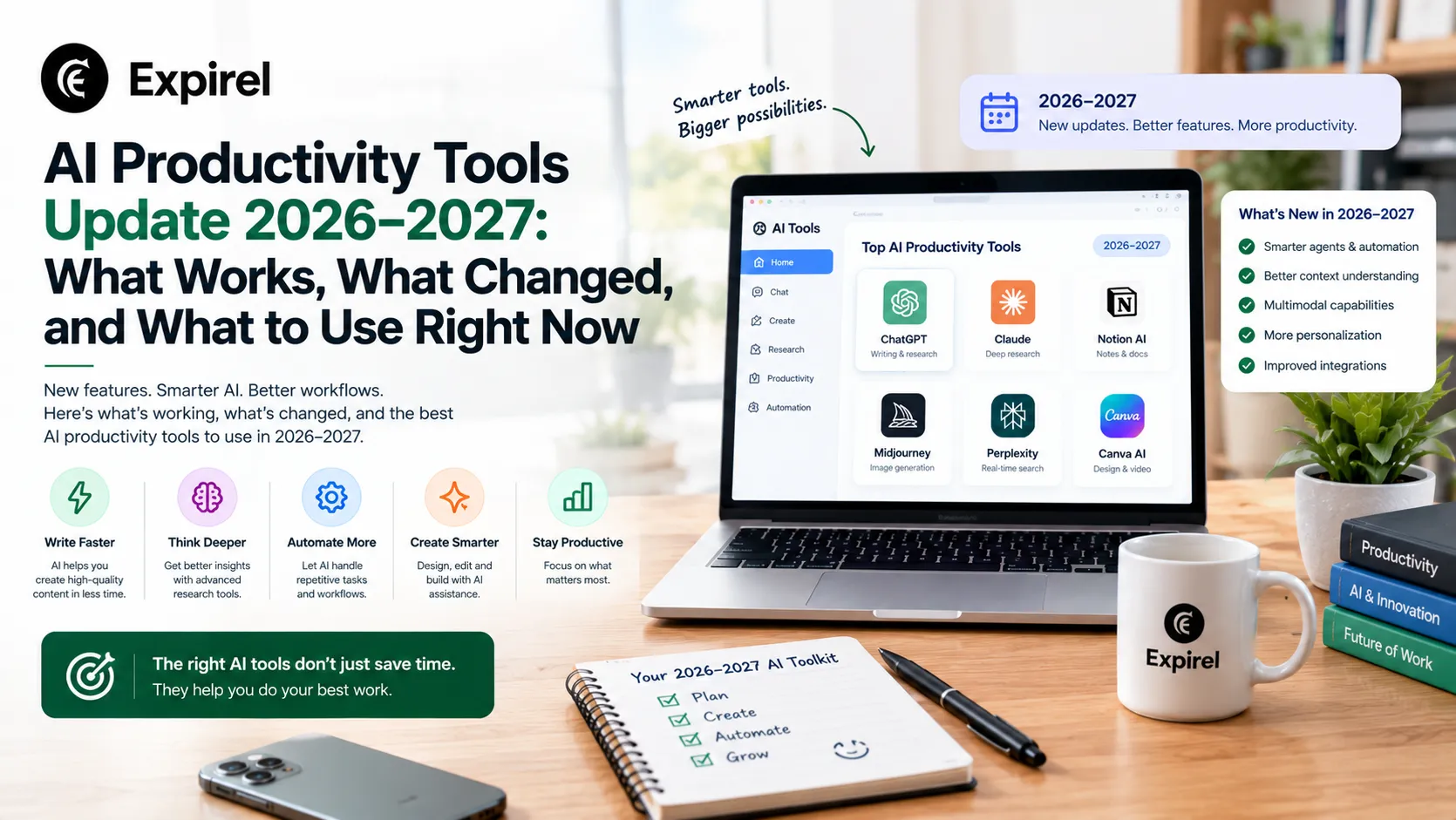
AI Productivity Tools Update 2026–2027: What Works, What Changed, and What to Use Right Now
September 18, 2026
AI productivity tools in 2026 and heading into 2027. What they mainly reduce the best tools by role, free options, and how to evaluate any tool before adopting.
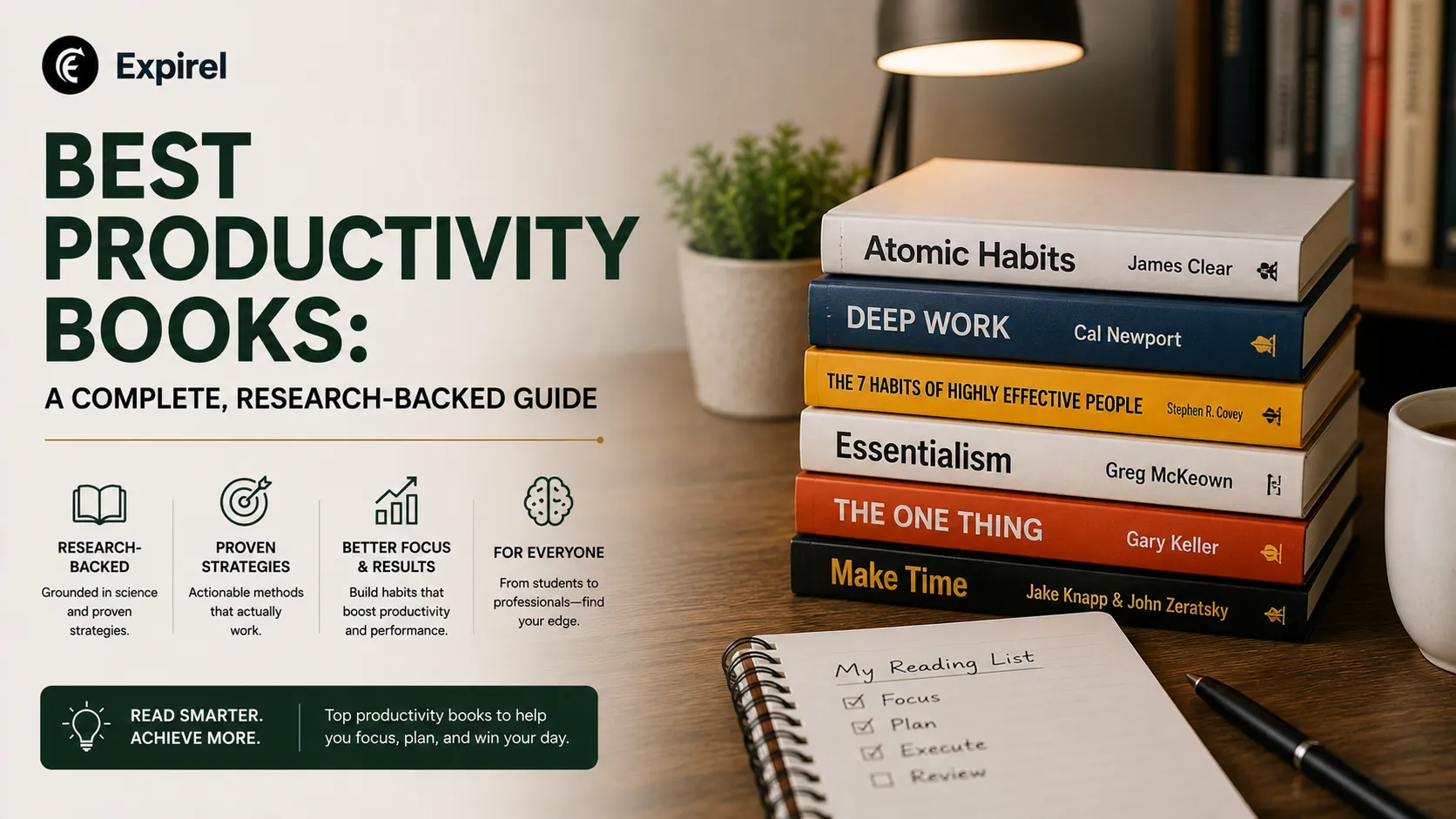
Best Productivity Books: A Complete, Research-Backed Guide
July 27, 2026
Find the best productivity books for focus, habits, time management, and ADHD. Honest picks based on what each book actually helps you fix.
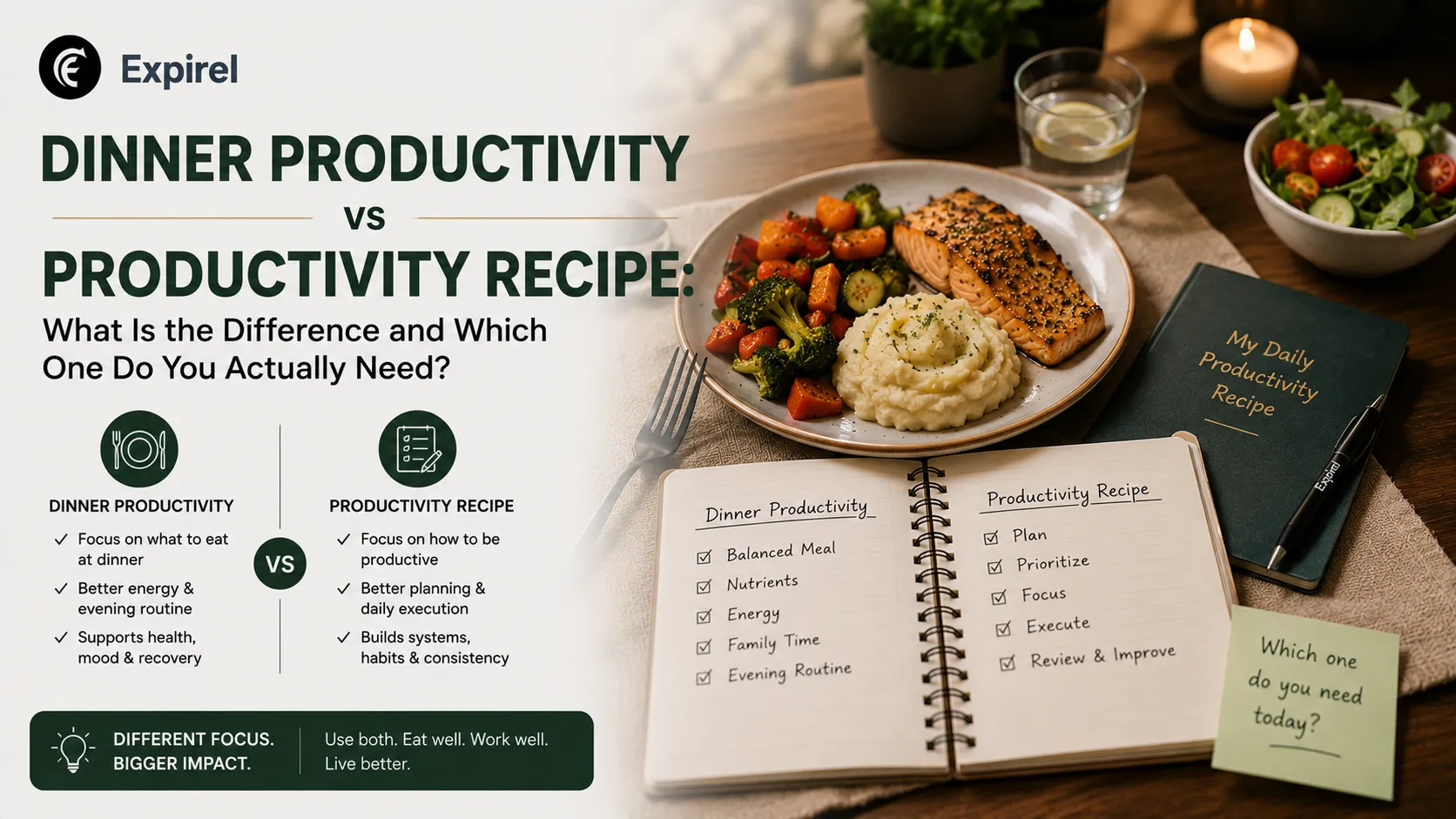
Dinner Productivity vs Productivity Recipe: What Is the Difference and Which One Do You Actually Need?
July 13, 2026
Not sure how dinner productivity and a productivity recipe differ? This guide compares both clearly, shows how they work together, and links.