Invideo vs. Runway: Which One Actually Fits the Way You Work?
Runway gives you control over one shot. invideo plans a whole sequence and can route to Runway. Here's how to pick the right level to work at.
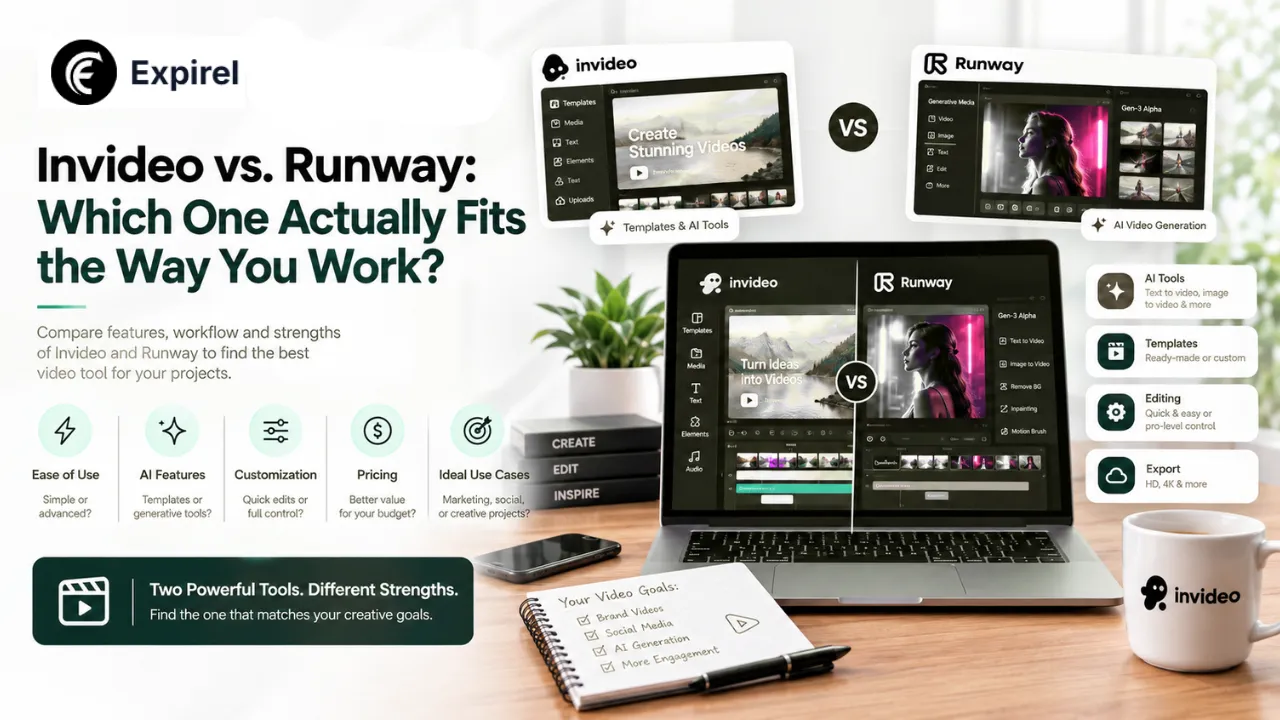
Most comparisons between these two treat them as direct rivals fighting over the same job. That framing misses what's actually going on, and it leads people to pick the wrong one.
Here's the detail that reframes the whole question: Runway is one of the models InVideo Agent can route a shot to. They aren't competing for the same slot in your workflow so much as operating at different levels of it one at the level of a single shot, the other at the level of an entire project. Once you see it that way, the choice gets a lot clearer.
The Short Answer
Pick Runway if you want hands-on, granular authority over how one specific shot moves and looks motion brushes, exact camera parameters and you're comfortable directing that shot yourself.
Pick invideo agent if you need a full, multi-shot sequence planned and generated with consistency held automatically across every shot, including shots Runway itself might render underneath.
Pick Invideo Editor if you already have footage from Runway, another model, or a real camera that needs assembling and editing, with agent instructions available on the same timeline.
What Each Tool Is Actually Built to Do
Runway: A Creative Workspace for Shot-Level Control
Runway is built around deep, granular control over a single generated shot. Its Gen-4.5 model pairs with motion brushes that let a creator paint exactly where and how movement should occur, and Aleph extends that same control to footage that already exists adjusting camera framing or content on a clip after it's been generated.
That depth of manual control is the actual specialty here. A director working shot by shot, deciding precisely how each one should move and look, gets more granular authority than a planning-first tool typically exposes. If you have a clear picture in your head of one specific shot and want to drive it yourself, this is the environment built for that.
invideo agent: Project-Level Planning Across Many Models
invideo agent works at a different altitude entirely. Instead of a creator directing one shot in detail, a director describes a project or script, and the agent plans the whole sequence — deciding which of its 200+ integrated models fits each specific shot, writing the prompt, attaching the right references, and running it.
That model pool includes Veo 3.1, Sora 2, Kling AI, Seedance 2.5, Runway, PixVerse, Hailuo, WAN, Recraft, GPT Image 2.0, and Nano Banana 2. A persistent context engine holds characters, locations, and visual rules consistent across every shot, checking each new generation against that established context before accepting it regardless of which underlying model, Runway included, actually rendered it.
Invideo Editor: Where Everything Gets Assembled
The finishing side is handled by an agentic video editor a professional timeline that does what DaVinci and Premiere do (drag, trim, cut, layer) while also taking agent instructions on that same timeline. Agentic Assembly builds a complete base cut from raw footage based on a plain-language description. It's free to use, and it's where footage from Runway, invideo agent, or practical shooting all get cut together on one shared project.
Feature-by-Feature Comparison
Category | Runway | invideo agent | Invideo Editor |
|---|---|---|---|
Core strength | Granular control over a single shot | Planning a full project across many shots | Assembling footage from any source |
Manual camera and motion control | Deep — motion brushes, precise parameters | Applied as a planned decision, less granular per shot | Not its focus; edits at timeline level |
Editing an already-generated clip | Yes, via Aleph | Regenerates a shot until it holds against project rules | Yes, via agent instructions on the timeline |
Project-wide consistency | Not its focus; works shot by shot | Yes — persistent context engine | Yes — shared project context with the agent |
Model routing | Is one model among many options elsewhere | Routes across 200+ models, including Runway | None; edits existing or generated footage |
Free access | Limited free credits | No free tier | Yes — full timeline |
On pricing: Runway runs on a credit system rather than a flat monthly allowance, which makes cost depend on how much you actually generate rather than a simple subscription figure. invideo agent uses subscription plans, and Invideo Editor's timeline is free regardless. Because both vendors adjust plans regularly, check current pricing directly before budgeting and for Runway specifically, work out your likely credits-per-second usage rather than comparing headline monthly rates, since that's what determines real cost.
Where Runway Genuinely Wins
Shot-level creative control is its actual specialty. Motion brushes let a director paint precisely where and how movement occurs a level of manual authority over one shot's motion that a planning-first agent isn't built to expose in the same way.
Aleph edits a clip after it's been generated. For a director who wants to revise a specific shot's framing or content once they've seen the result rather than regenerating from scratch that's a real, distinct capability.
It rewards directing one shot in detail. For a project built shot by shot, with a creator making every granular decision personally, Runway's depth beats a tool built to plan an entire sequence automatically.
Where invideo Genuinely Wins
Consistency holds across the whole project, not one shot at a time. The persistent context engine checks every new generation against the project's established cast, locations, and rules. This concern doesn't even arise when working shot-by-shot without a surrounding planning layer.
It can route to Runway when Runway is the right choice. Rather than committing to one tool for an entire project, the agent decides per shot which of its 200+ models fits that particular moment. That's a structurally different proposition than picking Runway for everything.
Agentic Assembly organizes raw footage without a manual pass. Building a base cut from unorganized takes via plain-language direction sits outside what a tool focused on individual shot generation is built to do.
No credit ceiling on the core timeline. Runway's workspace runs on credits that meaningfully limit free usage. Invideo Editor's timeline doesn't carry that constraint.
How to Decide: Match the Tool to the Level You're Working At
Run through these in order:
1. How many shots are you making? One striking clip points to Runway. A sequence of twenty that need to look like the same world points to a planning layer.
2. Do characters or locations repeat across shots? If characters or locations repeat across shots, consistency becomes the dominant problem, and manual shot-by-shot work means managing it yourself every time. This is why keeping AI-generated characters consistent across scenes becomes such an important part of longer video projects
3. How specific is your mental picture of each shot? If you know exactly how the camera should move, you want manual control. If you know the story but not every frame, you want planning.
4. Do you already have footage? If the work is assembly rather than generation, that's an editor question, not a generation question.
5. Is this actually either/or? Often not. A project can use invideo agent's planning while Runway renders the shots it's best suited for.
Mistakes People Make Choosing Between These
Treating it as a winner-takes-all comparison. Runway is one of the models invideo agent routes to. Framing it as a rivalry obscures the workflow where both are used together.
Choosing a shot-level tool for a project-level problem. Granular control is excellent until you're on shot forty and manually keeping a character consistent across all of them.
Choosing a planning tool when you wanted to direct. If you have a precise vision for one shot, an agent interpreting your instruction may not match it as exactly as driving the controls yourself would.
Comparing on headline price while ignoring credit consumption. A credit-based system and a flat subscription aren't directly comparable until you estimate your actual generation volume.
Forgetting the finishing stage entirely. Generation is only part of the job. Footage still has to be cut together, and that's a separate question from which model rendered it.
The Bottom Line
This comparison is really about which level of a project you want to work at. Runway rewards a creator who wants deep, hands-on authority over how one shot moves and looks, with Aleph adding real flexibility to revise a clip after seeing it. invideo agent is built for the opposite instinct: plan a full project, let the agent decide which model fits each shot, and trust a persistent context engine to hold everything consistent across the sequence. The finishing stage then brings whatever came out of either approach plus any practical footage onto one shared timeline. And a project that wants Runway's granular shot control inside a consistent, multi-scene plan can genuinely have both, since Runway is already one of the models the agent routes to. Once the core project is complete, the same workflow can extend to adapting that campaign for different markets, where AI video localization across languages becomes another consideration.
Frequently Asked Questions
Q: Is Runway a competitor to invideo agent, or a model it uses?
Both, in different senses. Runway is a standalone creative workspace you can use directly for granular, shot-level control. It's also one of the 200+ models InVideo Agent can route a specific shot to when it fits that moment which makes them complementary at least as often as competing.
Q: Which gives more precise control over a single shot's camera movement?
Runway, generally. Motion brushes let a director paint exactly where and how movement should occur, and Aleph extends editing control to a clip after generation a level of shot-specific authority that project-level planning isn't designed to expose in the same way.
Q: Does project-wide consistency still apply to shots that Runway renders underneath?
Yes. When invideo agent routes a shot to Runway as the best-fit model, that shot still gets checked against the project's persistent context. The same character, location, and rule consistency applies regardless of which underlying model actually rendered it.
Q: Does Runway have anything comparable to Agentic Assembly?
No. Runway focuses on generating and editing individual shots rather than assembling raw, unorganized footage into a base cut from a plain-language description, which is specifically what Agentic Assembly does.
Q: Which is better for a solo creator making one striking shot rather than a full project?
Runway, for that specific case. Its depth of manual control over one shot's motion and camera work suits a creator focused on a single clip more directly than a project-planning approach built around multi-shot sequences.
Q: Can I use both together on the same project?
Yes, and for many projects that's the most practical setup. invideo agent handles planning and consistency while routing individual shots to whichever model fits Runway included and the footage from any source gets assembled on one shared timeline at the finishing stage.